

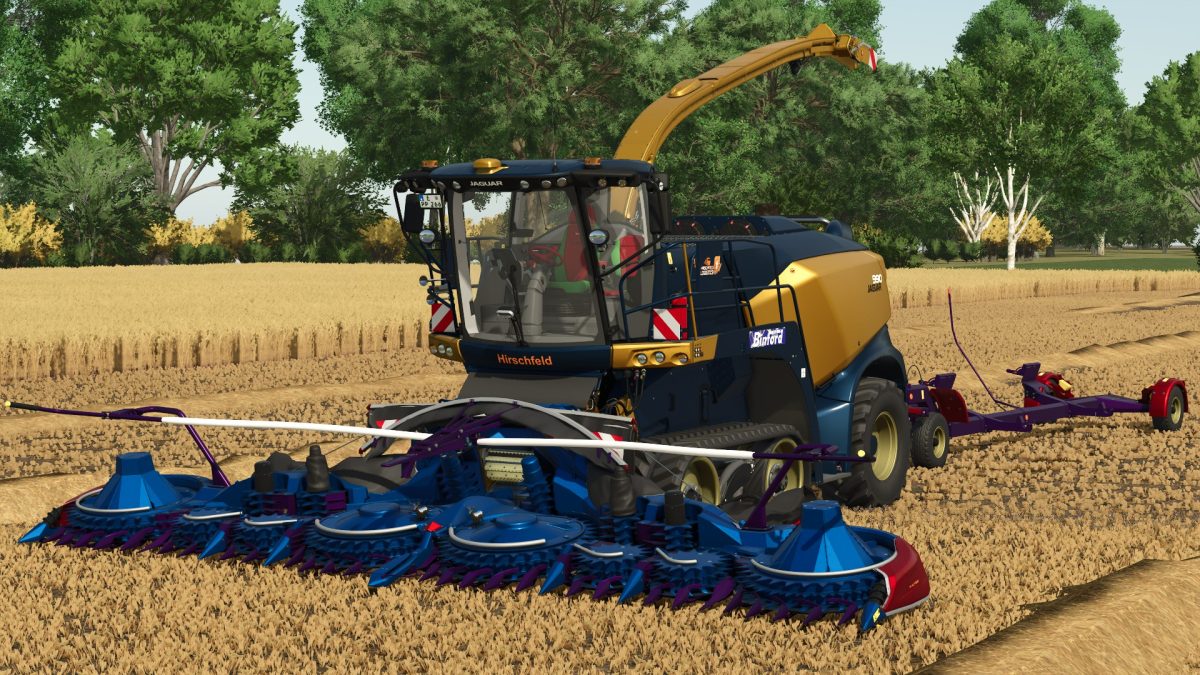
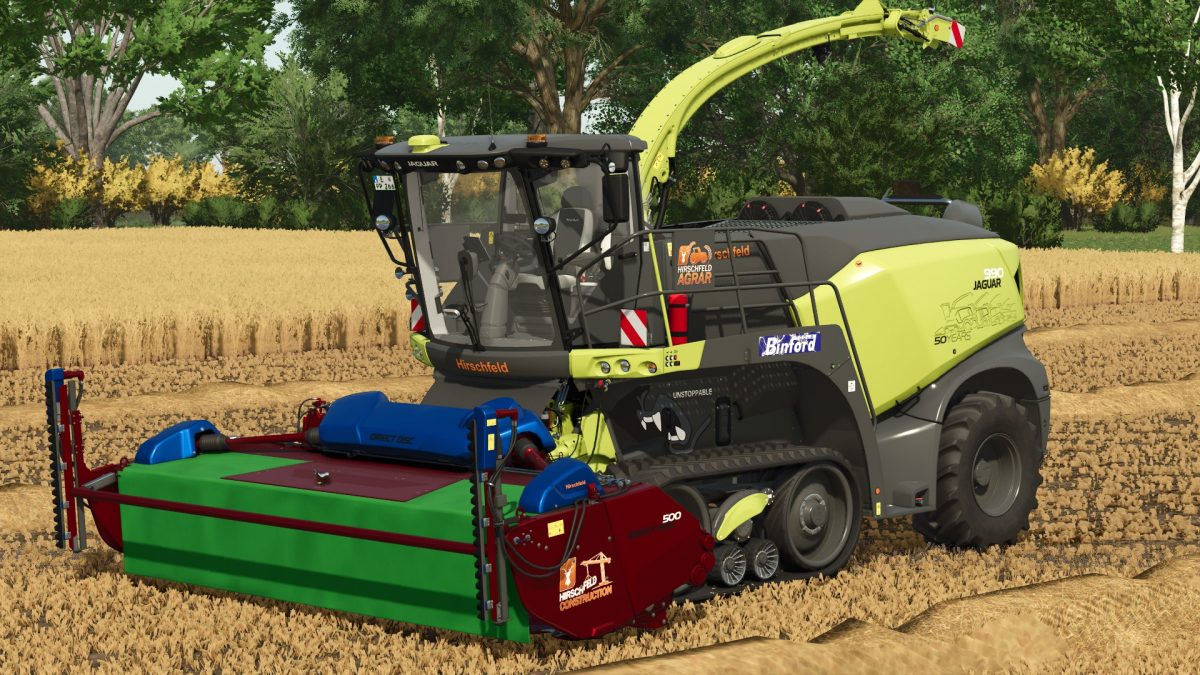
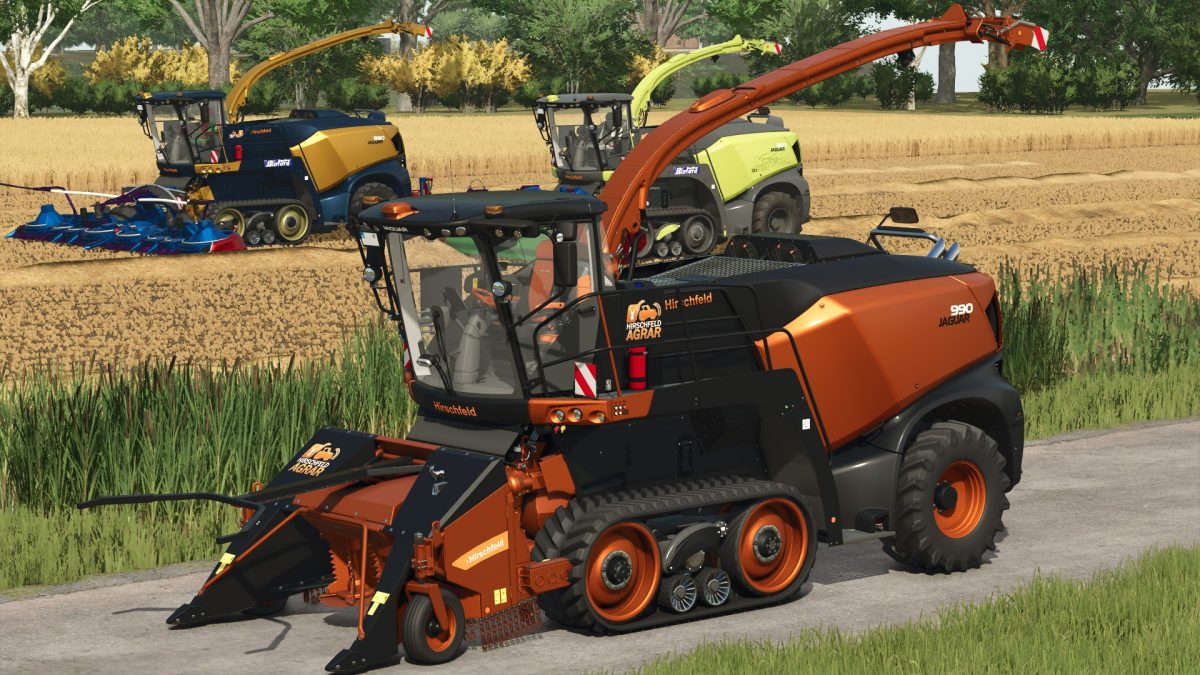
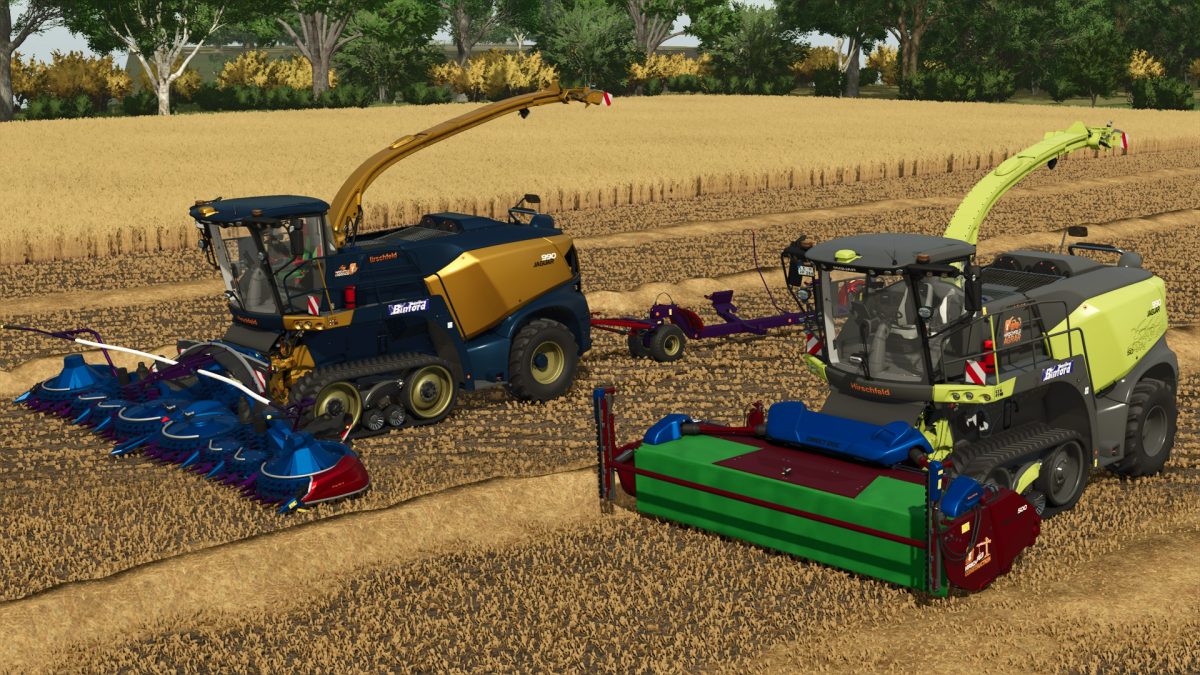
Claas Jaguar 990 Terra Trac Hirschfeld Edition v 1.0


– Capacity 3000 liters
– Choice of Engine: 925, 1025, 1525 or 2025 hp
– Choice of Configuration
– Choice of Wheels
– Choice of Wheels Brand
– Choice of Logos
– Choice of Silage Additives Tank
– Choice of Pipe
– Choice of Design Color
– Choice of Rim Color
– Choice of Main Color
Included:
Claas Direct Disc 500 Header:
– Working width 5 meters
– Working speed 18 km/h
– Choice of Design
– Choice of Logos
– Choice of Design Color
– Choice of Main Color
Claas Orbis 900 Header:
– Working width 9 meters
– Working speed 12 km/h
– Choice of Configuration
– Choice of Design Color
– Choice of Rim Color
– Choice of Main Color
Claas Pickup 300 Header:
– Working width 3 meters
– Working speed 18 km/h
– Choice of Logos
– Choice of Design Color
– Choice of Rim Color
– Choice of Main Color
Claas 130 FB Header:
– Working width 2 meters
– Working speed 11 km/h
– Choice of Logos
– Choice of Design Color
– Choice of Rim Color
– Choice of Main Color
Claas Direct Disc 500 Header Trailer:
– Choice of Design Color
– Choice of Rim Color
– Choice of Main Color
Credits:
Patrick


