

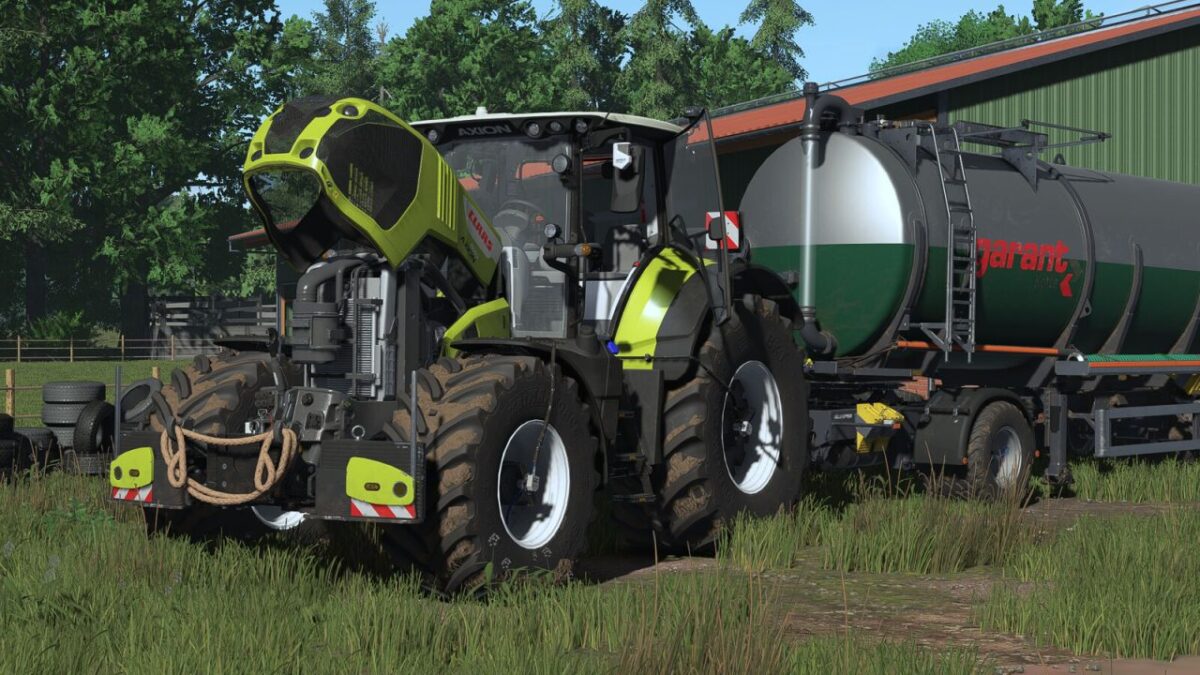
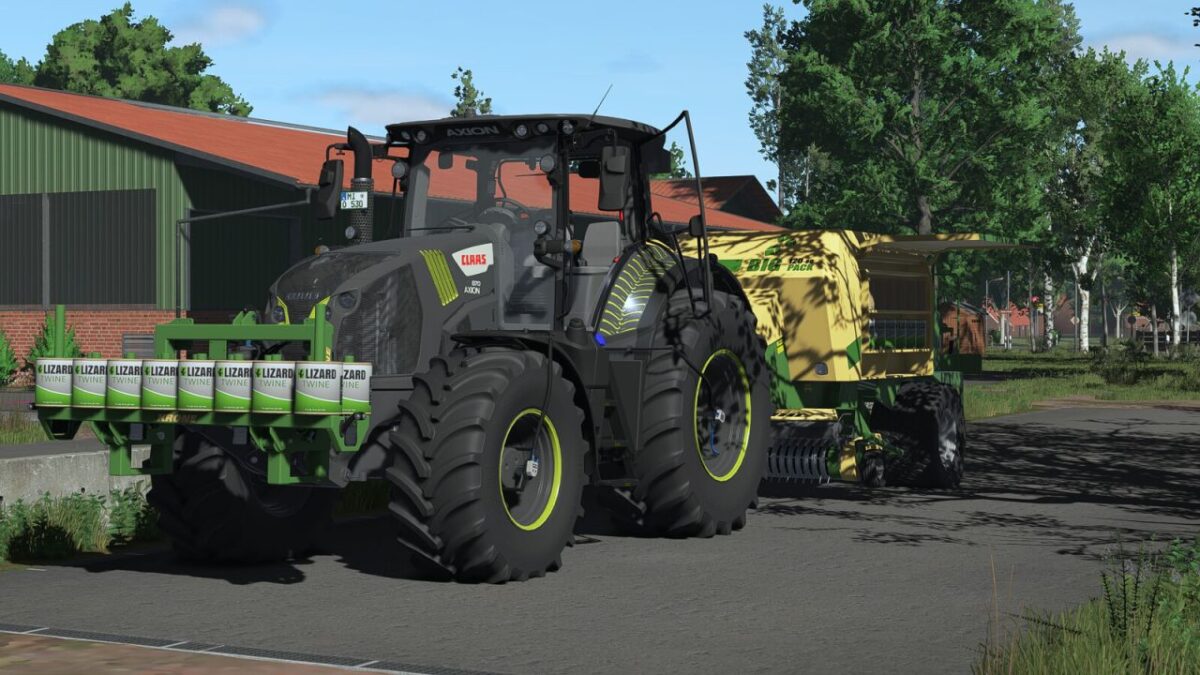
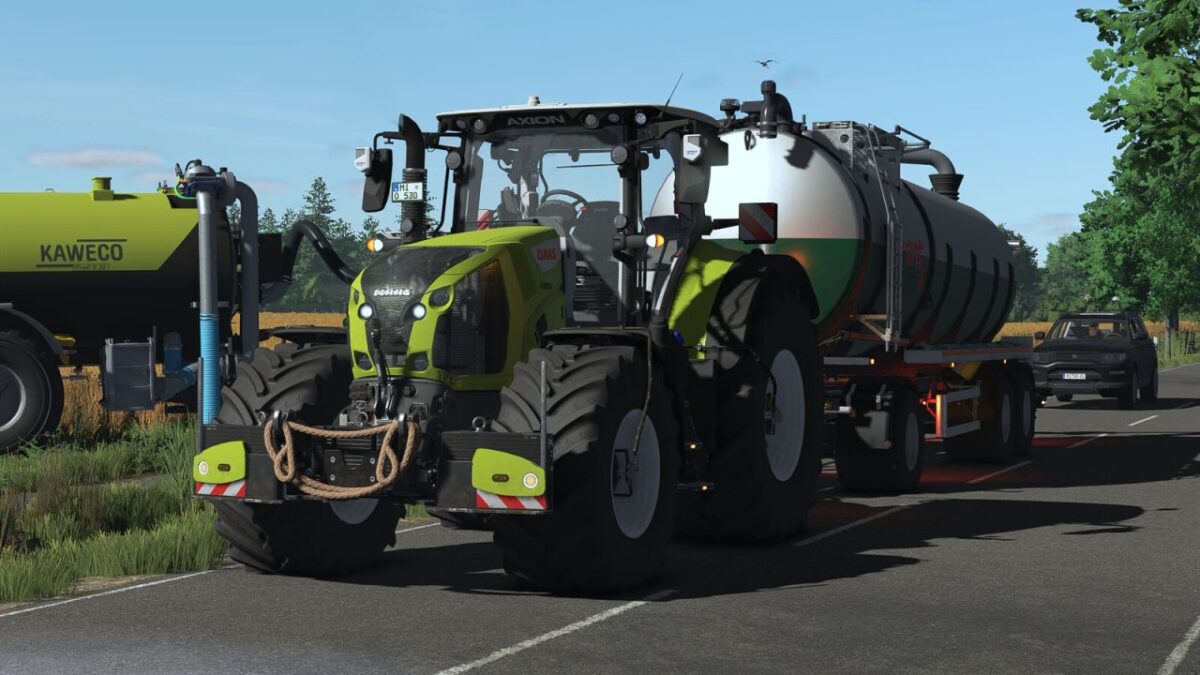
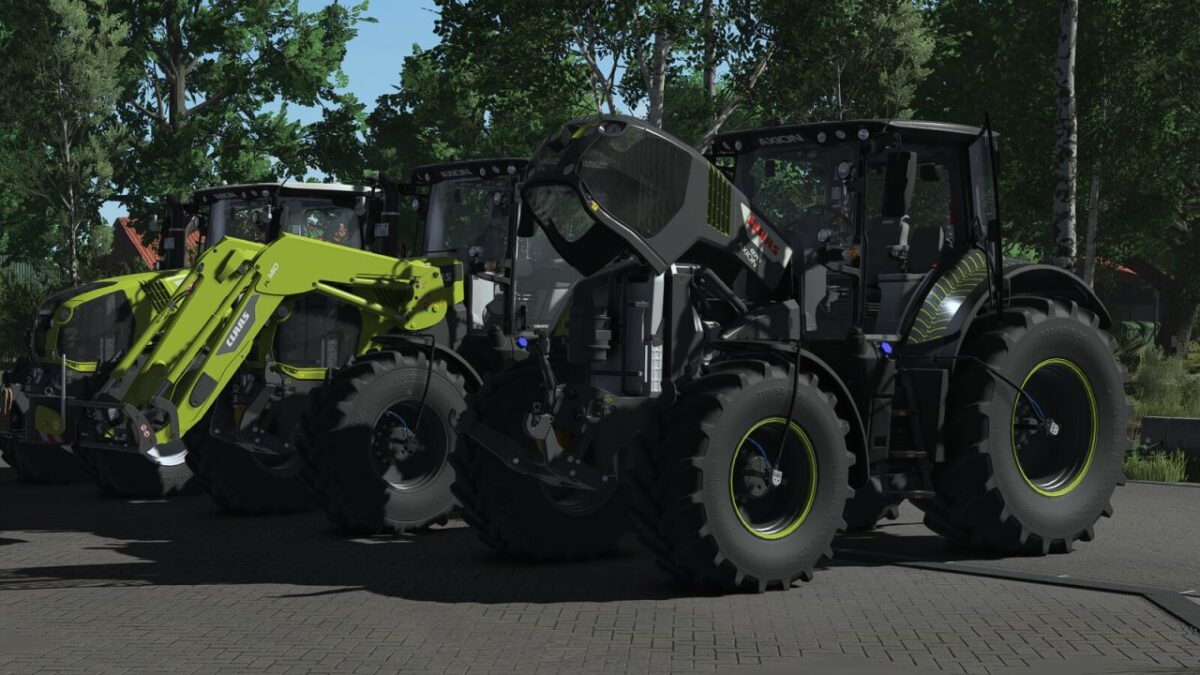
Claas Axion 800/870 v 1.0


Technical Data
Shop Category: Medium Tractors
Price: From $175,000
Power: 205–295 HP
Maximum Speed: 40/50 kph
There are two different CLAAS versions:
Standard Version: The regular version with the original settings and features.
Physics Version: A specially adapted version with improved and more realistic physics.
Equipment & Extras
Passenger Script
MB-DLC Cameras
Adjusted physics for chassis, engine and transmission
Realistic engine sound
Custom IC icons
DBL – Dashboard Live
Dashboard & Display
The dashboard and display system features various realistic indicators and warning functions:
Engine preheating
Coolant warm-up phase with blue indicator
Engine overheating
Transmission damage warning
Transmission damage indicator
High oil pressure warning
These functions are only available in combination with the CVT Addon.
Configurations
Standard
Night Edition
100-Year Special
Tires in realistic dimensions
PTG tire pressure control system with the Variable Tire Pressure Script by HotShotPepper
CLAAS wheel weights
CEMIS display
ISOBUS CCI200 terminal
Rotating beacons: Halogen or LED, left and right
Agribumper
Rear fenders: Narrow, Medium or Wide
Warning boards
LED entry lighting
Front rope
Front loader console
Main color
Rim color
Roof color
Interior color
Seat color
Interactive Control – Functions
Cycle through lights
Front work lights
Rear work lights
Rotating beacons
Hazard lights
Front PTO: interior
Rear PTO: interior and exterior
Raise/lower front and rear lower links, interior and exterior
Fold/unfold implement
Switch camera
Interactive Control – Animations
Open left door
Open rear window
Adjust steering column
Open hood
Front fenders
Passenger seat
Armrest
Front sunblind
Lowerable front axle, also controllable via Mouse Control
Interior lighting
Fold front lower links
Open diesel tank
Open DEF tank
Interior mirror
CLAAS FL 140 Front Loader
Information for PC Players
For using the DBL displays (Dashboard Live) on PC, both Dashboard Live mods are required:
Dashboard Live
Dashboard Live Vanilla Vehicles
Both mods must be installed and activated to use the corresponding display functions.
At the same time, the CLAAS AXION 800 has been adapted so that console players have no restrictions and can use the tractor without Dashboard Live.
The CLAAS FL 140 complements the AXION 800–870 as a matching front loader and offers additional configuration options for a customized appearance.
Technical Data
Shop Category: Front Loaders
Weight: 716 kg
Price: $9,500
Configurations
Night Edition decals
Main color
The CLAAS FL 140 is the perfect addition to the AXION 800–870, completing the package with a matching appearance and additional configuration options.
Credits:
Finanzamt31er, xGerExotic


