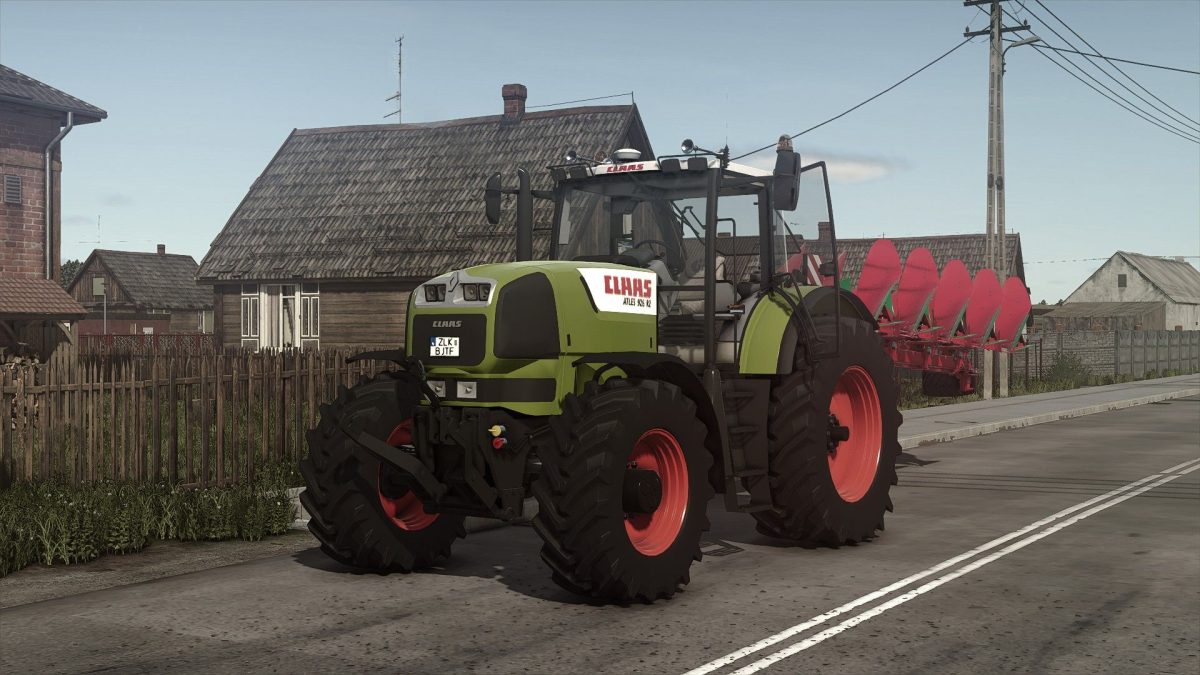
Claas Atles 900RZ v 1.3


The Claas Atles 900RZ v1.3 mod for Farming Simulator 25 introduces an intricately designed, versatile tractor option for players.
This model comes with three distinct engine variations: the 926RZ, 936RZ, and 946RZ, providing users with the ability to select the power level that best fits their farming needs.
Customization is a key feature, with multiple exhaust and wheel configurations available, allowing for a tailored experience.
The mod enhances realism with working lights, including turn signals and brake lights, ensuring visibility during any time of day.
Interior details have not been overlooked, featuring pedal animations which add a layer of depth to the in-cabin experience, along with seat suspension for a more authentic driving feel.
Additionally, animated indoor HUD elements enrich the operational interface, enhancing user interaction while managing farm tasks.
– 3 Engine Versions (926RZ, 936RZ, 946RZ)
– Exhaust Config
– Wheels Config
– Working Lights, Turn Signals, Brake Lights
– Pedal Animation in the Cabin
– Seat Suspension
– Animated Indoor HUDs
Version 1.3:
* RealGPS support added
* Configuration names fixed
Credits:
Starlexs, z7Cola