


Challenge Start v 1.0


Challenge Start is currently being released for public testing. Features are playable, but balancing, scenario goals, tracking behavior, and compatibility may continue to improve based on player feedback.
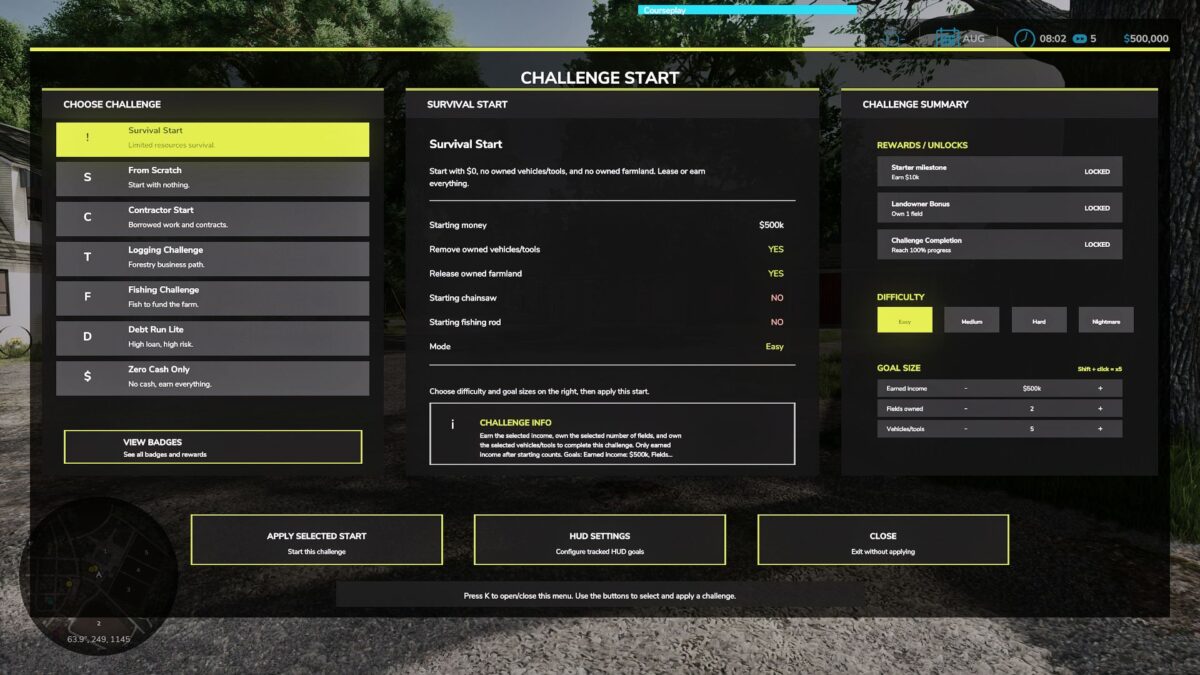
Challenge Start adds a new way to begin and play your Farming Simulator 25 saves.
Instead of only using the default sandbox start, this mod lets you play with challenge-style scenarios, goals, progress tracking, and a cleaner sense of direction for your farm.
It is designed for players who enjoy survival starts, roleplay saves, structured farm goals, or YouTube/streaming series.
Features:
– Challenge-style scenario gameplay
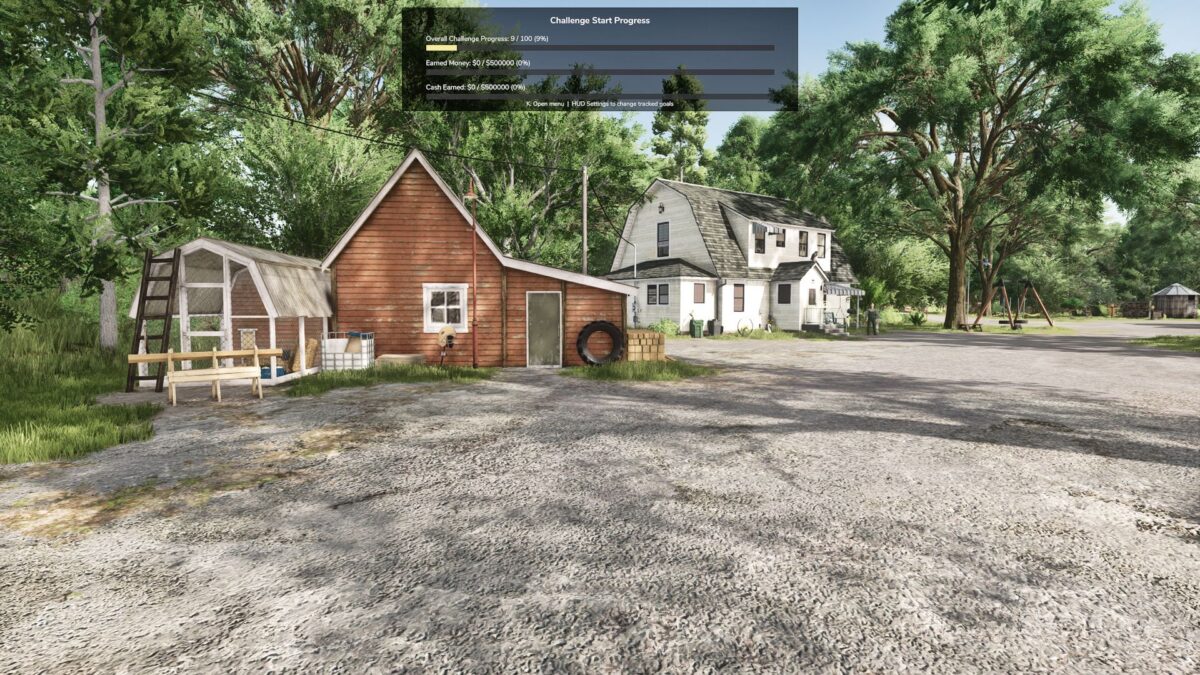
– Progress tracking during gameplay
– Minimal progress HUD
– Goal-based farming starts
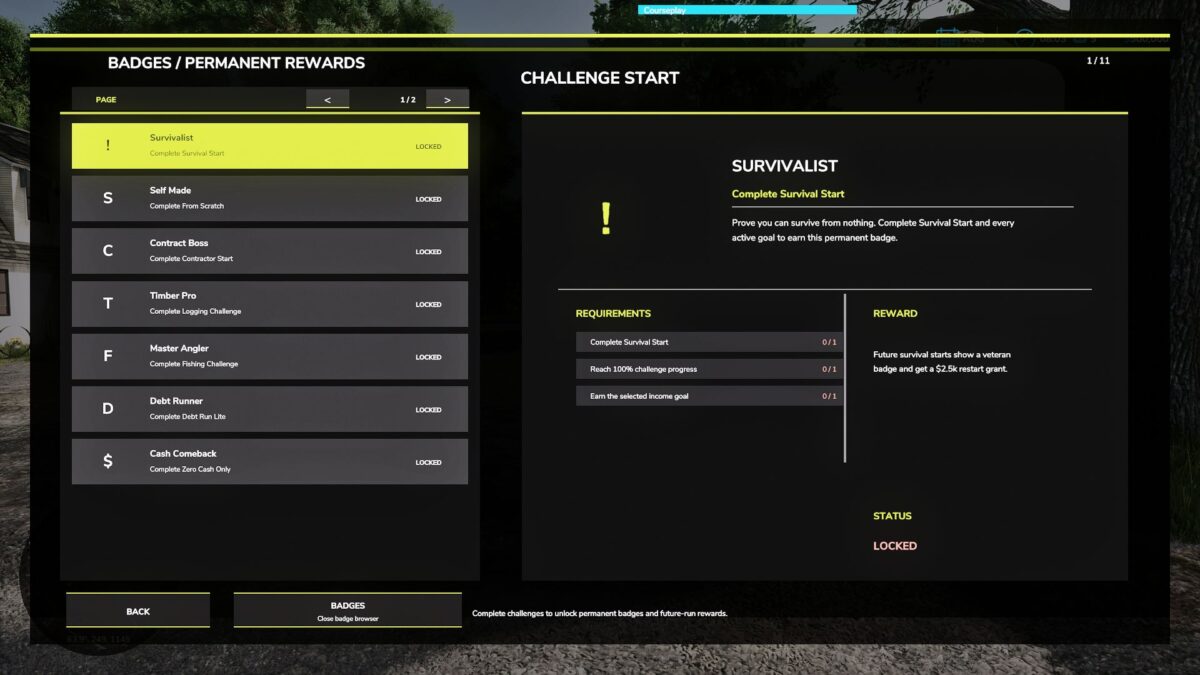
– Challenge completion flow
– Reset confirmation to help prevent accidental resets
– Designed for roleplay, survival saves, and content creators
– Can be used to give a new save a stronger purpose
This is a Beta 1.0 release.
The mod is currently being released for public testing. Features are playable, but balancing, scenario goals, tracking behavior, and compatibility may continue to improve based on player feedback.
Notes:
Challenge Start is best used when beginning a new save or starting a new series. Existing saves may work, but the mod is mainly designed around fresh challenge-based gameplay.
Credits:
plutogaming91


