

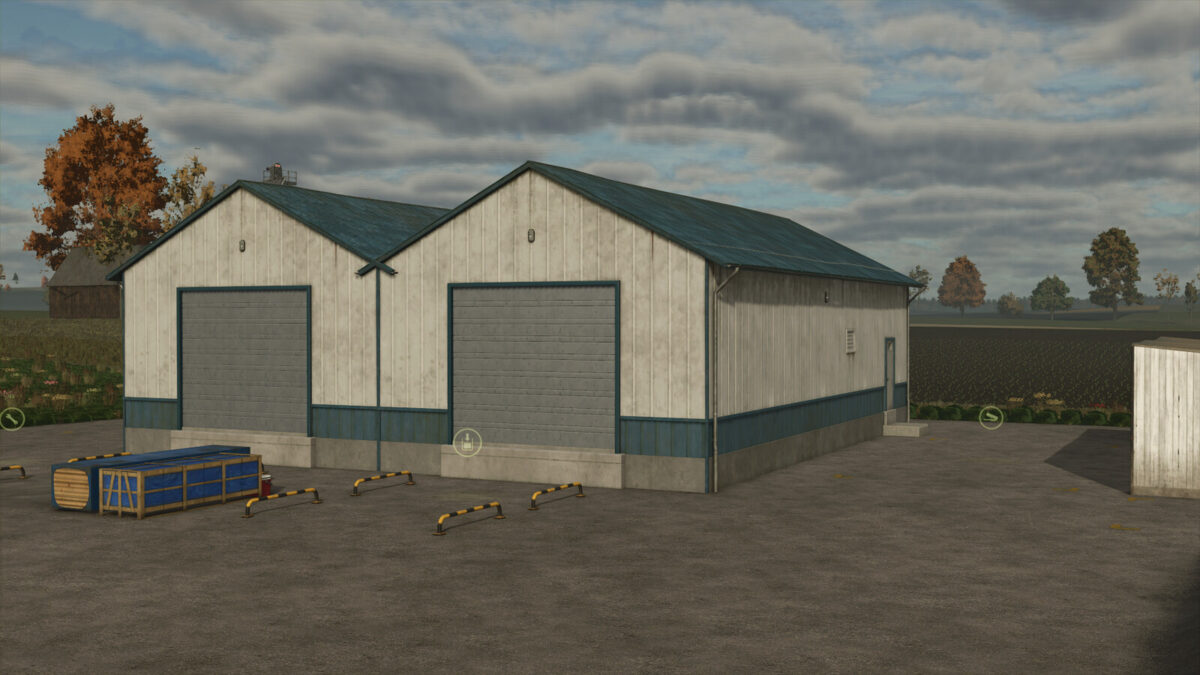
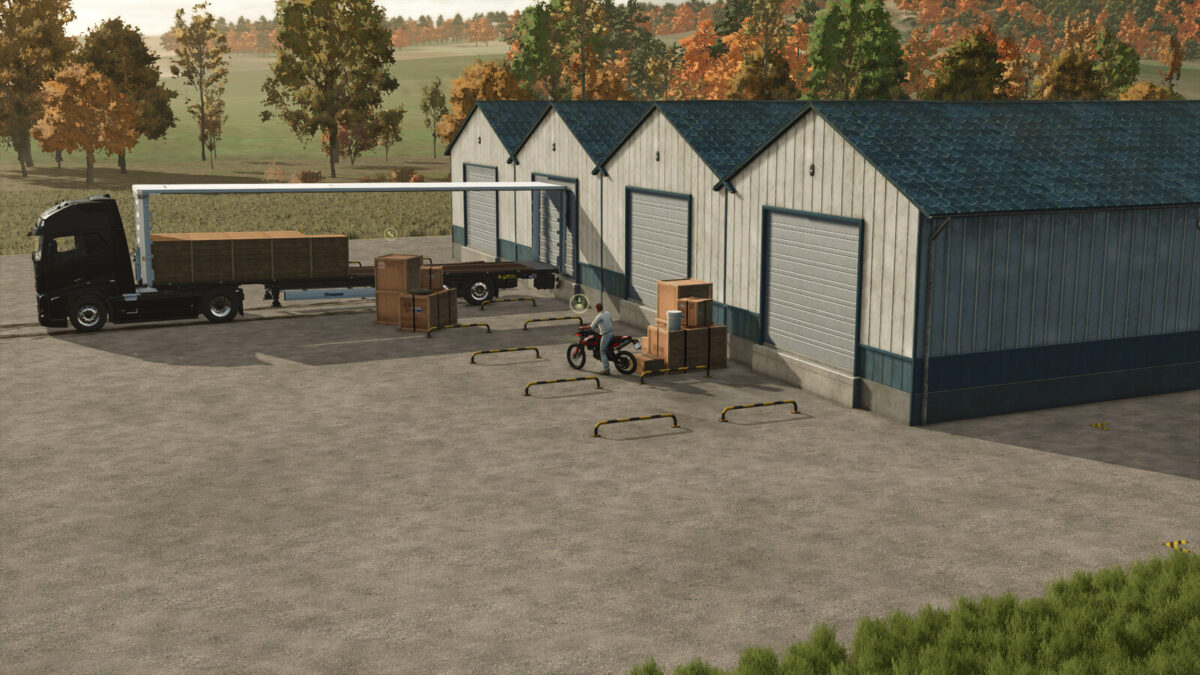
Central Warehouse Pack v 1.0


The pack consists of 5 buildings and 1 trailers.
The buildings accept all common pallets and give them out again. This requires (in most cases) a special hanger.
Central Warehouse XXS
– based on a production
– Price: 15,000 $
– Capacity: 5,000 L per variety
– Daily upkeep: 10 $/day
– returns the pallets as a whole, the size of the output area corresponds to the acceptance area of the central warehouse S2 & M2
Central Warehouse S1
– based on a production
– Price: 125,000 $
– Capacity: 50,000 L per variety
– Daily upkeep: 140 $/day
– Configurable: additional parts
Central Warehouse S2
– based on a silo
– Price: 125,000 $
– Capacity: 500,000 L total
– Daily upkeep: 140 $/day
– Configurable: additional parts
Central Warehouse M1
– based on a production
– Price: 250,000 $
– Capacity: 100,000 L per variety
– Daily upkeep: 170 $/day
– Configurable: additional parts
Central Warehouse M2
– based on a silo
– Price: 250,000 $
– Capacity: 1,000,000 L total
– Daily upkeep: 170 $/day
– Configurable: additional parts
Krone Profi Liner SL
– Price: 29,500 $
– Capacity: 33,000 L
– to load, the cover must be open
Credits:
Kamikater


