

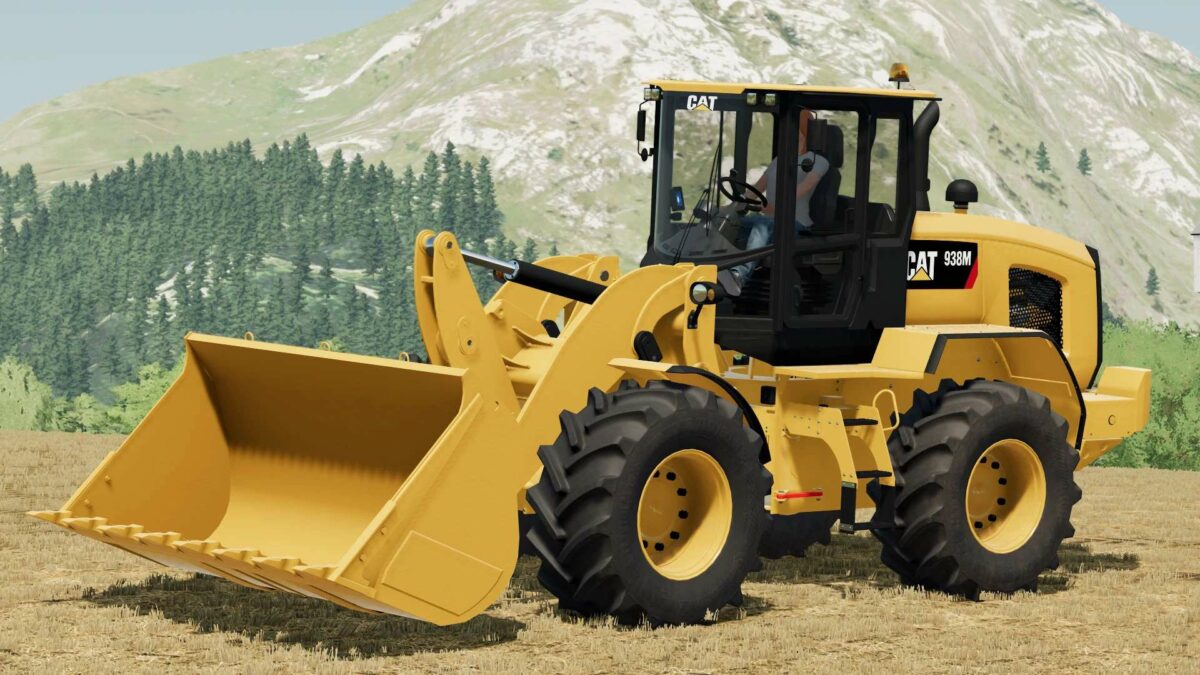
Caterpillar 938M v 1.0


The Caterpillar 938M is a robust and versatile wheel loader designed to meet the demands of virtual farming in Farming Simulator 22. With a powerful 188 hp engine, it provides ample strength to tackle a variety of tasks around the farm. The loader is capable of reaching speeds up to 26 km/h, allowing for efficient travel between different areas of your digital farmstead.
One of the standout features of the Caterpillar 938M is its selectable wheels option, giving players the ability to customize the loader to suit different terrains and tasks. Additionally, the selectable wheels brand feature offers further personalization, ensuring that your loader not only performs well but also matches your style preferences.
Included with the Caterpillar 938M is a shovel attachment with a generous capacity of 12,000 liters, perfect for moving large quantities of materials such as soil, grain, or even snow, making it an indispensable tool for any virtual farmer looking to maximize efficiency and productivity.
Whether you’re loading, transporting, or simply moving around the farm, the Caterpillar 938M is a reliable choice in Farming Simulator 22, combining power, speed, and customization for an optimal farming experience.
Credits:
JWeezy Construction


