

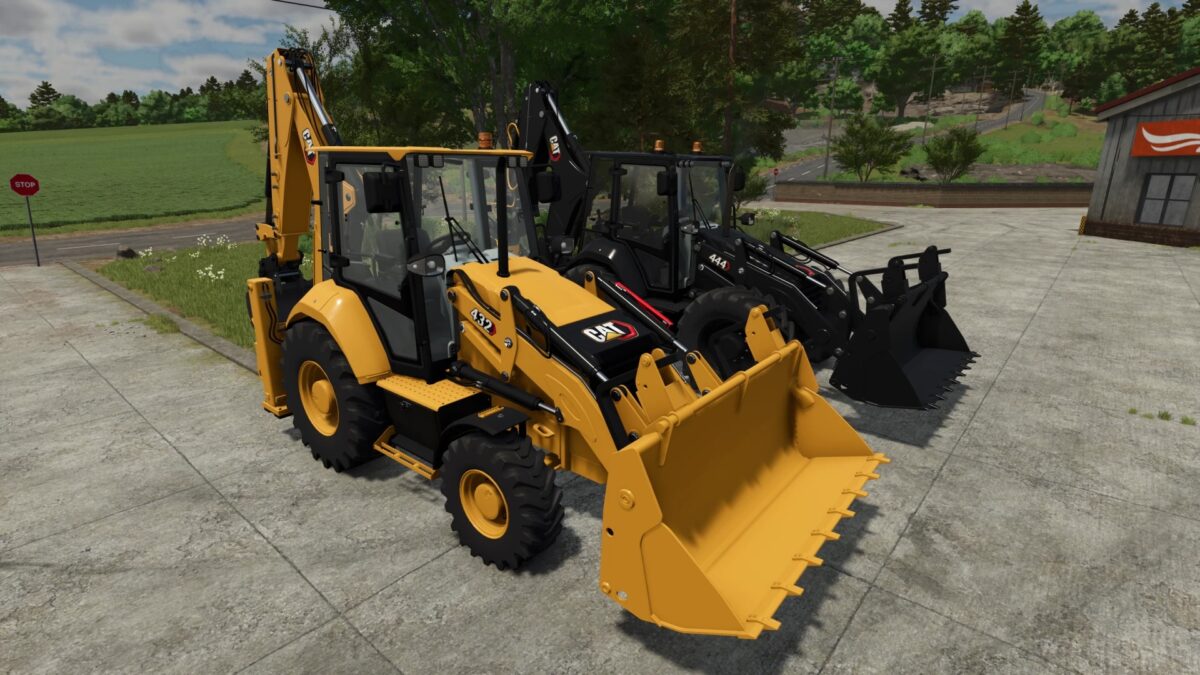
CAT 432/444 Next Gen Series Pack v 1.0


Introducing the CAT Next Gen backhoe loader series for Farming Simulator 25.
This pack combines a highly detailed design with extensive customization options, allowing you to configure your machine for a wide variety of jobs.
The pack includes CAT 432 and CAT 444, along with a huge selection of additional equipment and configurations.
Choose the right attachments and setup for construction, loading, excavation, landscaping, and other heavy duty work.
Features:
Next Gen Series
CAT 432 and CAT 444
Huge selection of additional equipment
Extensive configuration options
Multiple equipment and appearance options
Various buckets and work tools
Highly detailed models and functional elements
Fully adapted for Farming Simulator 25
With the wide range of available equipment, you can build the perfect machine for almost any job — from everyday loading and excavation to specialized construction work.
Credits:
Mexican Bouvier


