

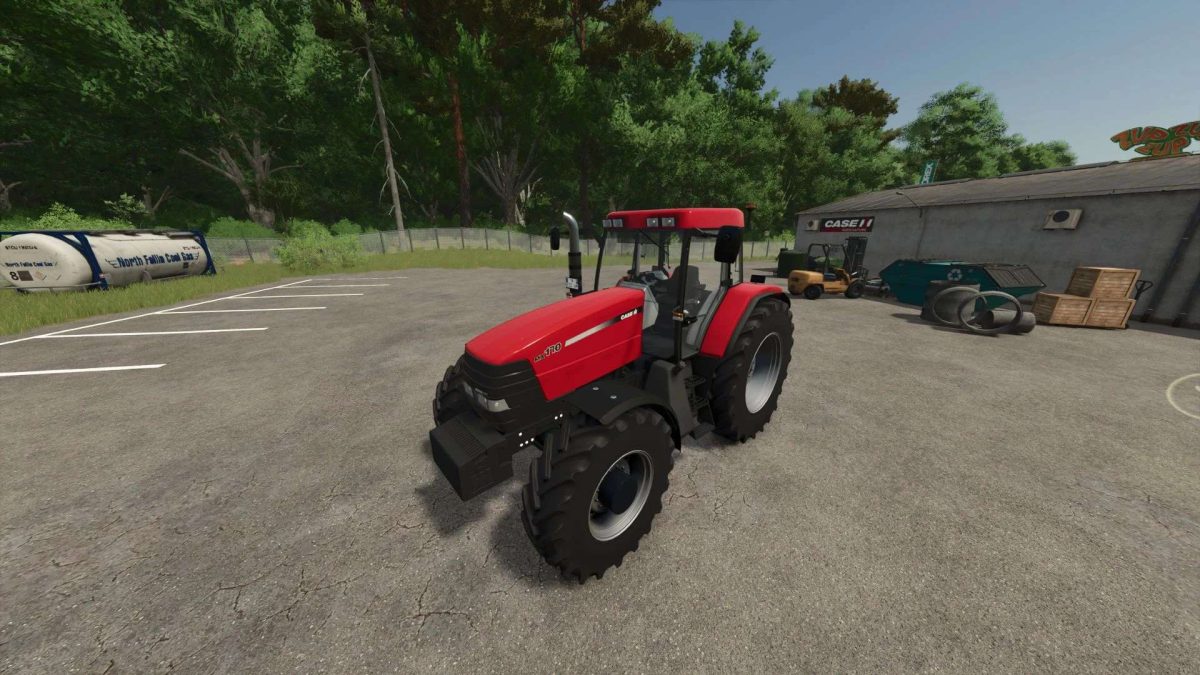
Case IH Maxxum MX 100 v 1.1


– Price: € 65,860
– Category: Average tractors
– Maximum speed: 50 km/h
– Optional models MX100, MX110, MX135, MX150, MX170, MX170S
– Power: 100, 110, 135, 150, 170 and 220 hp
– 7 optional tire brands
– Tire options, standard / medium / large / rear twinning / rear twinning and front / and a narrow tire configuration for the Michelin brand.
– Optional front masses 200kg at 1000kg or 3 -point team before
– front charger team
– Optional front mudguard
– Optional rear wheel masses 300kg / 600kg / 900kg / 1000kg
– License plate
– Gps for mod (realgps)
– Precision Farming Ready
– Otopic gyrophare and several models available on the right/left / or both
Version 1.1:
* Change transmission
* Visual improvement on several elements of Carrosery
* Change of rims for more adequate models
* Adding GPS option for realgps mod
* Farming precision adding
* Addition option Gry to Gesture Possible combination (right / left / both)
* Addition option (mass 200kg at 1000kg or 3 points before)
* Lighthouse redesign
* Superior animation (inverter, turn signal switch)
Credits:
Vastilix


