

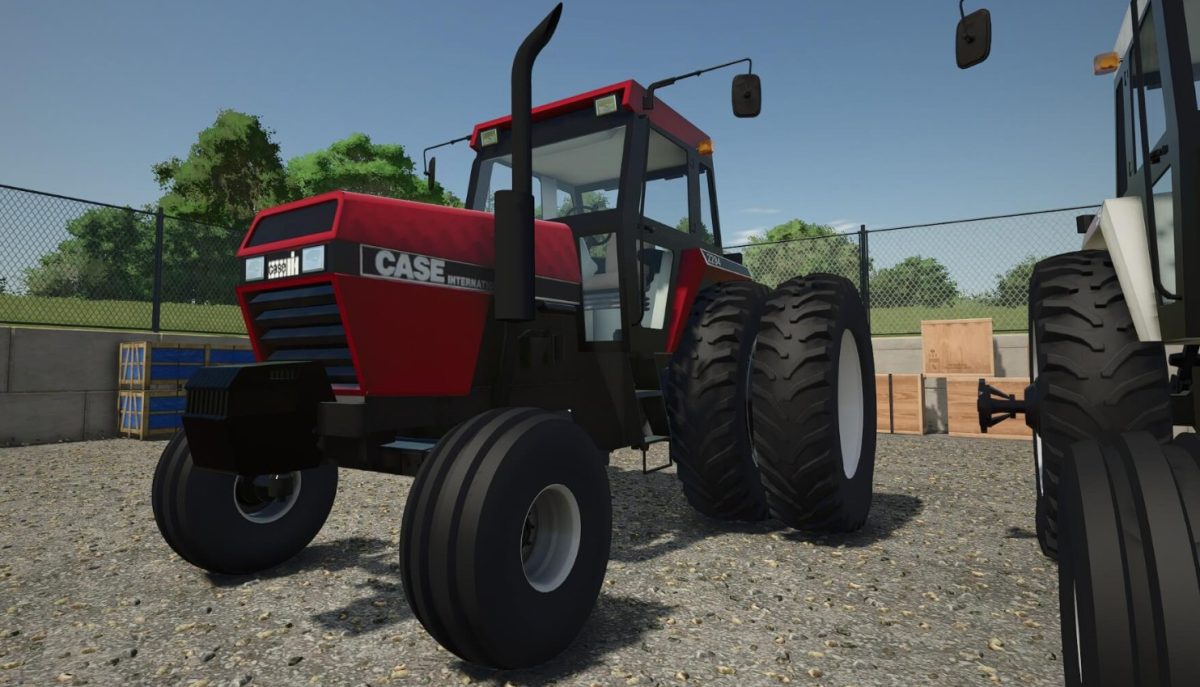
Case IH International 94 Series v 1.0


The Case IH International 94 Series is now available as a mod for Farming Simulator 25, bringing this classic line of tractors into the virtual farming landscape.
Produced in the 1980s, these tractors are recognized for their flexibility and robust build quality.
They cater to a diverse array of agricultural operations, ranging from light tillage tasks to heavier hauling activities.
This mod features the entire range of models that span from 85 to 195 horsepower and includes both 2WD and 4WD configurations, providing options to suit various farming conditions and preferences.
Equipped with advanced hydraulic systems, these tractors facilitate improved efficiency in farming tasks.
Additionally, the user-friendly controls allow for easy handling, making them a favorite among farmers looking for dependable machinery that can perform reliably across different tasks.
– Models from 85 to 195 horsepower
– Options for 2WD and 4WD
– Advanced hydraulic systems
– User-friendly controls
– Suitable for a range of agricultural tasks
Credits:
The North Woods Farmer


