

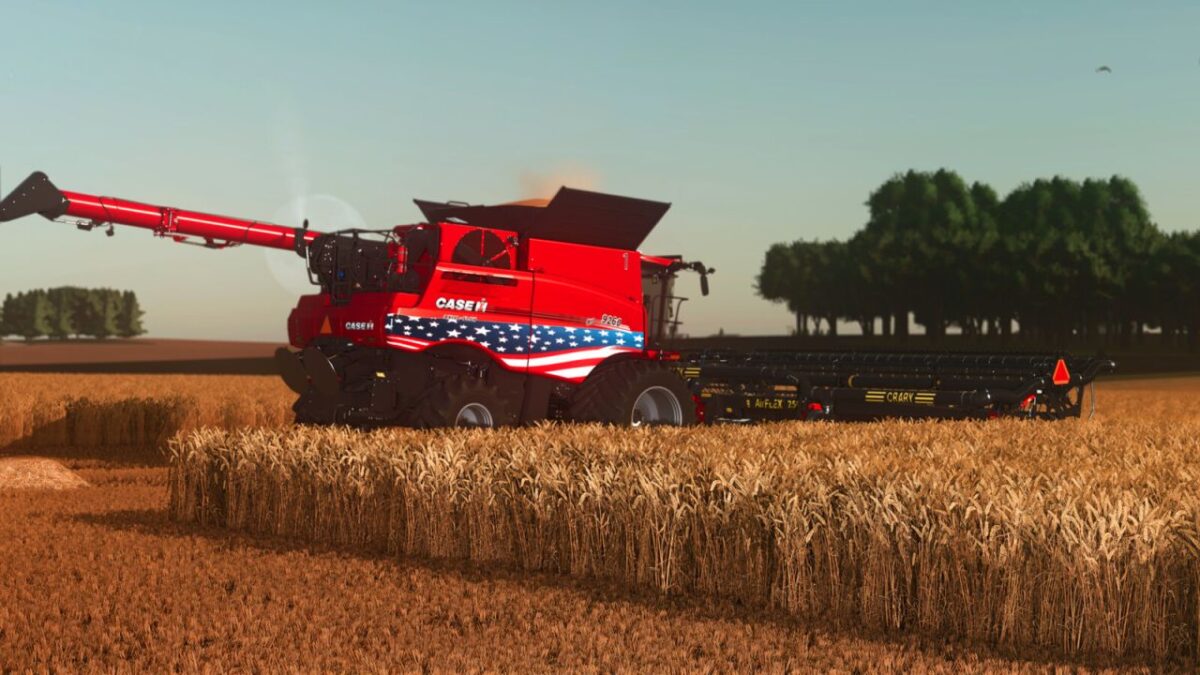
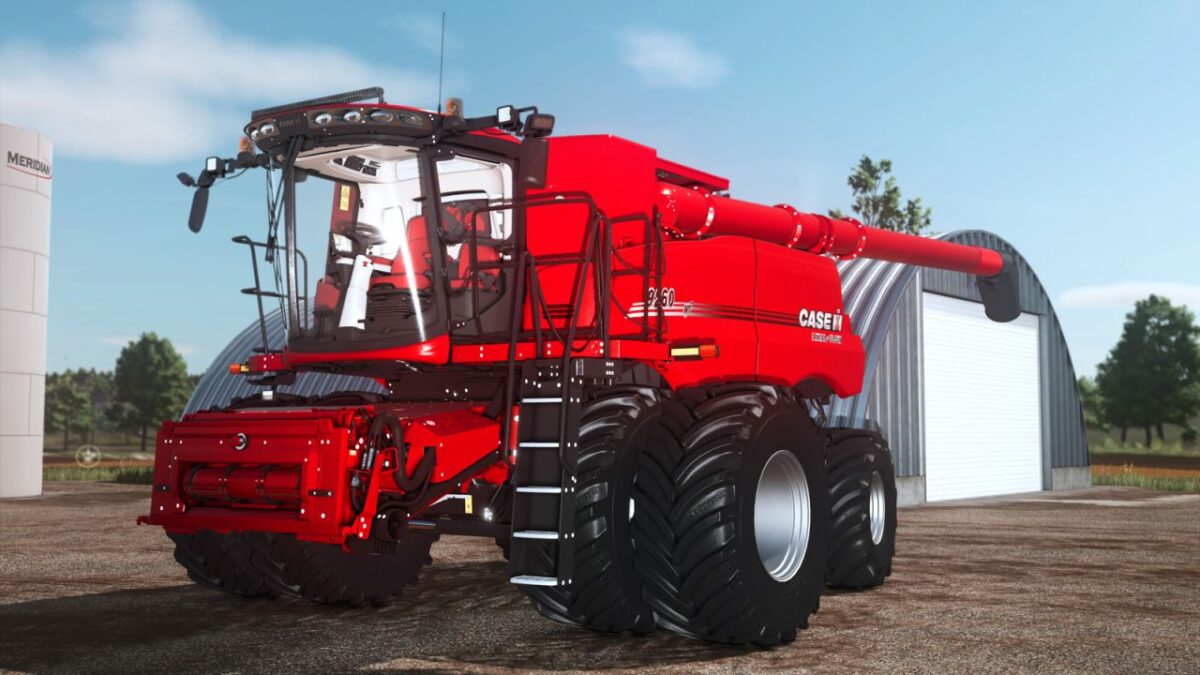
Case IH Axial Flow Series v 1.0


AFS Harvest Command automation is officially supported for the following crop types: corn, soybeans, canola, barley, wheat and rice.
Specifications:
Models: Axial-Flow 250/260 Series
Generation: 2019-2026
Class: VII, VIII and IX
Price: Starting at $670,247 (varies by model year and configuration)
Power: 402 – 550 HP
Capacity: 14408 – 24667 l
Features:
– 2019-2026 Generation (Selectable Model Year with realistic price variation)
– Class VII, VIII and IX
– North America, Australia, South America and Europe market versions
– Standard and Premium cab configurations
– Opening side covers
– Single, Dual and High-Flotation tire configurations
– Tire sizes from 520 to 1400
– Quadtrac, PowerFlex, S-Tech 1000 and High Idler track systems
– 140″ and 144″ axle configurations
– Manual and Hydraulic grain tank extensions
– Big Top grain tank extensions
– Demco MX410 Tip-Up systems
– Demco XL grain tank
– DW grain tank
– Tarp options
– 30-ft, 40-ft, 50-ft and 60-ft unloading augers
– Static, Folding and Pivoting unloading spouts
– 60-ft auger extender packages
– Standard Spreader and Fine Chopper
– AFS Pro 700 Monitor
– AFS Pro 1200
– AFS Pro 1200 Plus
– Realistic monitor startup animation
– Realistic speed, clock, operating hours, fuel and DEF indicators
– Rotor startup animation
– AFS 372 and AFS 392 GPS receivers
– Roof and cab-mounted GPS configurations
– Starlink Standard V4 and Mini antennas
– Patriot Plot packages (USA, Canada, Brazil and Australia)
– Rear attacher options
– Oversize signs
– Window tint options (25%, 50% and 75%)
– LED Light Bar
– Single and Dual beacon configurations
– Number decals
Credits:
Custom Modding


