Case 580N & 580 Super N Backhoes v 1.0.0.5


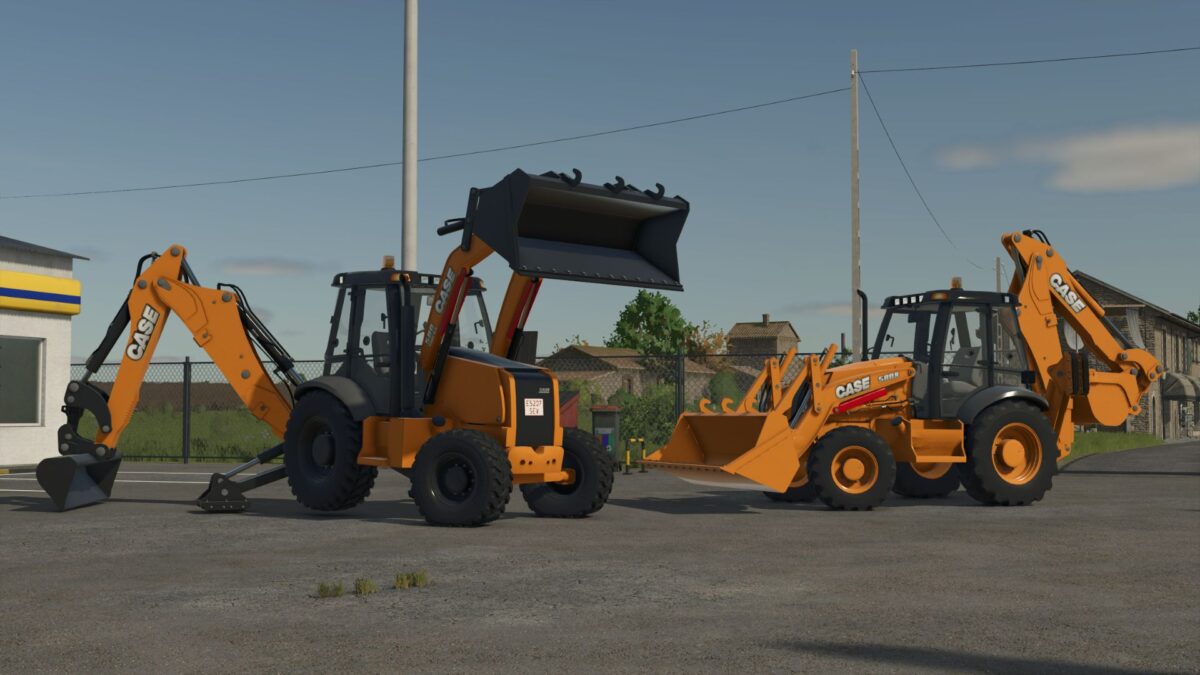
The FS25 Case 580N & 580 Super N Pack brings two modern and highly capable backhoe loaders from the legendary Case 580 series, known worldwide for their reliability, versatility, and performance in construction and earthmoving work. Designed for Farming Simulator 25, this pack delivers a realistic and immersive experience for players who enjoy construction gameplay alongside farming operations.
The Case 580N and Case 580 Super N are compact yet powerful machines, widely used in real-life construction due to their excellent balance between strength, hydraulic performance, and maneuverability. Both models are ideal for digging, loading, trenching, and general site work, making them essential tools on any map.
Machine Specifications
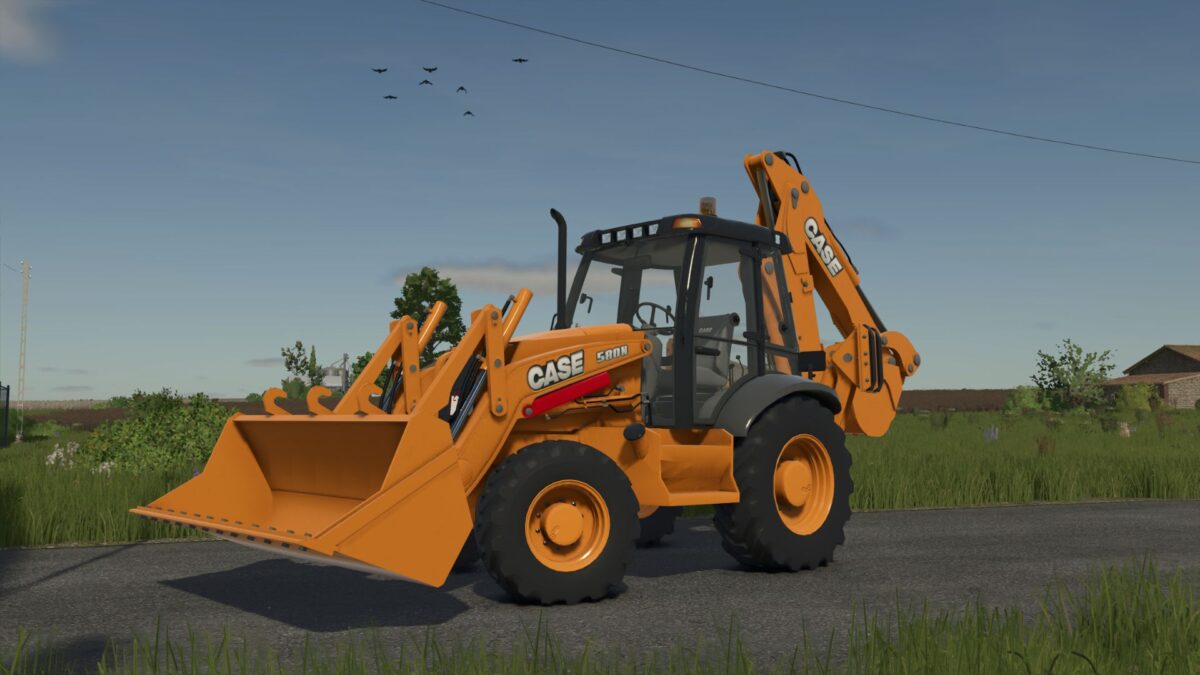
Case 580N
Power: ~100 HP
Operating weight: ~7.5 tons
Reliable and versatile machine designed for everyday construction and utility work
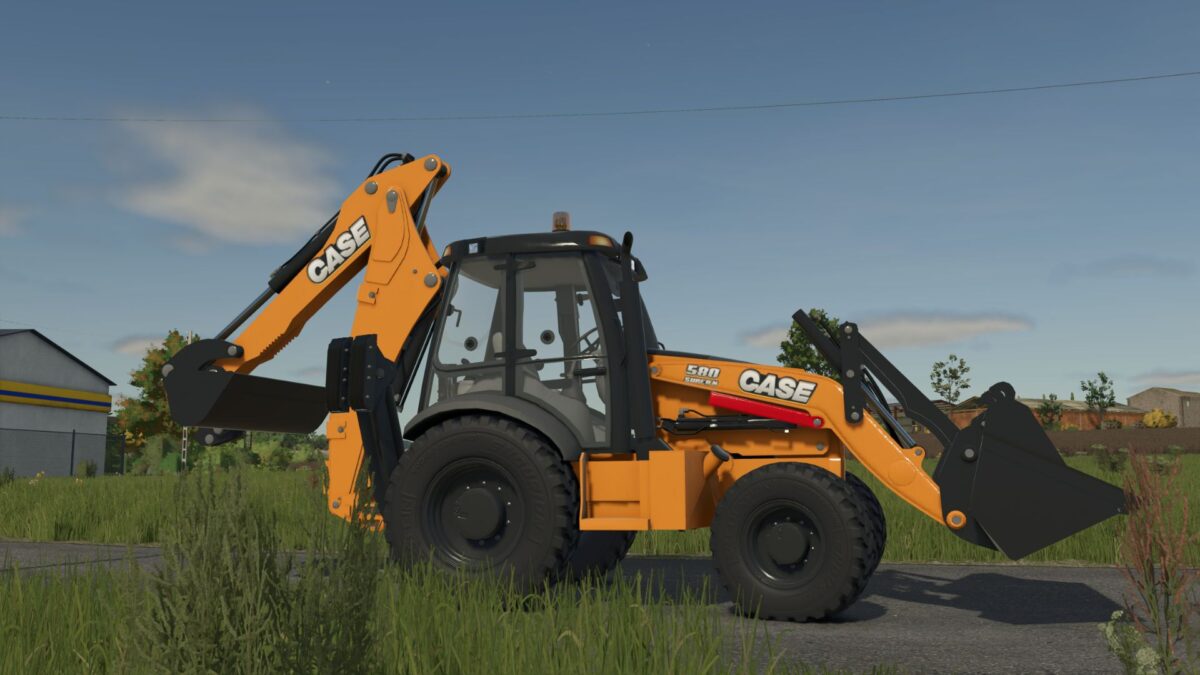
Case 580 Super N
Power: ~120 HP
Operating weight: ~8.2 tons
Enhanced hydraulic system and lifting capacity for more demanding and precise operations
Both machines feature realistic hydraulic behavior, detailed animations, and authentic sound design to enhance immersion. Their compact size allows them to operate efficiently in tight spaces while still delivering strong digging and loading performance.
Version 1.0.0.5:
* Added mobile camera on the backhoe’s rear arm
Credits:
SeviModding