FS25 Loaders

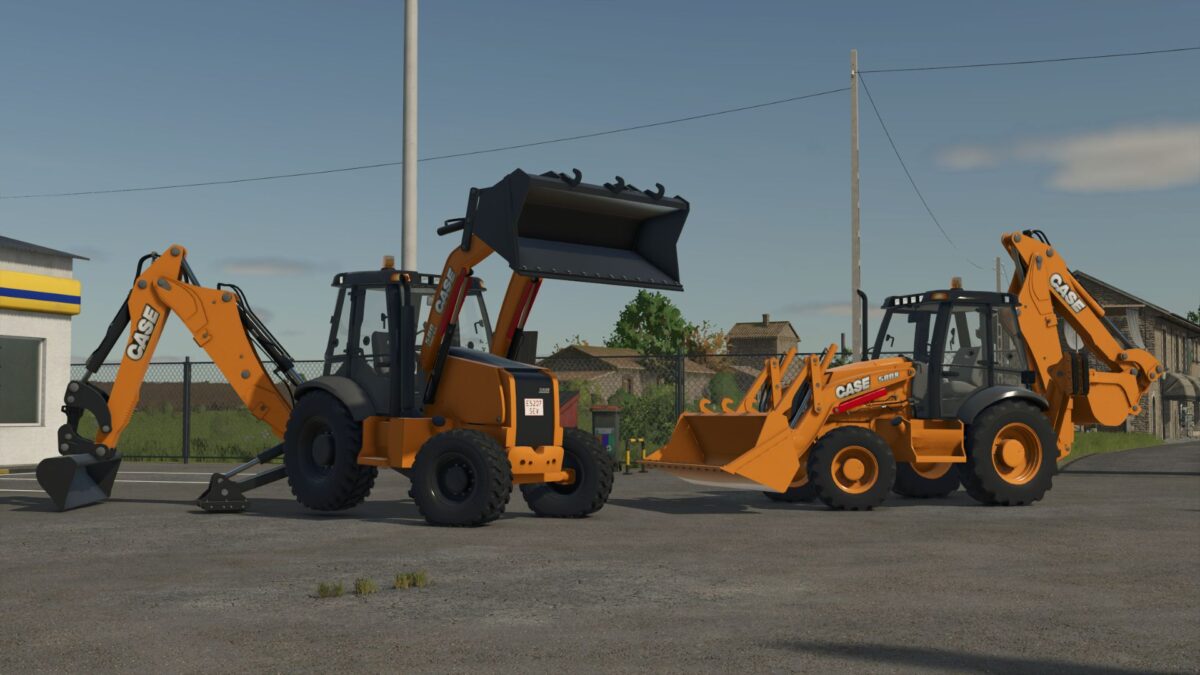
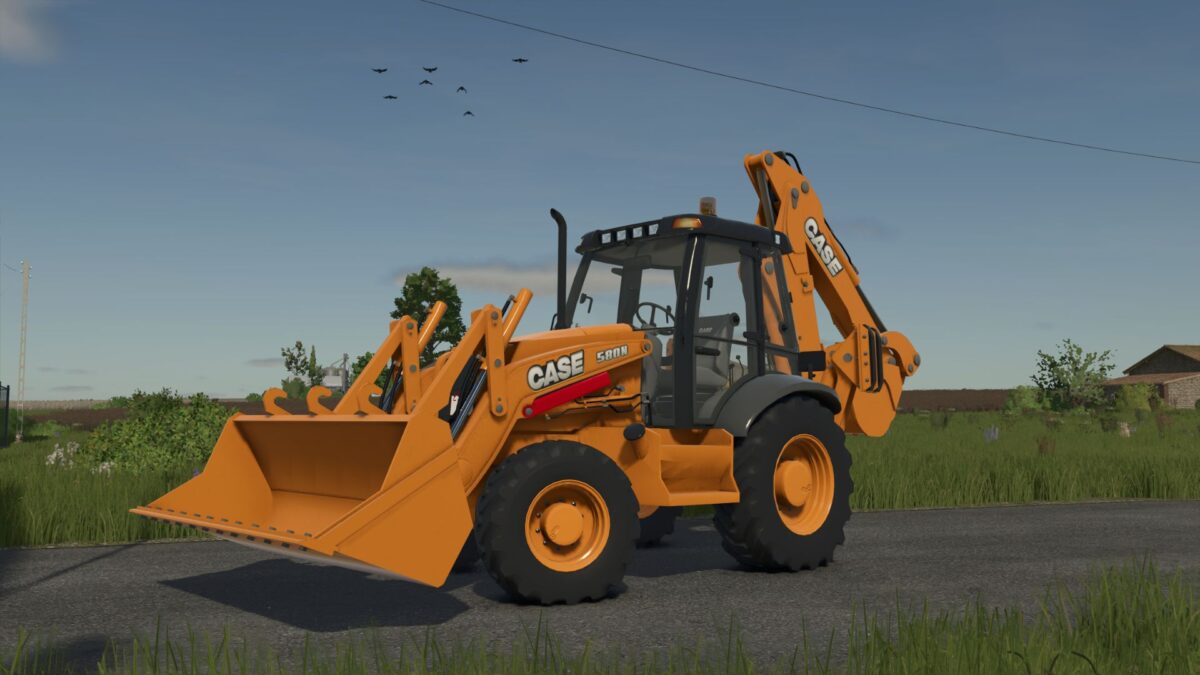
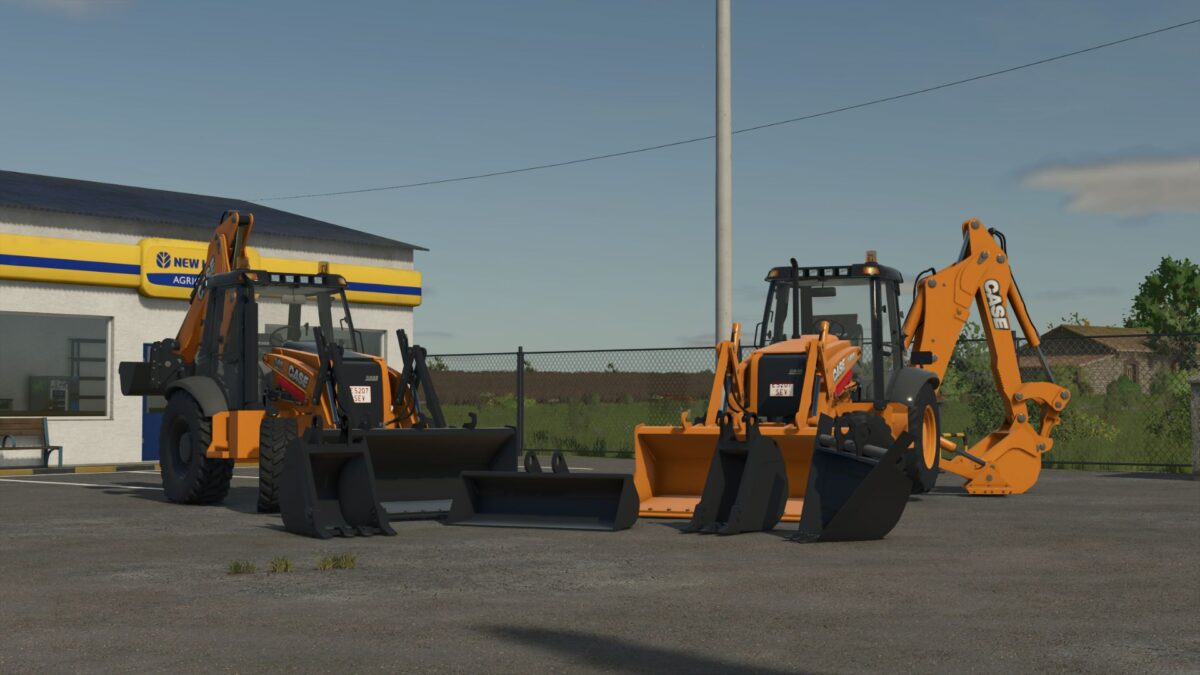
Case 580N & 580 Super N Backhoe Loaders v 1.0.0.7

Case 580N & 580 Super N Backhoe Loaders v 1.0.0.7

Case 580N
Power: ~100 HP
Operating weight: ~7.5 tons
Reliable and versatile machine designed for everyday construction and utility work

Case 580 Super N
Power: ~120 HP
Operating weight: ~8.2 tons

Enhanced hydraulic system and lifting capacity for more demanding and precise operations
Both machines feature realistic hydraulic behavior, detailed animations, and authentic sound design to enhance immersion. Their compact size allows them to operate efficiently in tight spaces while still delivering strong digging and loading performance.

Version 1.0.0.7:
* Corrected Warnings in the Console

Credits:

SeviModding

How to install FS25 Loaders?
Firstly find a mod which you like and want to download. Then download a mod to your PC. Mods are usually in .zip format file. But sometimes it can be in .rar. If a mod file is a .zip format no needed additional actions. If a file is in .rar, then you must unarchive mod with software like WinRar or Zip7. Windows 10 users no need to use software for archives, Win10 itself has a feature to unarchive files.
The next step is to find mods folder in your PC. Usually, it is in Documents/My Games/Farming Simulator 25/2025. Open the "mods" folder and put downloaded .zip archive or unarchived .rar file to this folder.
Last step. Enjoy of FS25 mods!

Leave a Reply

Your email address will not be published. Required fields are marked *