

FS22 Maps

Carrigart Farm 22 Map v 1.0

Carrigart Farm 22 Map v 1.0

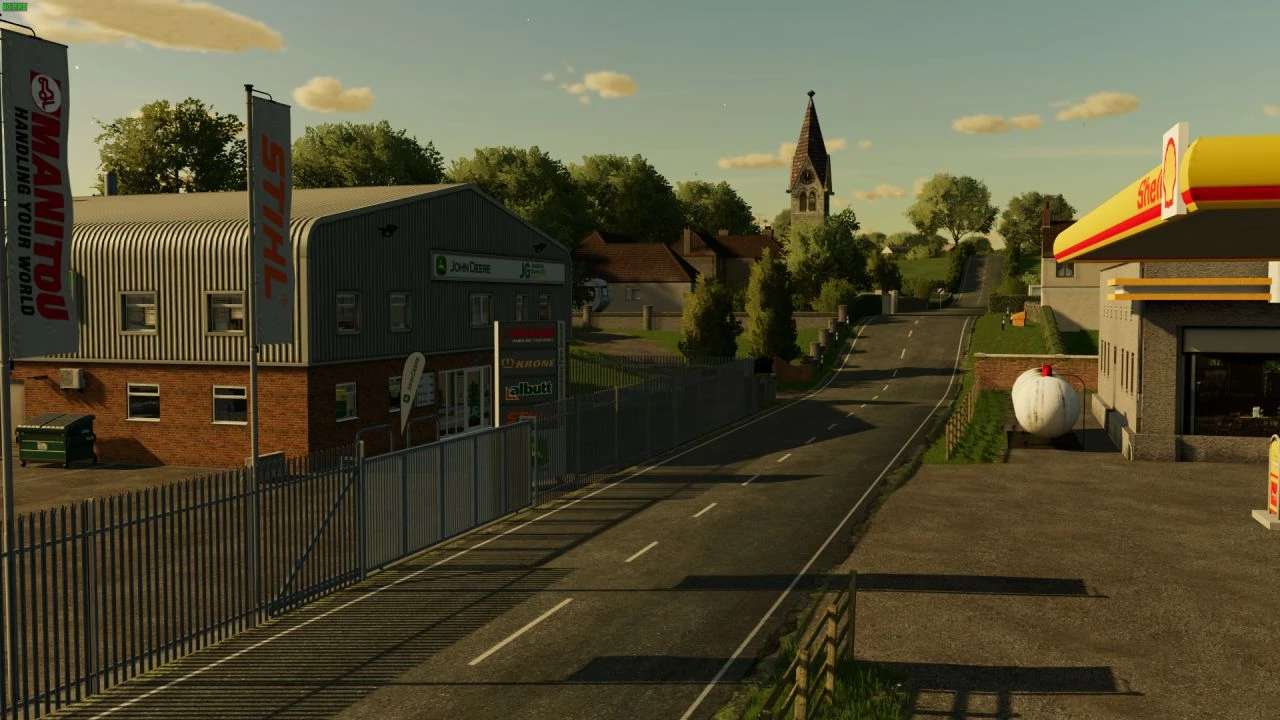
– New wind effects
– 2 main farms and 1 smaller yard
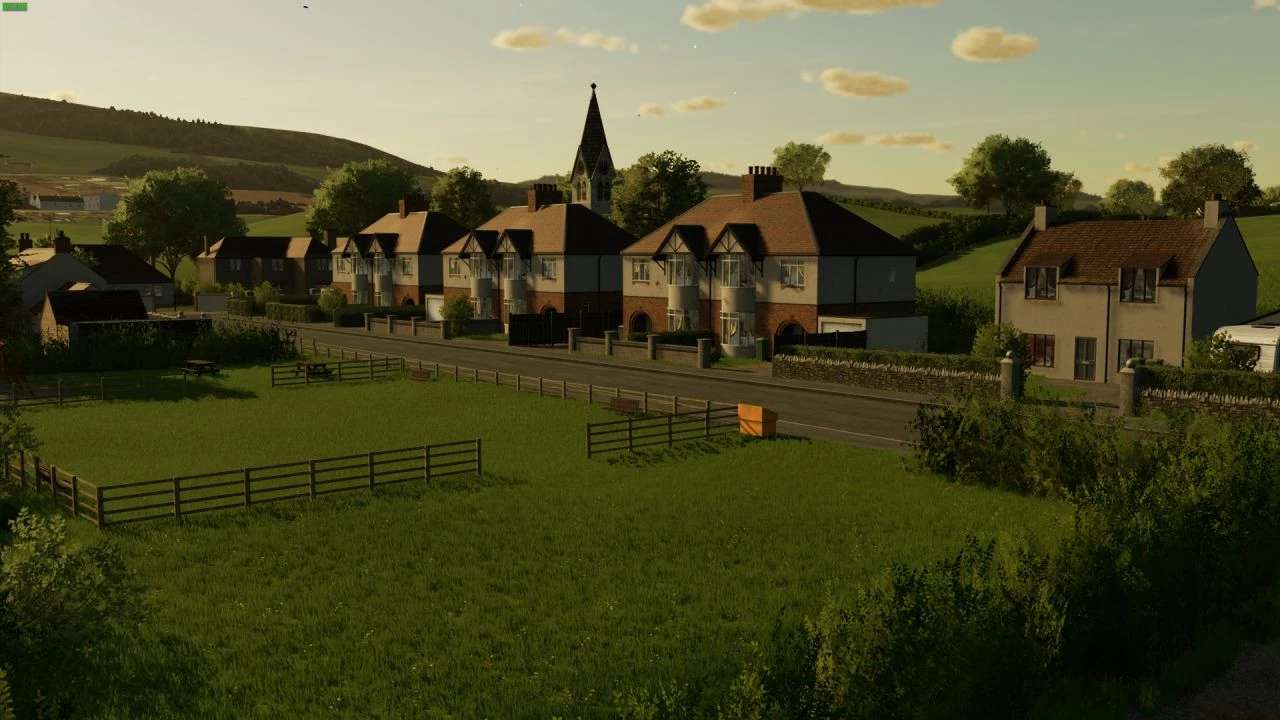
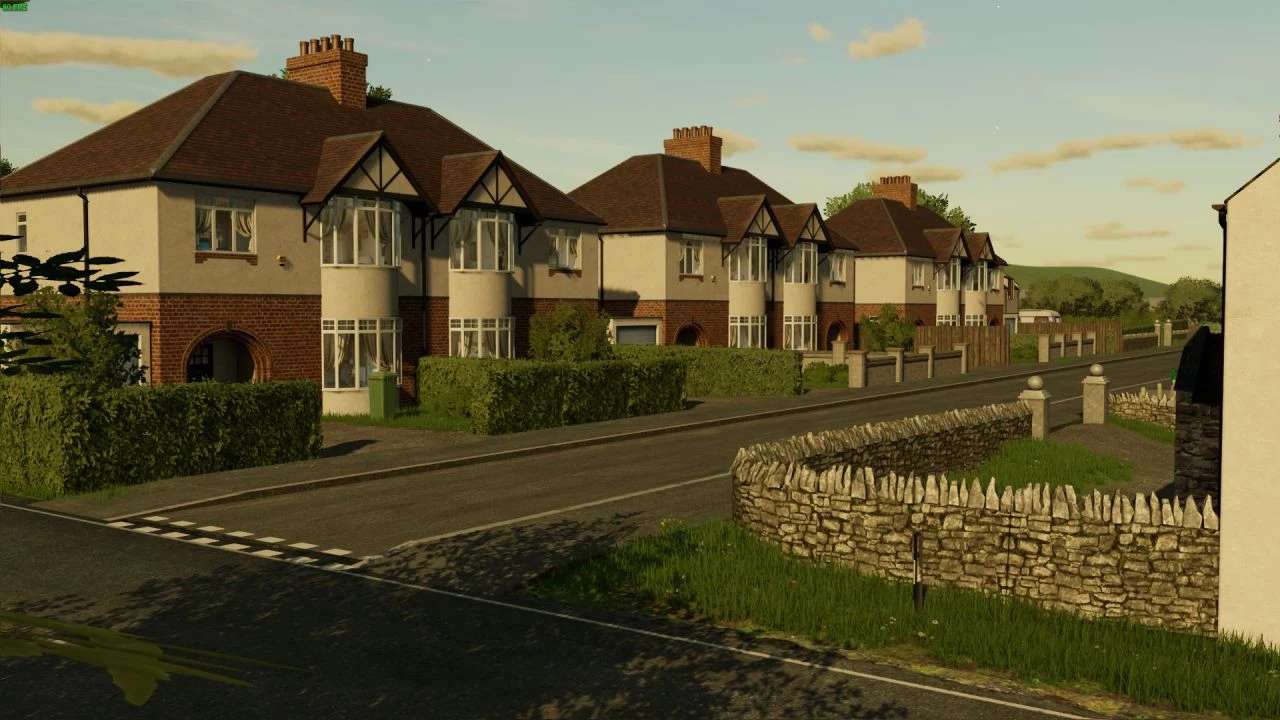
– Custom lighting and colour grading
– Animated objects across the map
– Custom textures pbr with Parralax mapping
– Custom traffic
– Over 100 Hd new models made by myself
– 144 fields with missions – small/medium/large
– 207 farm lands
– 2 sell points and BGA
– Seasons visuals and random events (trees, hedges, etc…)
– Highly customizable Uk license plates built into map
– Custom Foliage and ground textures
– Custom sounds
– Precision farming support
– Mud mod support
– Uk theme production point chain (Windmill, bakery)
– New fruit Linseed, Fieldbeans, Rye, Alfalfa
– MTA support
– Rabbits in the wildlife

Credits:

Chris6610, Oxygendavid
How to install FS22 Maps?
Firstly find a mod which you like and want to download. Then download a mod to your PC. Mods are usually in .zip format file. But sometimes it can be in .rar. If a mod file is a .zip format no needed additional actions. If a file is in .rar, then you must unarchive mod with software like WinRar or Zip7. Windows 10 users no need to use software for archives, Win10 itself has a feature to unarchive files.
The next step is to find mods folder in your PC. Usually, it is in Documents/My Games/Farming Simulator 25/2025. Open the "mods" folder and put downloaded .zip archive or unarchived .rar file to this folder.
Last step. Enjoy of FS25 mods!

Leave a Reply

Your email address will not be published. Required fields are marked *