

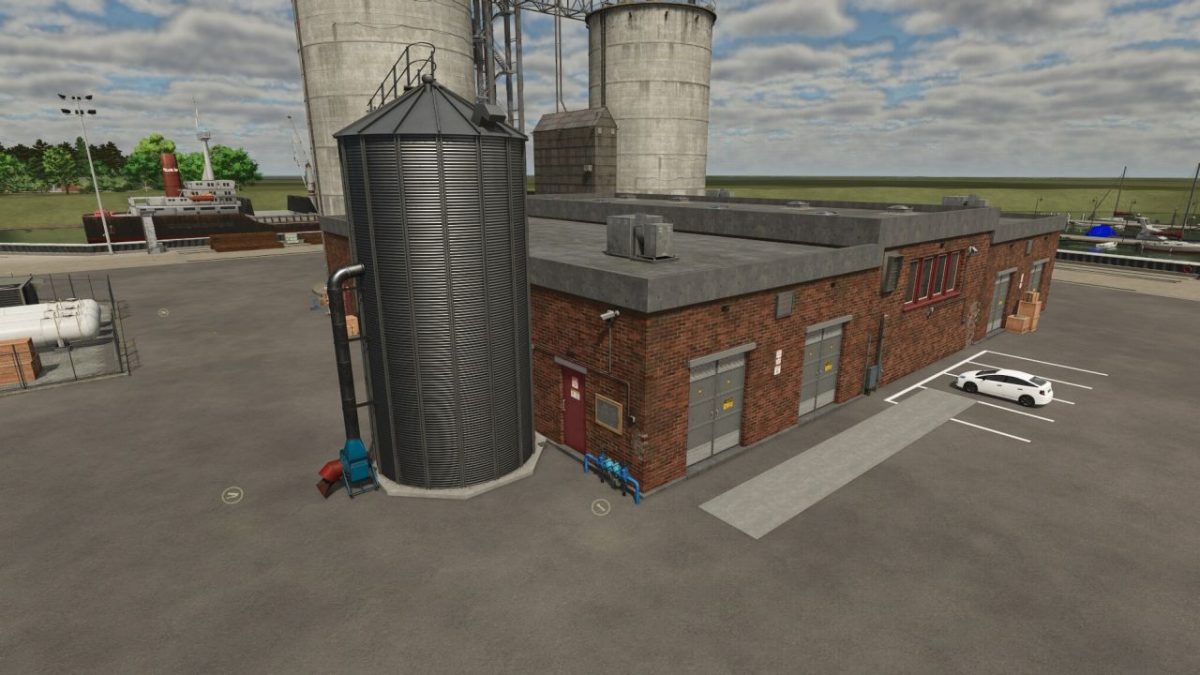
Cardboard Production v 1.0


A production that covers the NF March’s increased demand for cardboard rolls and also uses products from the FED productions.
This is why the FED production pack is also registered as a dependency.
There are two versions: one with a building, which can be set up anywhere on the map, and a version without a building, which can be attached to an existing building. Examples of placement can be found in the introductory video on my YT channel. Both productions have three lines for cardboard rolls, so that up to 6,000 boxes can be produced per cycle with 24 cycles per month. A water production line is also installed; with this line you can supply the entire production with water and pay the production fee. If you prefer to deliver the water yourself, you can leave this line deactivated.
Credits:
RolfB69


