
British Fill Units v 1.2


British Fill Units is a UK-style farming localisation mod for Farming Simulator 25.
The mod brings authentic British farming terminology and realistic metric units to the game by replacing litre-based displays for solid materials with kilograms and tonnes, while localising selected terminology to better reflect UK farming practices.
From Canola becoming OSR (Oilseed Rape) to Corn becoming Maize, British Fill Units helps Farming Simulator feel more familiar to British players while standardising units across many areas of the game.
Features
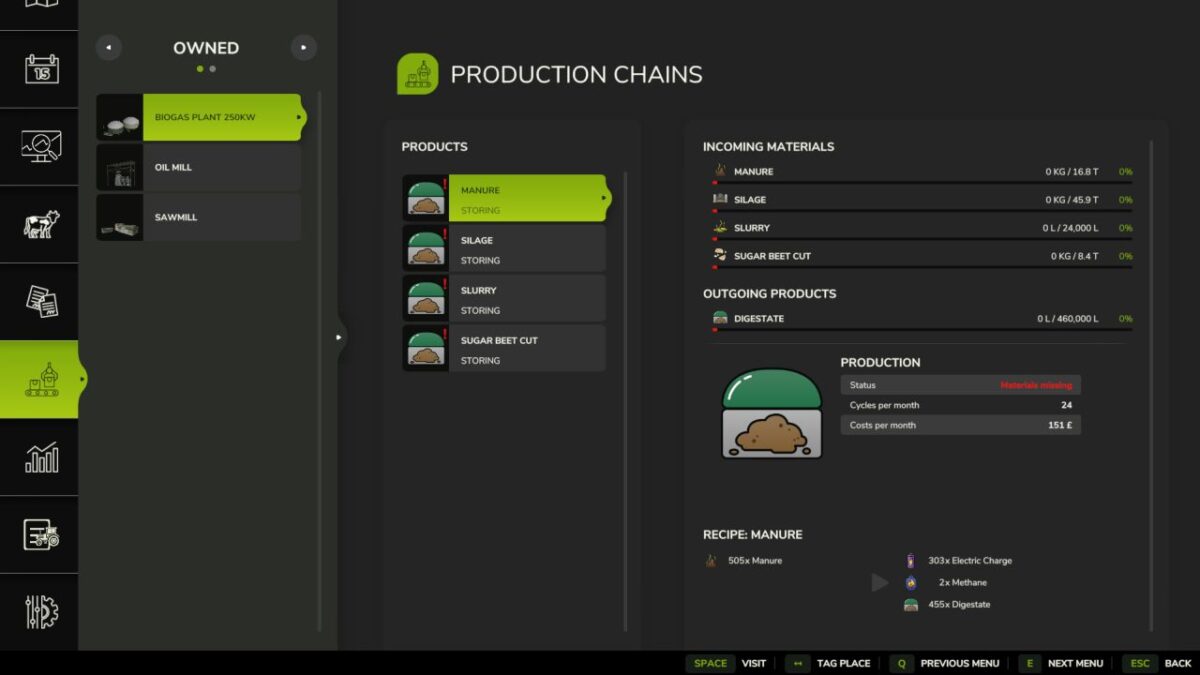
Displays solid materials in kg below 1 tonne.
Displays solid materials in t at and above 1 tonne.
Liquids remain displayed in litres.
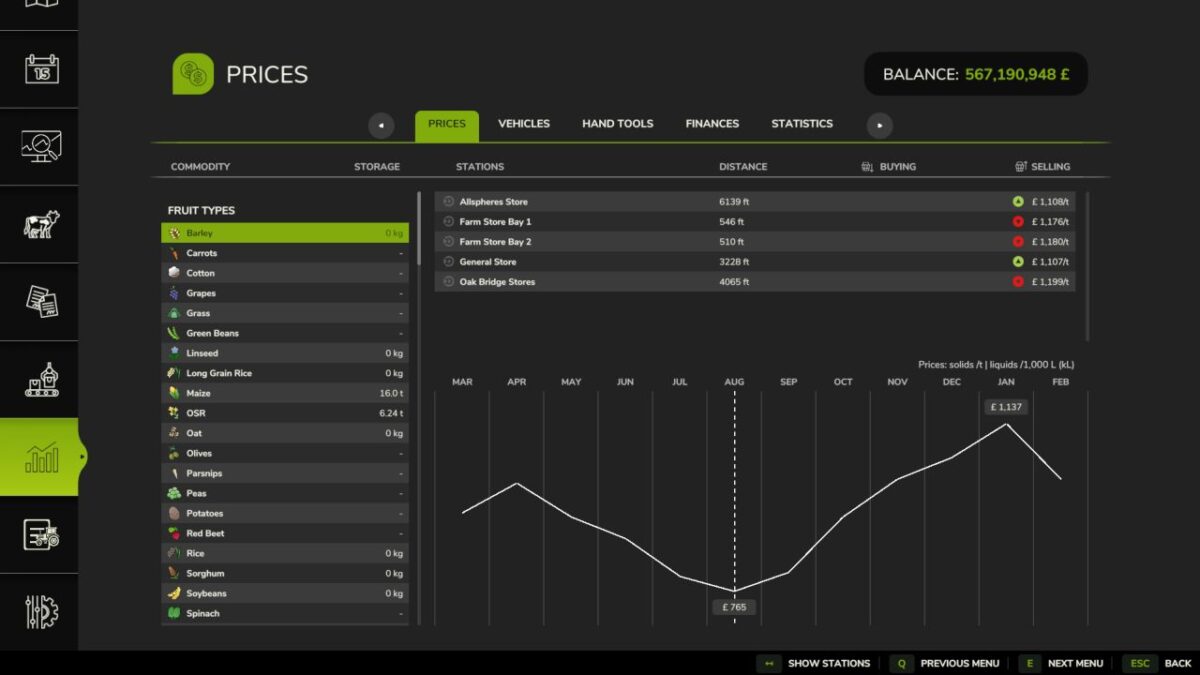
Solid material prices displayed per tonne.
Liquid prices displayed per 1,000 L (kL).
Storage capacities displayed using realistic mass values.
Vehicle and trailer capacities displayed using realistic mass values.
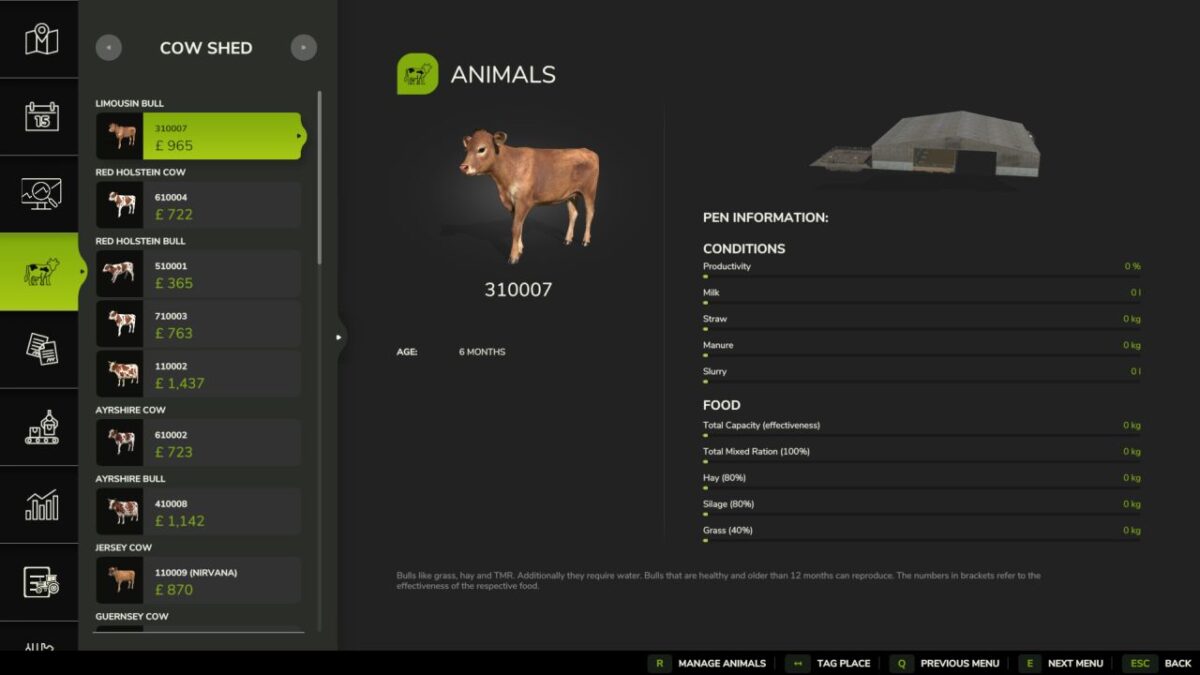
Supports Storage, Prices, Productions, Construction, Vehicle Shop, Object HUDs and compatible livestock systems.
Localises British farming terminology, including OSR (Oilseed Rape) and Maize where supported.
Compatible with the latest Farming Simulator 25 update.
Compatible with supported third-party mods, including Realistic Livestock.
Version 1.2:
* Solid commodities now display prices in per tonne
* Supported liquids now display prices in per 1,000 litres
* Seasonal price graphs now use the selected product correct market values
* Added red, amber and green indicators showing whether prices are falling, stable or rising
* Added a Price Trend guide to explain the new indicators
* Added improved support for modded and map specific fill types
* Improved Realistic Livestock feed and capacity displays
* New terminology additions
* Fixed station prices and graph values reverting to litre based units
* Fixed graphs using the wrong product, density or price range
* Fixed station prices leaking into other rows while scrolling
* Fixed trend indicators appearing beside the wrong station
* Fixed prices and indicators becoming misaligned after menu refreshes
* Fixed several unit, formatting and display inconsistencies across supported menus
* Improved Prices page performance and stability
Credits:
BigMacJ