
British Fill Units v 1.1


British Fill Units is a UK-style farming localisation mod for Farming Simulator 25.
The mod brings authentic British farming terminology and realistic metric units to the game by replacing litre-based displays for solid materials with kilograms and tonnes, while localising selected terminology to better reflect UK farming practices.
From Canola becoming OSR (Oilseed Rape) to Corn becoming Maize, British Fill Units helps Farming Simulator feel more familiar to British players while standardising units across many areas of the game.
Features
Displays solid materials in kg below 1 tonne.
Displays solid materials in t at and above 1 tonne.
Liquids remain displayed in litres.
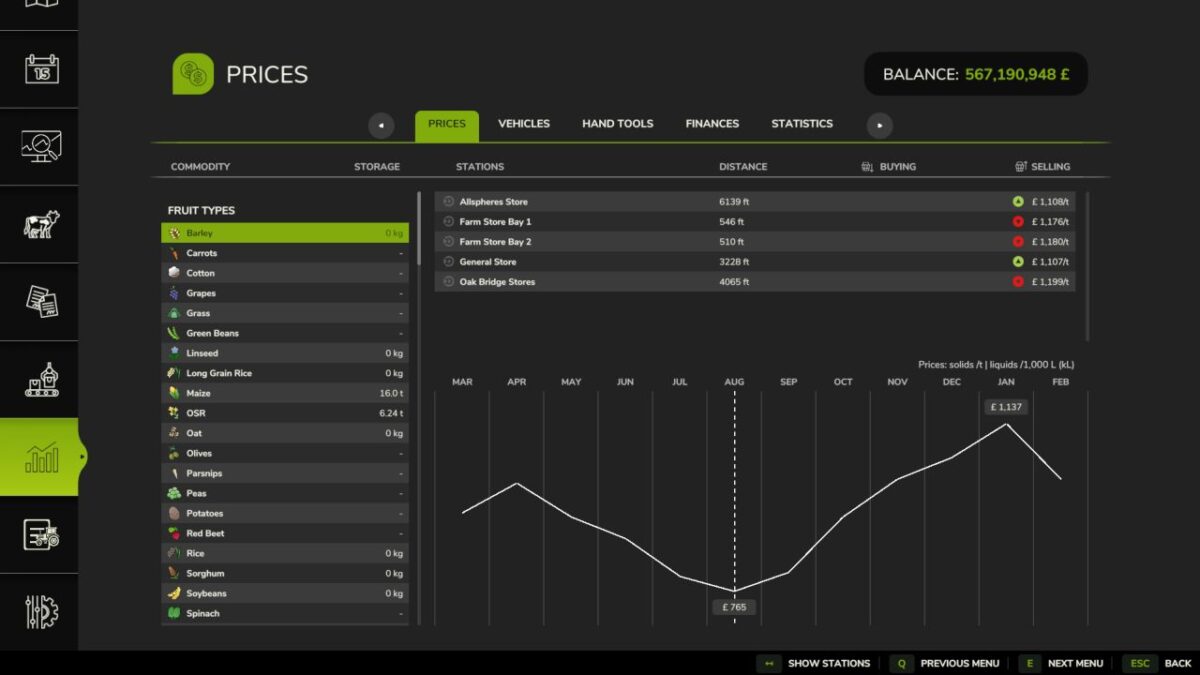
Solid material prices displayed per tonne.
Liquid prices displayed per 1,000 L (kL).
Storage capacities displayed using realistic mass values.
Vehicle and trailer capacities displayed using realistic mass values.
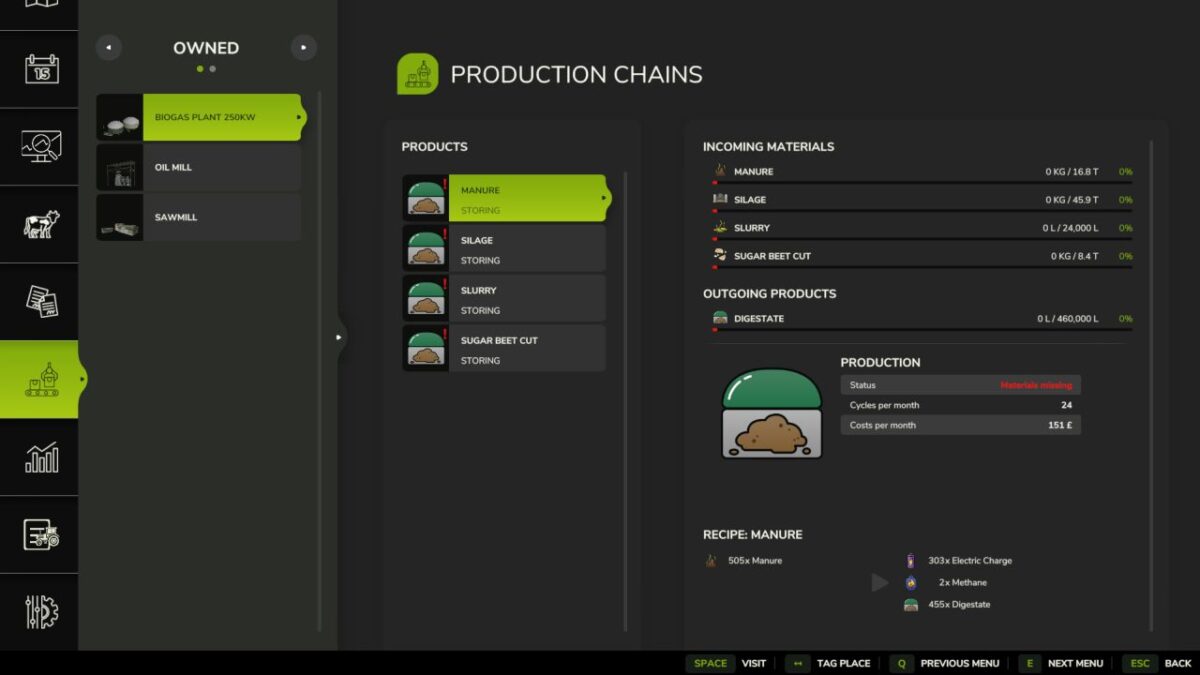
Supports Storage, Prices, Productions, Construction, Vehicle Shop, Object HUDs and compatible livestock systems.
Localises British farming terminology, including OSR (Oilseed Rape) and Maize where supported.
Compatible with the latest Farming Simulator 25 update.
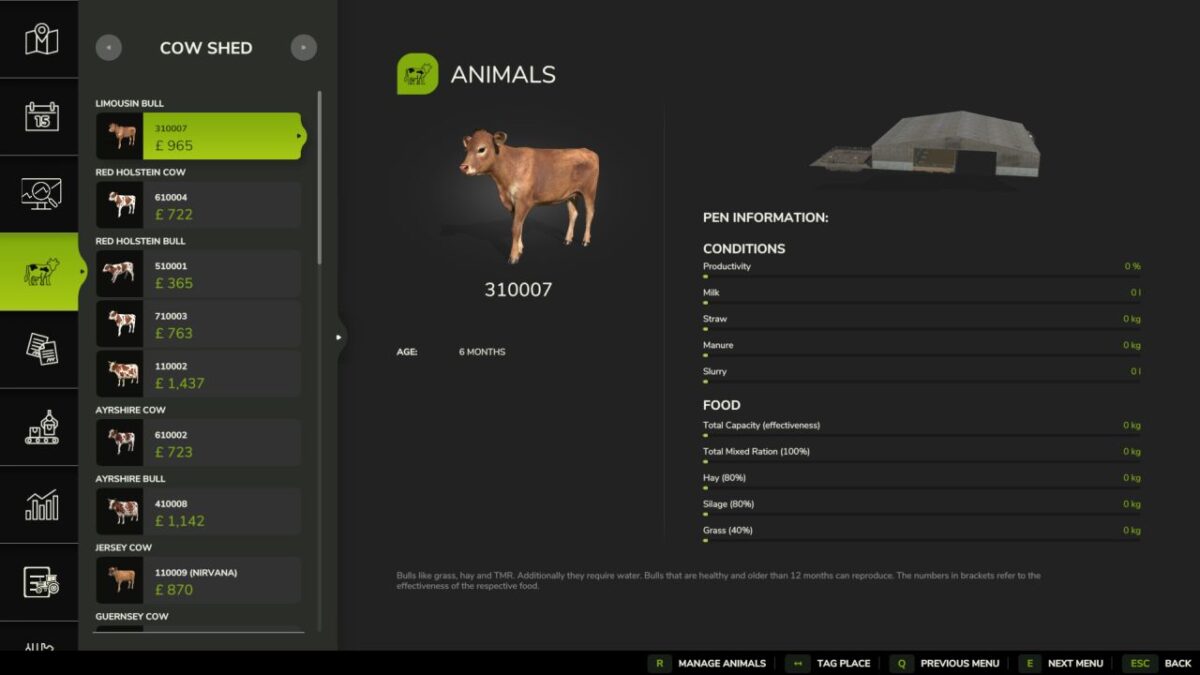
Compatible with supported third-party mods, including Realistic Livestock.
Version 1.1:
* Added a Prices page unit legend
* Improved consistency of mass unit displays across supported menus
* Improved compatibility with the latest Farming Simulator 25 update
* Improved compatibility with supported third-party mods, including Realistic Livestock
* Refined Prices page helper placement and overall UI presentation
* Fixed Storage values reverting while scrolling
* Fixed Production Chains displaying incorrect units
* Fixed Realistic Livestock Monitor displaying incorrect units
* Fixed Prices page values reverting after menu refreshes
* Fixed Vehicle values displaying incorrect units
* Fixed Statistics page displaying incorrect units
* Fixed multiple unit display inconsistencies across supported menus
* Improved menu stability and overall performance
Credits:
BigMacJ