
FS25 Other Implements

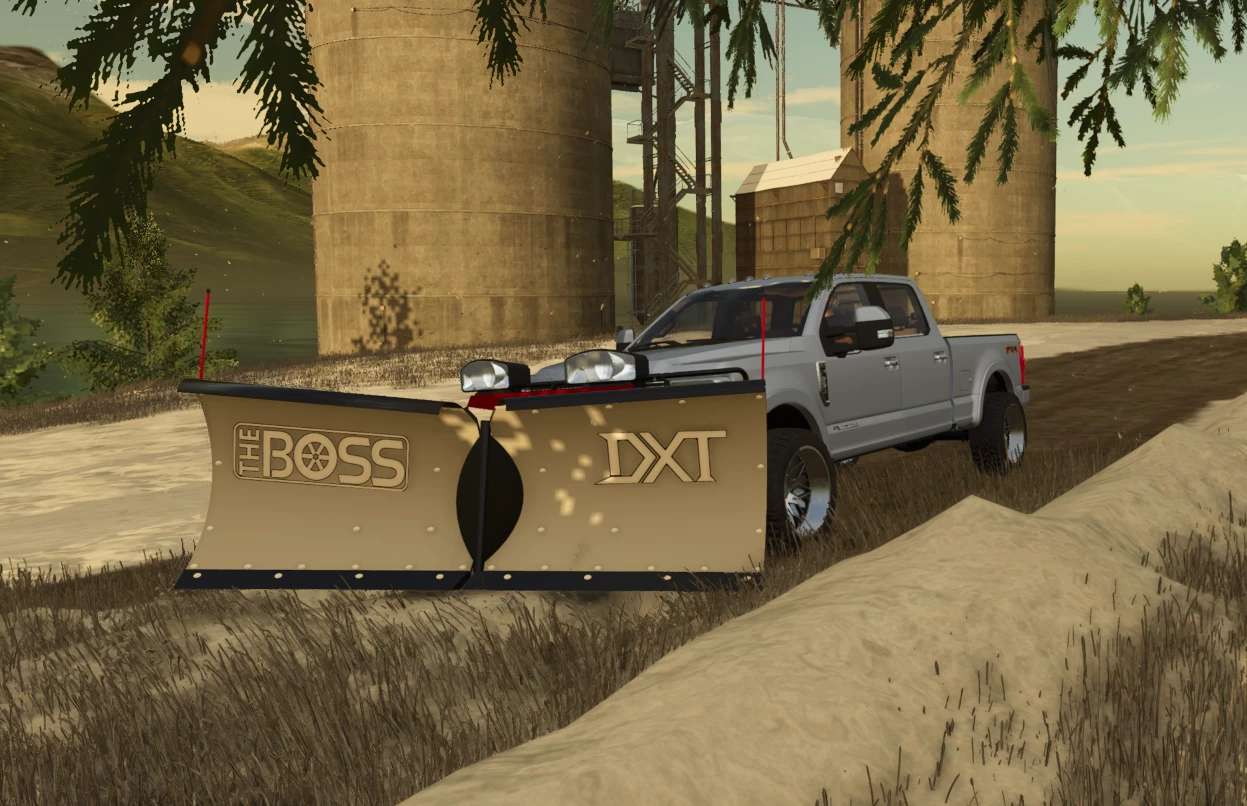
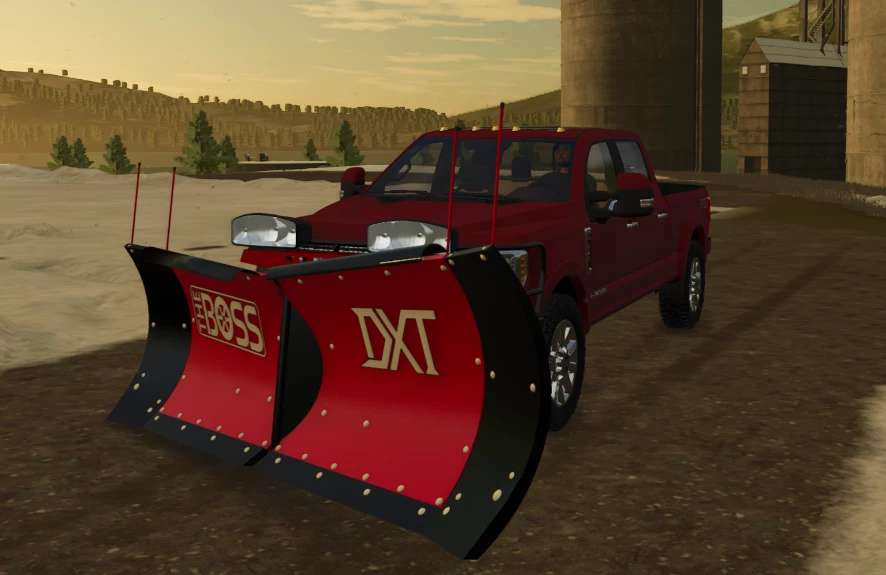
Boss DXT V Plow v 1.0

Boss DXT V Plow v 1.0

Extreme conditions demand cutting edge innovations.
The long time industry favorite powder coated steel DXT is the reliability you need to last.
The fully featured Steel Boss DXT is the ultimate tool to fight all things snow and ice.
Its patented dual trip design enhances plow protection when striking hidden obstacles in any plow position.
Outfitted with a long lasting, durable base angle to provide extended wear resistance, built-in curb guards, and a patented snow catcher is your perfect decision to Keep ‘EM Open when mother nature strikes (Boss).

Credits:

The North Woods Farmer

How to install FS25 Other Implements?
Firstly find a mod which you like and want to download. Then download a mod to your PC. Mods are usually in .zip format file. But sometimes it can be in .rar. If a mod file is a .zip format no needed additional actions. If a file is in .rar, then you must unarchive mod with software like WinRar or Zip7. Windows 10 users no need to use software for archives, Win10 itself has a feature to unarchive files.
The next step is to find mods folder in your PC. Usually, it is in Documents/My Games/Farming Simulator 25/2025. Open the "mods" folder and put downloaded .zip archive or unarchived .rar file to this folder.
Last step. Enjoy of FS25 mods!

Leave a Reply

Your email address will not be published. Required fields are marked *