

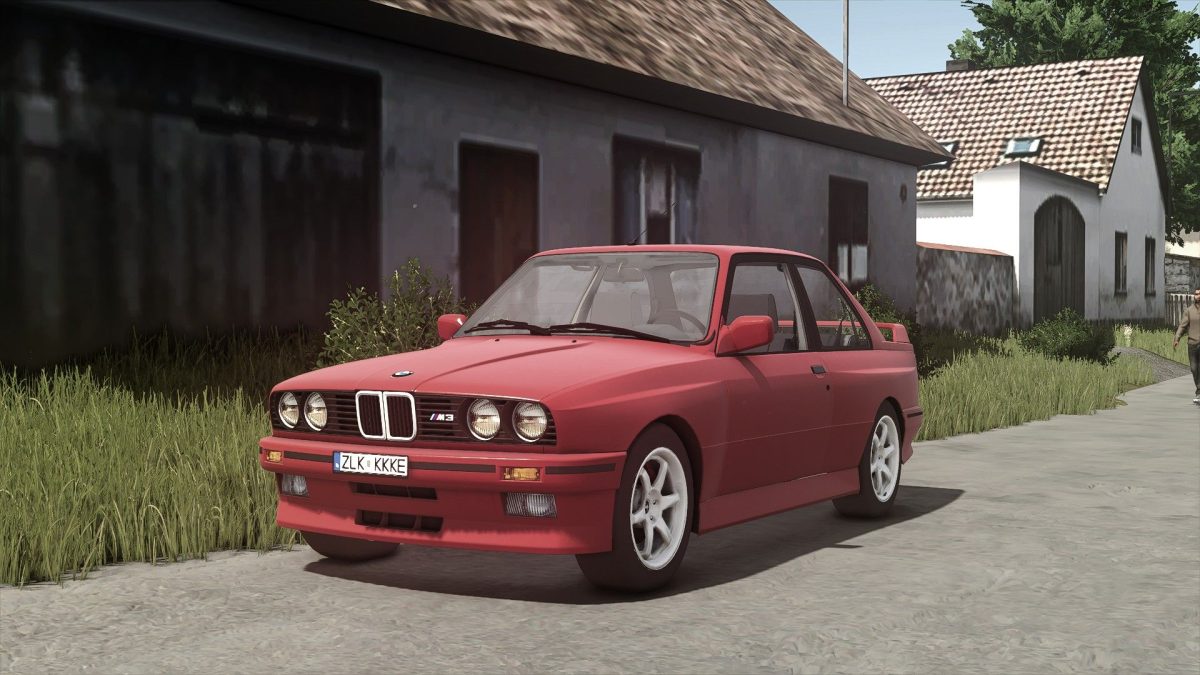
BMW M3 E30 Coupe v 1.0.0.1


The BMW M3 E30 Coupe v 1.0.0.1 is designed to bring a touch of classic automotive style to your Farming Simulator 25 experience.
With its engaging design and performance characteristics, this vehicle allows players to navigate their farming tasks with an iconic car.
The coupe is priced at 842, making it an accessible choice for players looking to expand their vehicle collection.
It boasts a maximum speed of 120, enabling efficient transportation across your virtual farm.
The car is powered by a robust engine delivering 197 horsepower, ensuring you can tackle your in-game challenges effectively.
In terms of customization, the mod features options for main color configuration, allowing players to personalize their vehicle to suit their taste.
Additionally, there is a rims color configuration, giving you the opportunity to match or contrast the rims with the body color for a unique look.
– Price: 842
– Maximum Speed: 120
– Power: 197 HP
– Main color configuration
– Rims color configuration
Version 1.0.0.1:
* Fixed Rims
Credits:
Starlexs, honved4, Bazsi


