

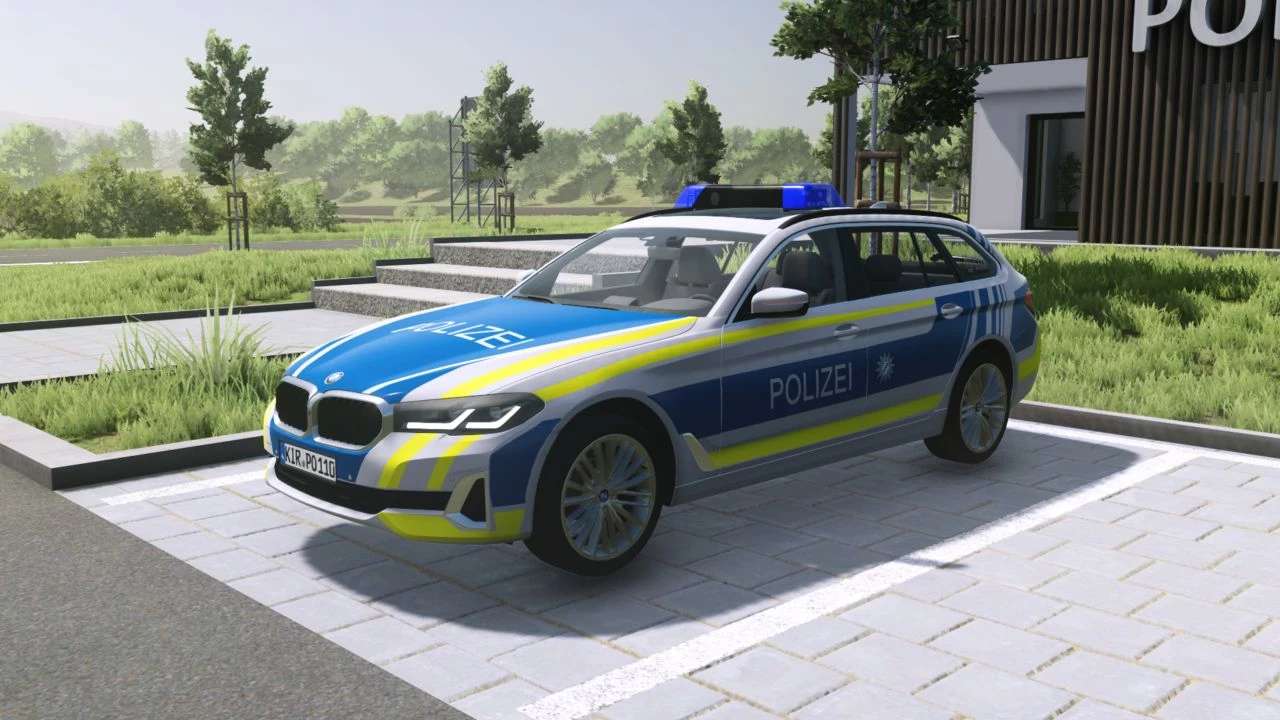
BMW 5er FuStW v 1.0.0.1


The BMW 5er FuStW mod for Farming Simulator provides players with the opportunity to incorporate a realistic representation of the BMW 5 Series emergency vehicle into their gameplay. With Version 1.0.0.1, several improvements have been made, including the rectification of incorrect texture and sound paths associated with the BMW logo and horn, enhancing the overall authenticity and functionality of the mod. This vehicle can add a unique element to your farming experience, whether it be for role-playing scenarios or simply to diversify your vehicle fleet. The mod aims to bring a blend of luxury and utility to the various farming tasks you undertake.
Version 1.0.0.1:
* Fixed incorrect texture/sound paths (BMW logo and horn)
Credits:
EMERGENCY MODDING XER0X


