

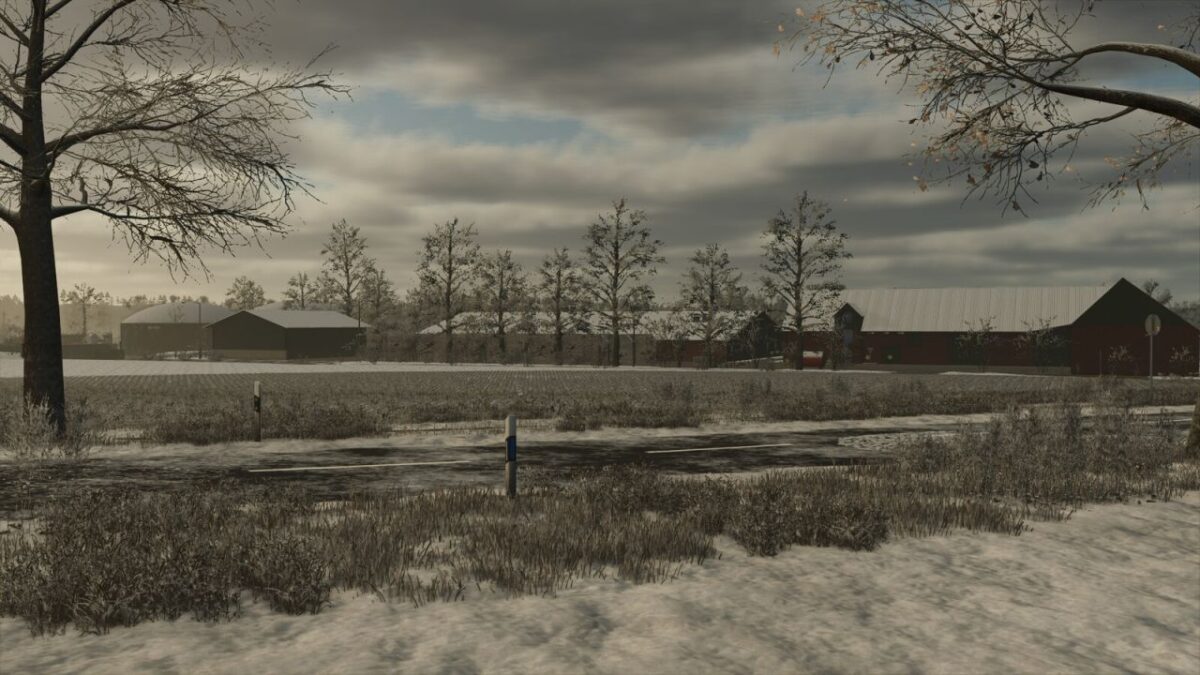
Bilk Map v 1.0


Features:
– 159 fields and meadows
– 5 purchasable forest areas
– More fruits, rye, spelt, triticale, green rye, winter rye, mustard, humus activator, silage corn, flowering cover crop, winter wheat, spring wheat, winter barley, spring barley, clover, and alfalfa
– More soil angles
– Stubble destruction
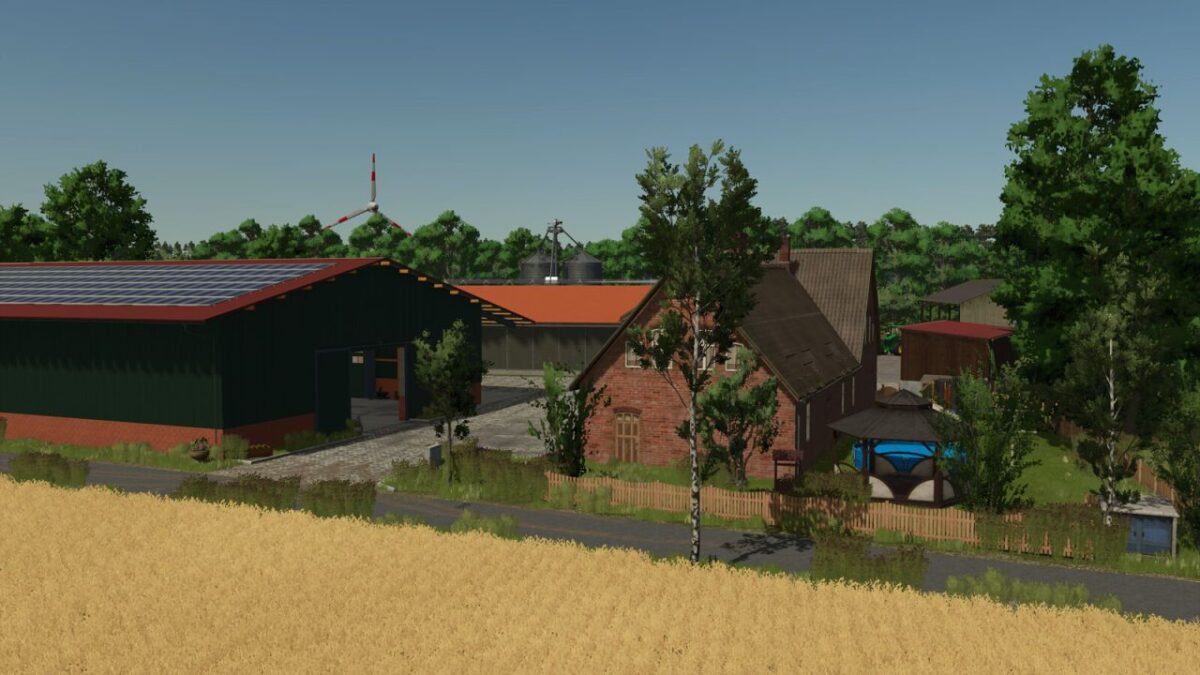
– Custom built barn created exclusively for the Bilk map
– Realistic field structures
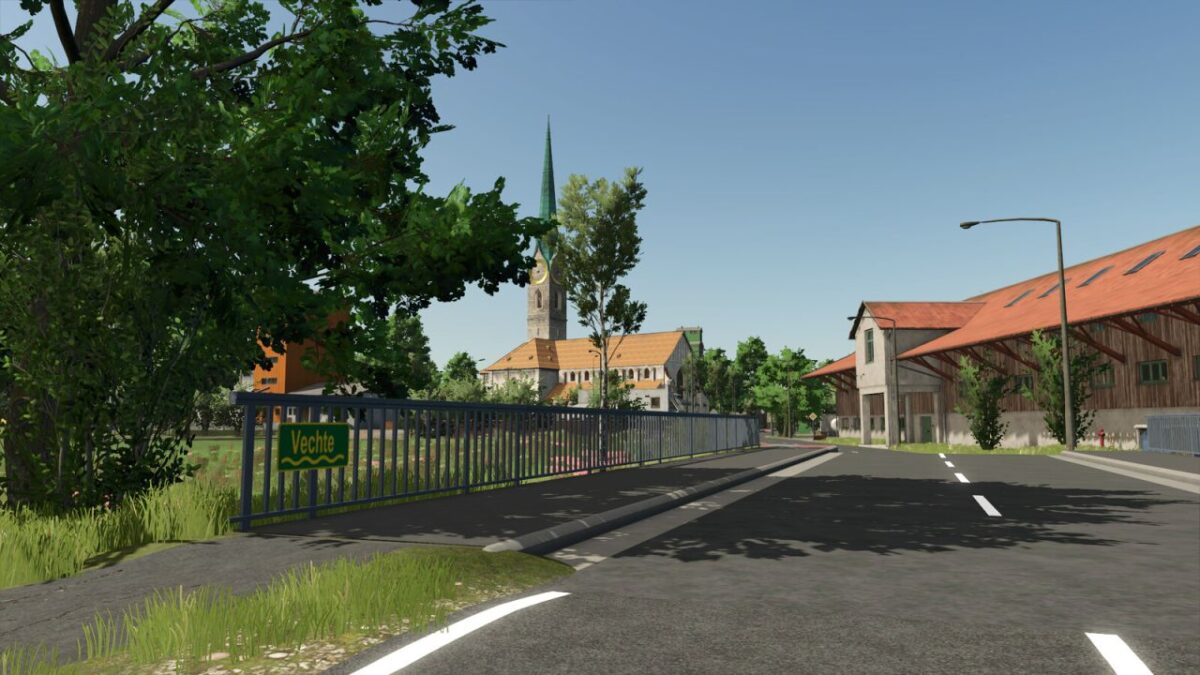
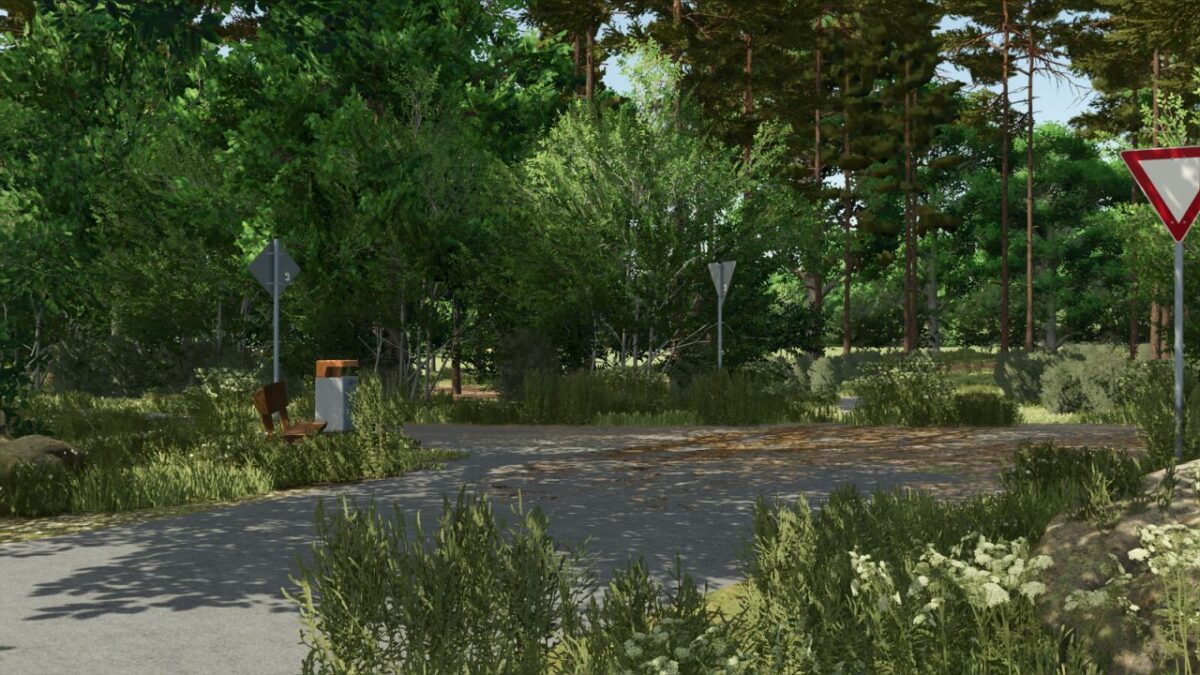
– Real world road signage
– 50 collectible items scattered across the map
– Puddles on field entrances and paths
– Residential house with a changing room trigger
– Small streams and the Vechta River
– Main farm with a cowshed and farm silos (Decorations may be sold)
– Pig farm with a grain storage facility
– Vegetable farm with chickens
– Arable farm
– Each farm has its own diesel tank
– Car dealership with repair shop
– Several bale and pallet storage areas
– NPCs in town
– NPC traffic
– Bilk Agricultural Supply: purchase of seeds and fertilizer
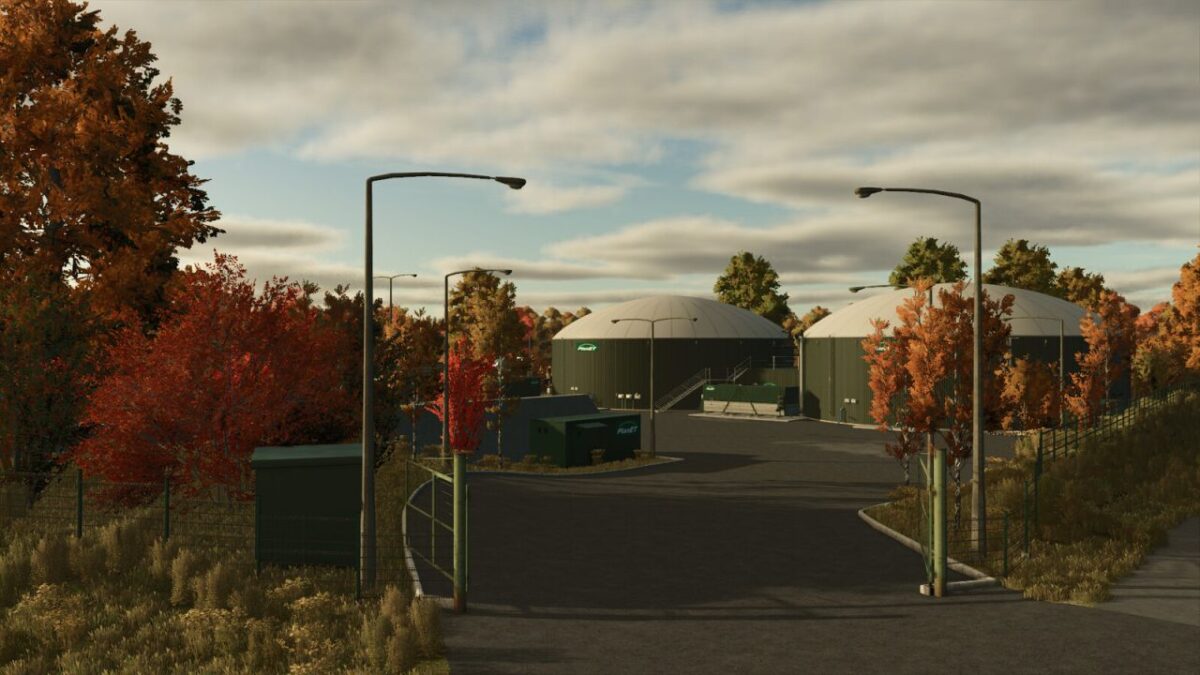
– 2 biogas plants
– Splines for the AI assistant
Production Facilities and Retail Outlets
– Bilk Agricultural Supply
– Potato Farming
– Oil Production
– Grain Mill
– Agricultural Supply Store
– Livestock Trading
– Biomass Power Plant
– Sawmill
– Carpentry Shop
– Village Market
– Dairy
Credits:
0maxi0


