
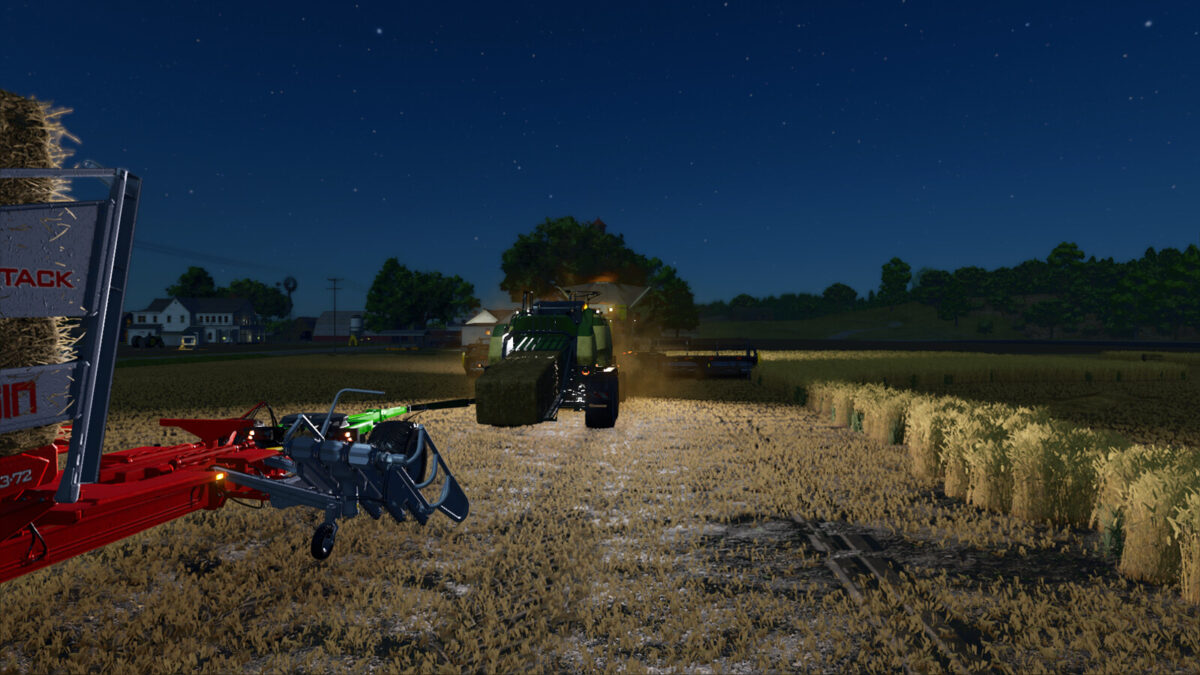
FS25 Balers

Big Pack 1290 HDP VC v1.1.0.0

Big Pack 1290 HDP VC v1.1.0.0

Big Pack 1290 HDP VC v1.1.0.0

Big Pack 1290 HDP VC v1.1.0.0

Big Pack 1290 HDP VC v1.1.0.0

Big Pack 1290 HDP VC v1.1.0.0

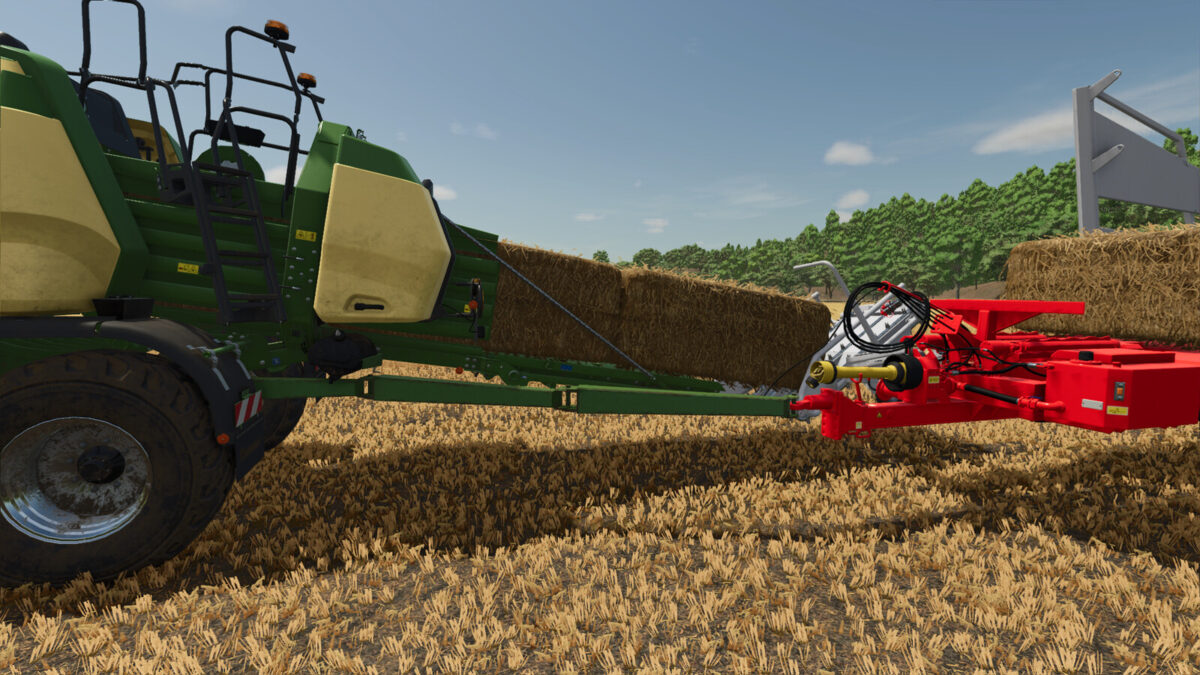
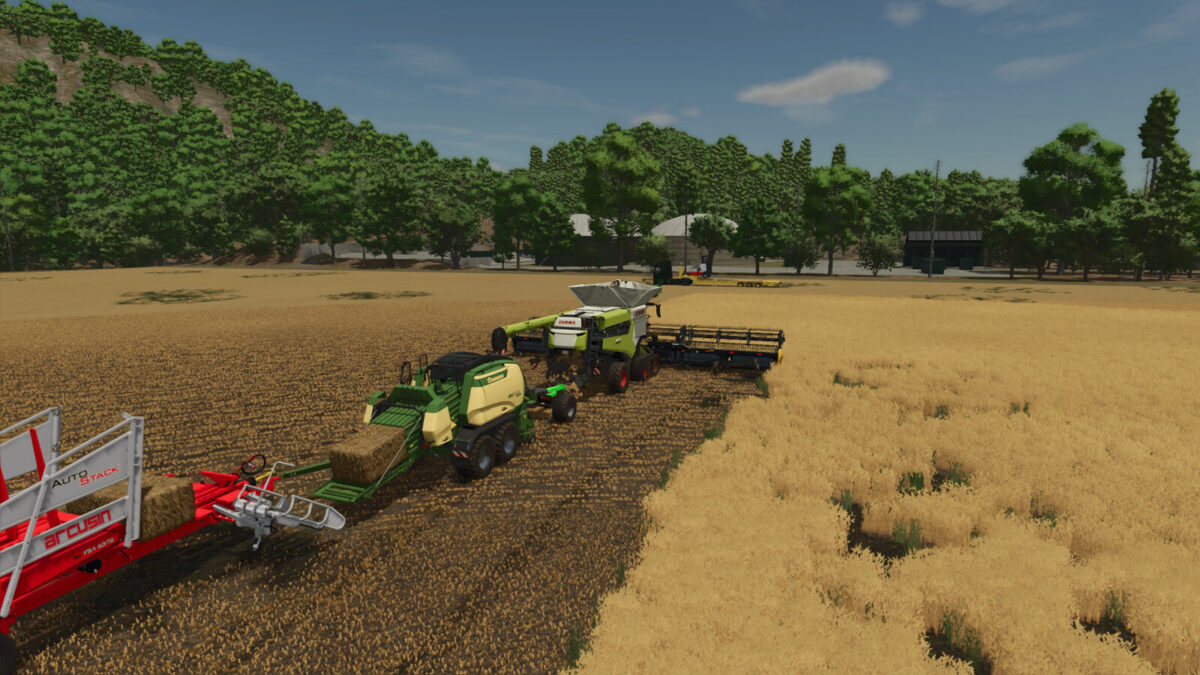
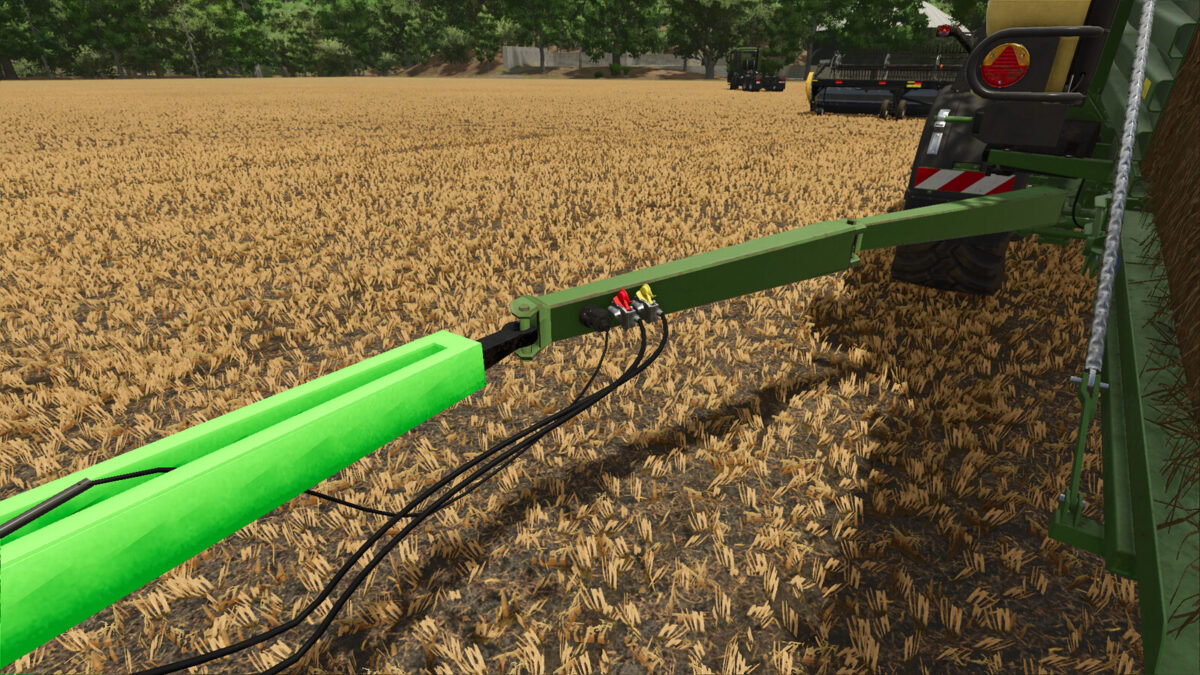
This mod adds a baler to the game with an additional strut for attaching trailers, dollies, and bale collectors. The use of the sniffer attachment is recommended for full usability.
Includes:
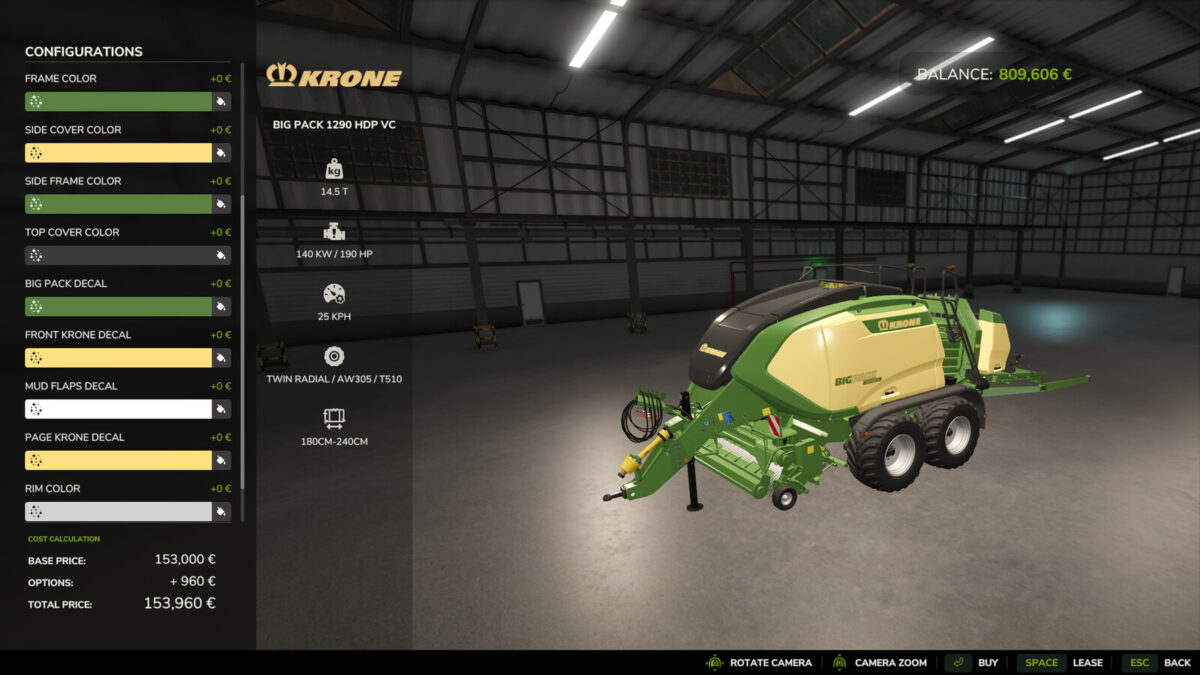
Big Pack 1290 HDP VC:
– Price: $153,000
– Working speed: 25 km/h
– Power requirement: 190 hp
– Weight and power optimized for better interaction with the sniffer attachment
– One coupling for trailers and low-trailer attachments on the strut
– Configurations: Main color, design color, tire brand/configuration, rim color, strut yes/no, decal colors
– Category: Square balers
Have fun!
Changelog 1.1.0.0
Strut rebuilt due to texture errors (wear and dirt)
Translation errors fixed
Minor XML errors fixed

Credits:

MTL Modding Team

How to install FS25 Balers?
Firstly find a mod which you like and want to download. Then download a mod to your PC. Mods are usually in .zip format file. But sometimes it can be in .rar. If a mod file is a .zip format no needed additional actions. If a file is in .rar, then you must unarchive mod with software like WinRar or Zip7. Windows 10 users no need to use software for archives, Win10 itself has a feature to unarchive files.
The next step is to find mods folder in your PC. Usually, it is in Documents/My Games/Farming Simulator 25/2025. Open the "mods" folder and put downloaded .zip archive or unarchived .rar file to this folder.
Last step. Enjoy of FS25 mods!

Leave a Reply

Your email address will not be published. Required fields are marked *