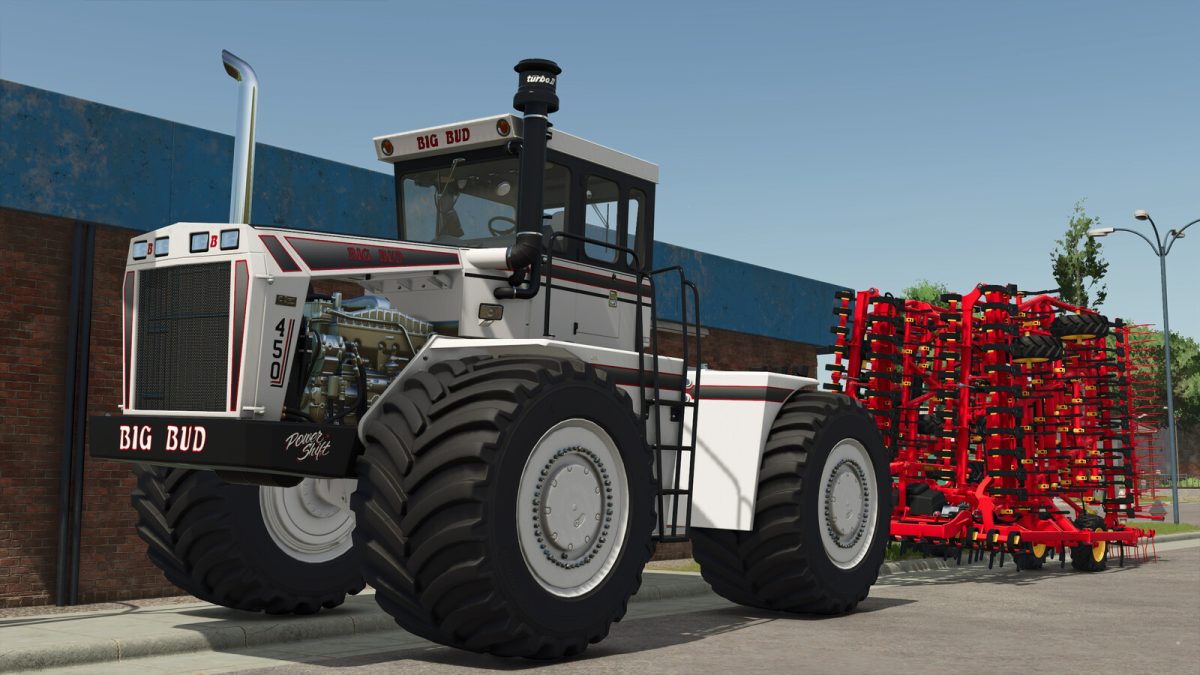
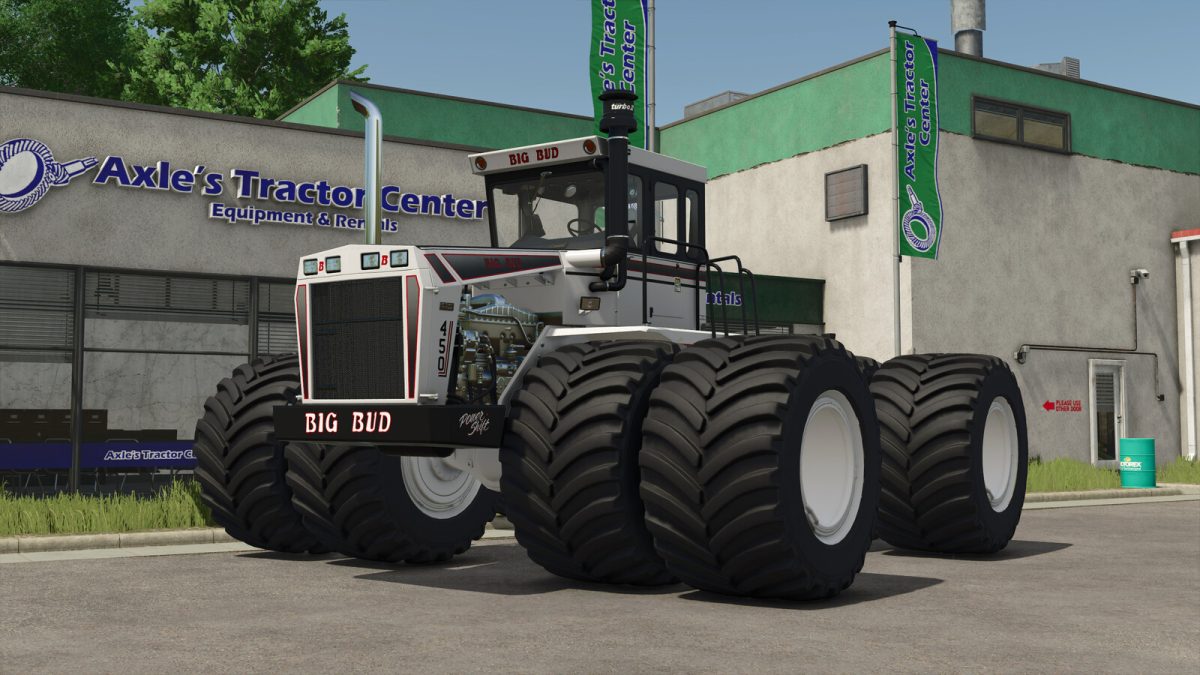
Big Bud 450 v 1.0


Category: Drivables / Large Tractors
– Price: 260.500 $
– Power: 450 hp
– Front, side and rear working lights.
– Door opening (N key).
Configurations
– Color stripe on the contour of the rims.
– Window tinting: Normal, 25%, 50% and 100%.
– Additional roof working lights: Front, rear or both.
– Optional beacon lights: Left side, right side or both sides.
– Beacon model configuration: 10 different models.
– Two engine configurations: The power is the same for both engines, the change is in the maximum speeds, one is 32 km/h forward and 15 km/h backward and the other is 45 km/h forward and 20 km/h backward.
– Wheel configuration: Normal, double, wide and double wide.
Color configurations
– Engine grille.
– Main color.
– Chassis color.
– Rim contour color.
– Railings color.
– Wheel rims color.
Credits:
Hispano, JHHG Modding