
FS25 Maps

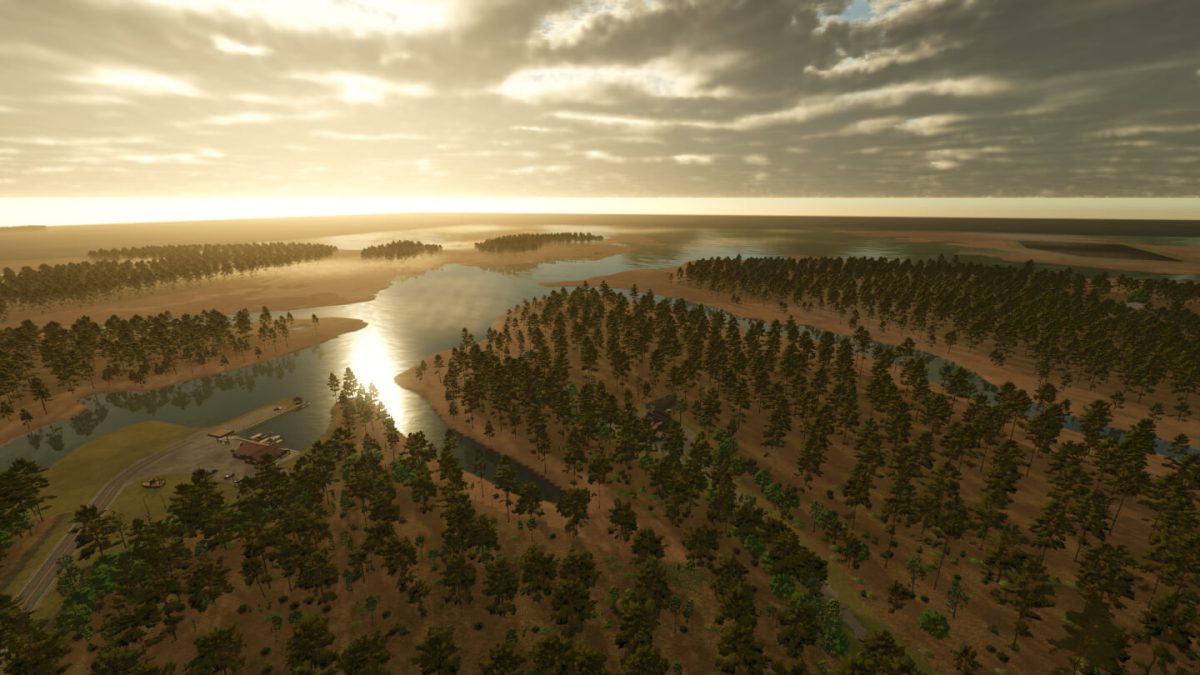
Beulahland Farms Map v 1.0

Beulahland Farms Map v 1.0

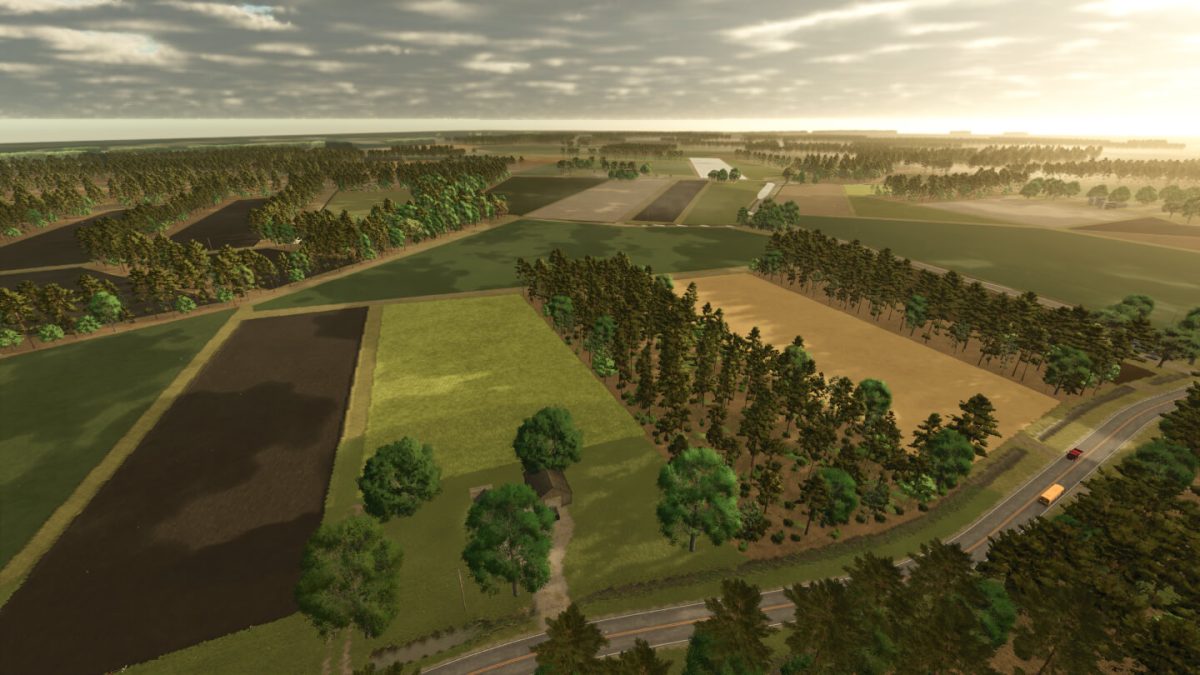
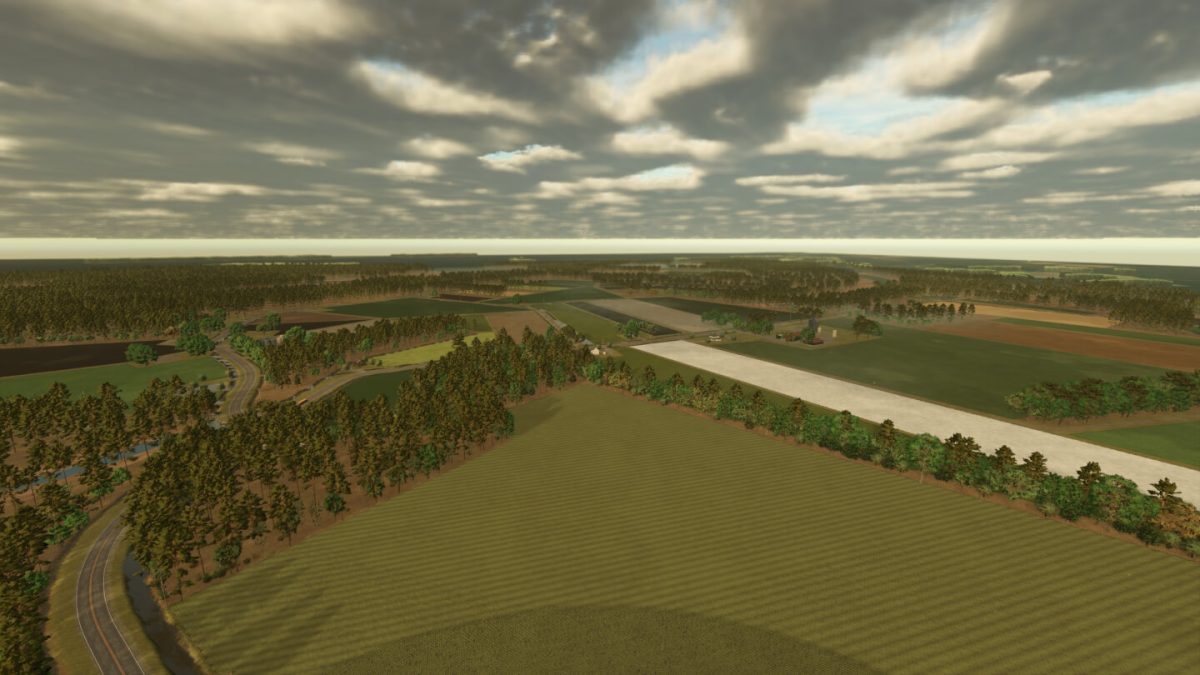
– 5 fully functional farms
– Multiple sell points, gas stations, shop and animal dealer
– 72 fields from 2 to 45 acres for all size farms
– 12 floodable “duck impoundments” for rice, corn, and sorghum
– 29000 trees 30000 max trees several 1000 acres of pine plantations and hardwoods to get deep into logging
– Lots of water to keep it 100 percent accurate and hopefully fish as a new crop type and commercial fishing as a new way of making money
– As of now several mods are needed for farm sheds and buildings. All error free and available on the official mod hub. No vehicle or implement mods are needed
– Added a temporary shelter pack with all the mods necessary

Credits:

rookie0352
How to install FS25 Maps?
Firstly find a mod which you like and want to download. Then download a mod to your PC. Mods are usually in .zip format file. But sometimes it can be in .rar. If a mod file is a .zip format no needed additional actions. If a file is in .rar, then you must unarchive mod with software like WinRar or Zip7. Windows 10 users no need to use software for archives, Win10 itself has a feature to unarchive files.
The next step is to find mods folder in your PC. Usually, it is in Documents/My Games/Farming Simulator 25/2025. Open the "mods" folder and put downloaded .zip archive or unarchived .rar file to this folder.
Last step. Enjoy of FS25 mods!

Leave a Reply

Your email address will not be published. Required fields are marked *