

Between Harz and Heide Map v 1.1


– The terrain is moderately hilly
– The 41 fields on the map (6 of which are meadows) average around 6.5 hectares in size, with the smallest measuring around 1.5 hectares and the largest around 16.5 hectares
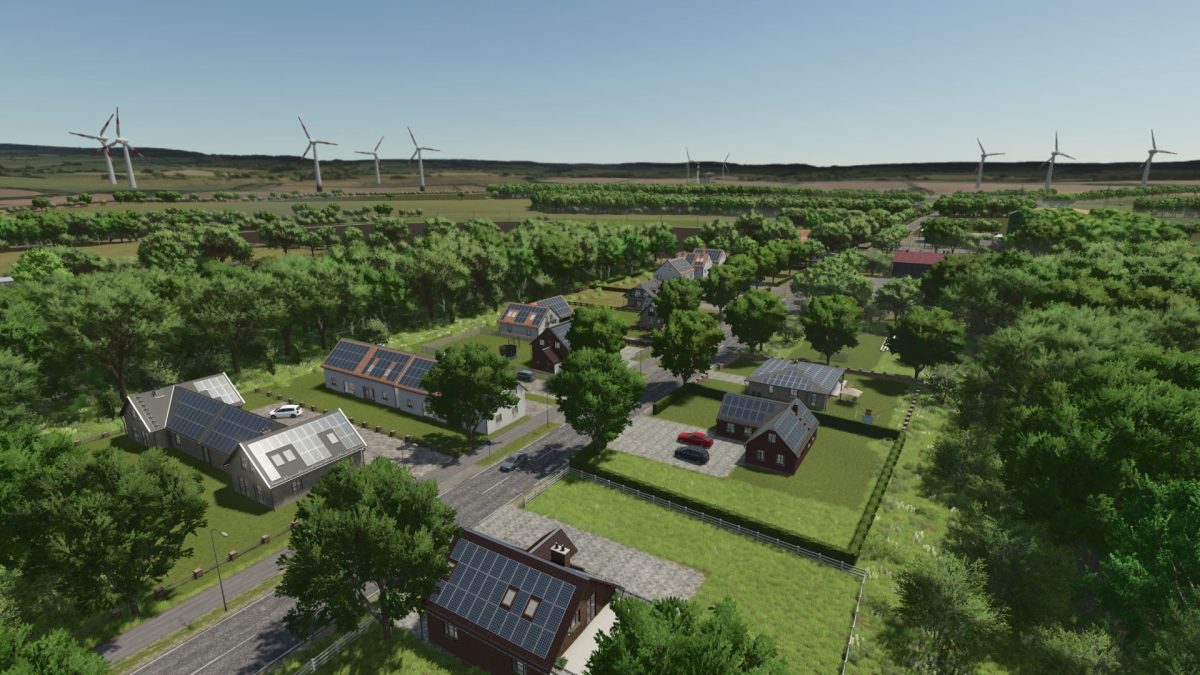
– The starting farm is a small pig farm and is centrally located in the village with the option to expand
– A second farm in the immediate vicinity is a mixed cow farm, which can also be purchased
– Field 92 and other areas are suitable for building your own farm from scratch, as well as a purchasable BGA and wage farm for example, multiplayer or other ambitious projects
– The region is known for arable farming and is ideal for growing grain, potatoes, and sugar beet
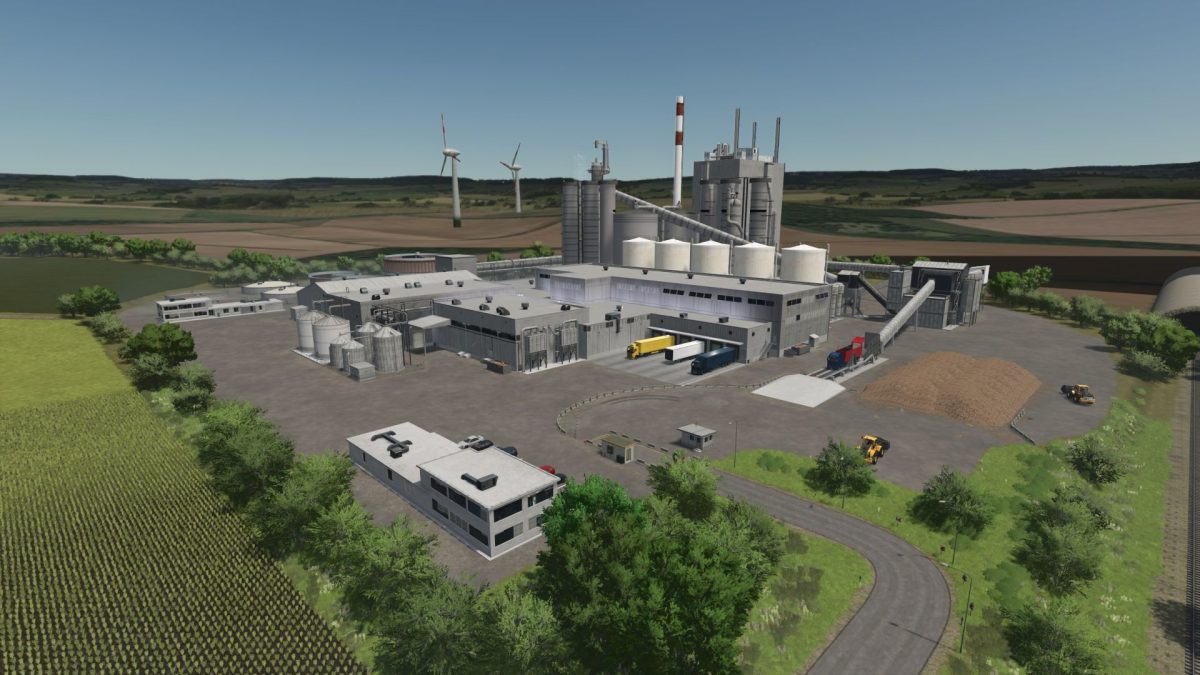
– The Wilhelm Fromme agricultural trade, Golden Geest potatoes and a sugar factory are available as sales points
– All of them come from the region
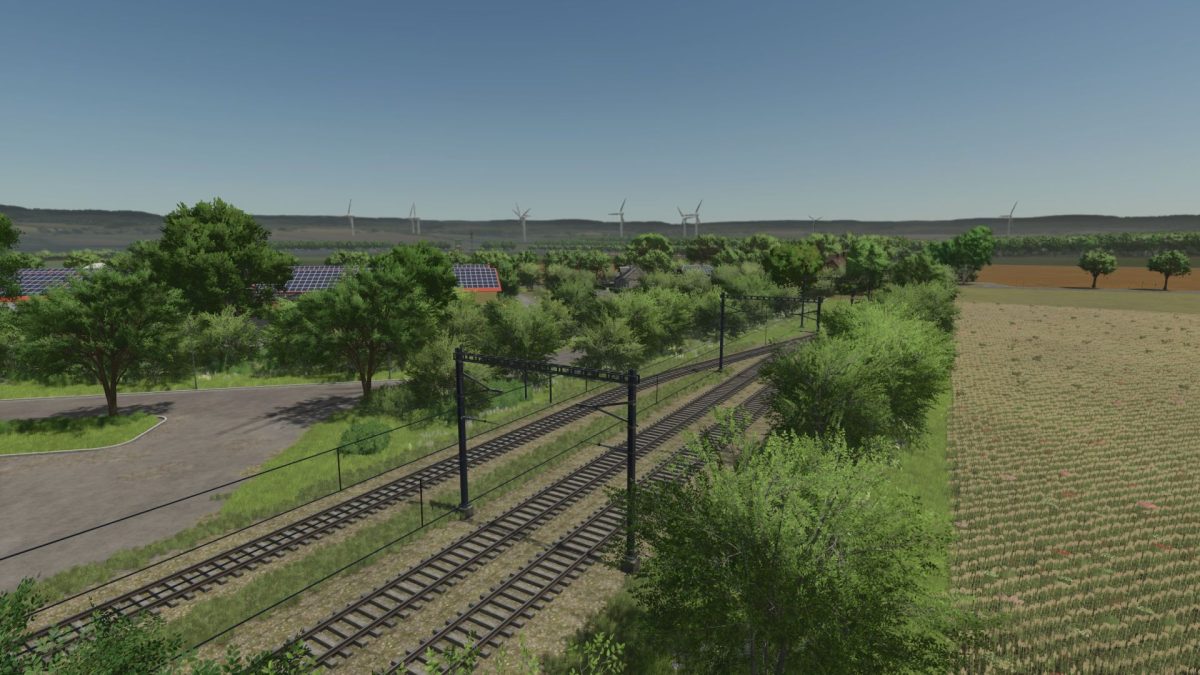
– Other sales points such as the train station, the Woltorfer agricultural trade and the logistics center accept your products
– Realism and local relevance are important to us
– The map features multi crops (rye, spelt, triticale, green rye, humus active, silage maize, field grass, etc…)
– Realistic seeding rates and yields as well as realistic selling prices
– The realistic feeding adjusts the feeding, milk yield as well as liquid manure and dung
– The map has its own soil map and is therefore ready for precision farming
Version 1.1:
* Multifruks adapted to Precision Farming
* Wetness textures added (streets get wet when rain, puddles form on main and side streets)
* Adjusted indoor mask (snow tarpaulin)
* Floating objects fixed
* Hall height adapted to the courtyards (only active with new savegame)
* Collision fixed card edge
* Stepper disorder rapeseed added
* Adjusted stone density
* Missed bugs resolved and much more
Credits:
gerrit0476


