Better Animal Husbandries v 1.0


Better Husbandry is a mod that increase all your husbandry productions amount every game hour, from all your animals now you can get more product instead of the default, like for example.
COWS => MILK + BUFFALOMILK + MANURE + SLURRY
PIGS => SLURRY + MANURE
GOATS => GOATMILK
SHEEPS => WOOL
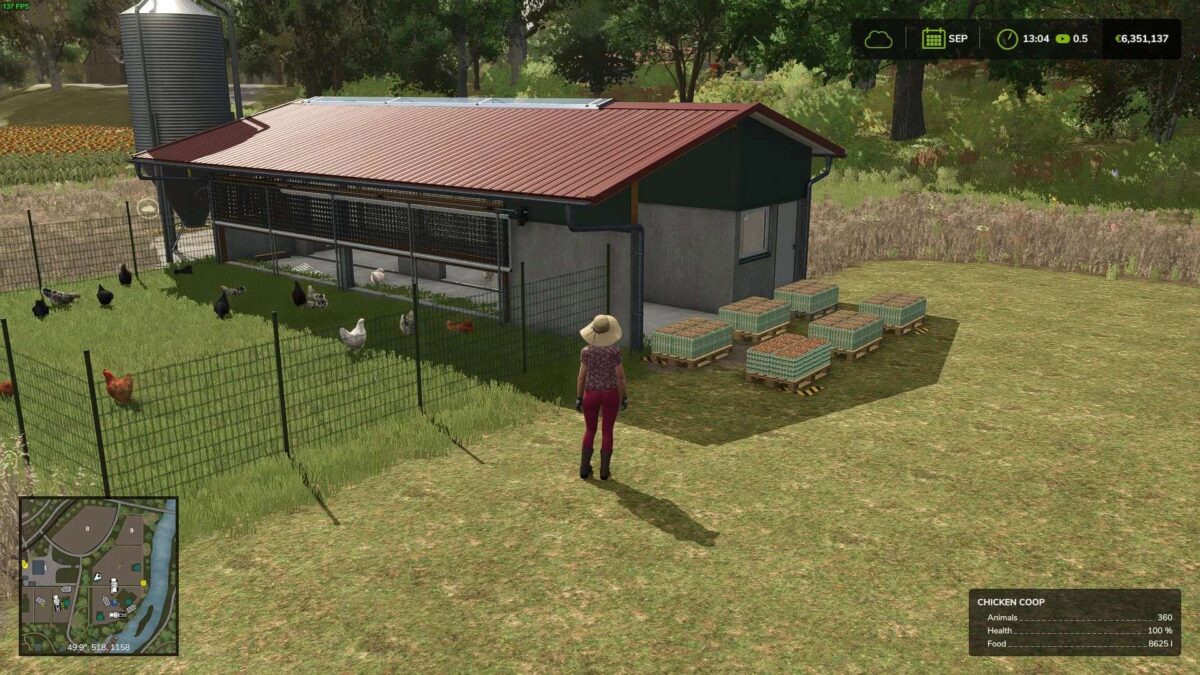
CHICKENS => EGG
HORSES => MANURE
A detailed example like if ‘1’ chicken produce ‘100’ eggs per game hour and the multiplier is ‘2’ then that chicken will product ‘200’ eggs.
You can adjust the multiplier under Game Settings (Press ESC button) so you can increase or decrease the value in your desire. (default: 2 – min: 0 – max: 100).
If you want to disable any setting you can set to it to ‘0’ value just note that if you change any setting you have to restart your savegame.
In order to apply the changes you made under settings.
Credits:
westor