

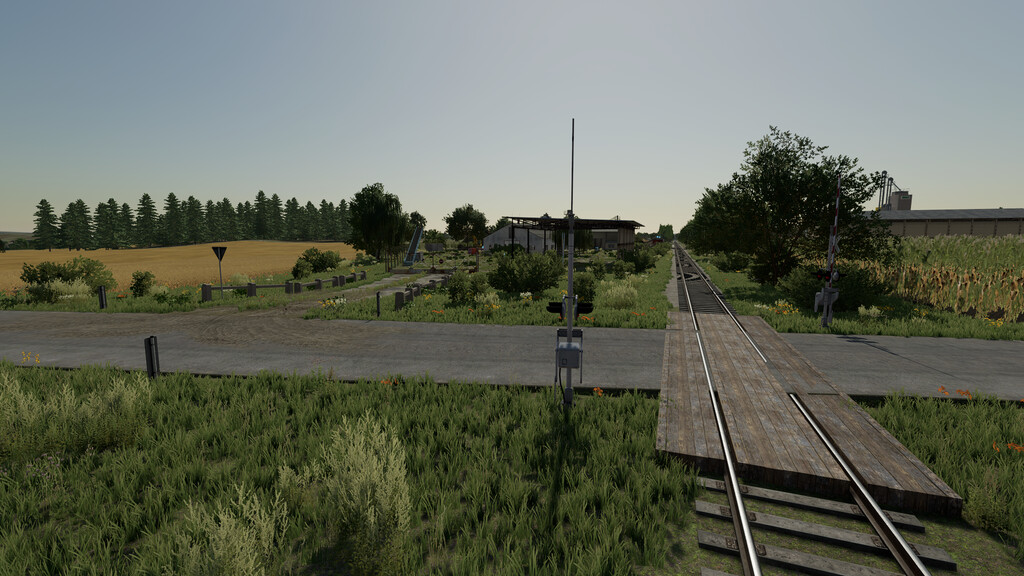
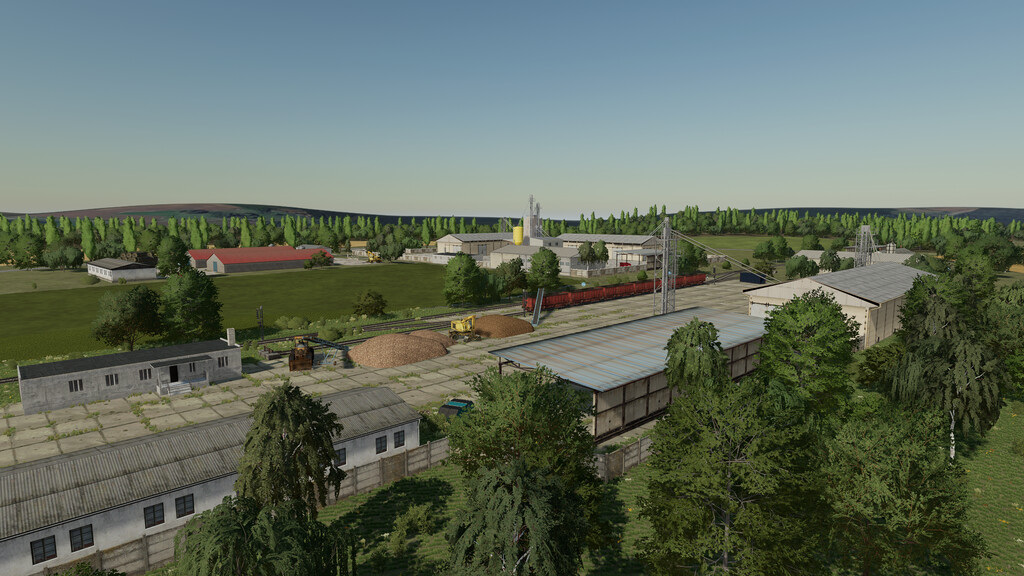
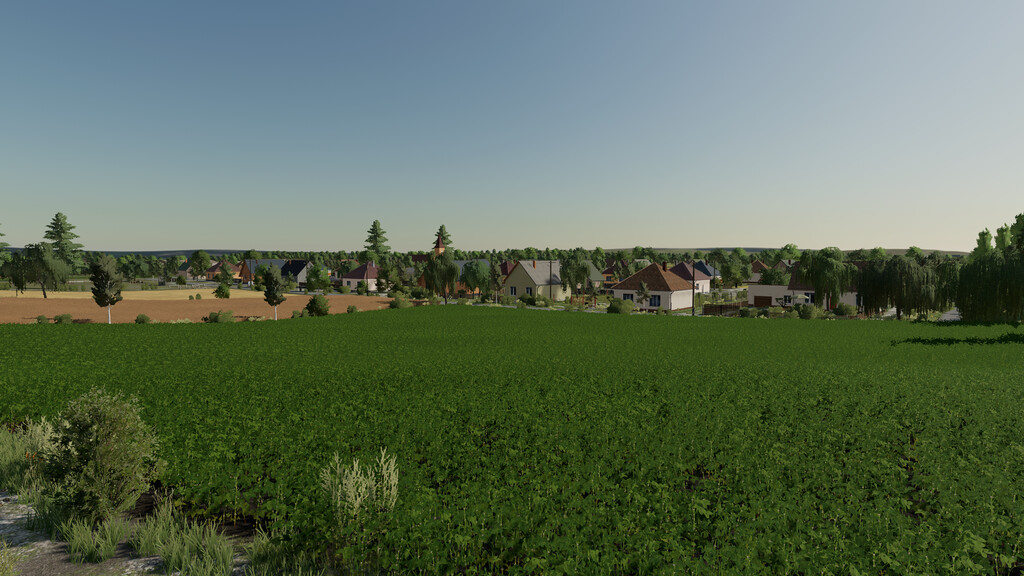
Baranya Agro Map v 1.0


– Unique lighting with blue skies and darker nights
– Animations – Birds fly over the map
– 37 fields with missions – small/medium
– There are 19 cultivable backyards in the village
– 2 scythes
– Buyable forest
– Collection
– Hungarian license plates integrated into the map
– Original grass textures
– Tons of unique sounds
– Bale sale
– Sell milk
– Organic manure and slurry can be purchased
– Animals: cows, lambs, chickens and pigs
– Sell eggs and wool in the village
– Seed station
– 2 sales points where all grains can be sold
– You can sell sugarbeet and potatoes at the railway and in the village
– A working dryer with two large crop containers
– Chicken farm with organic fertilizer maker
– Sawmill
– Automatic bale storage
– Organic and slurry storage for cows
– 3 large silos
– Traffic
– A moving train
Credits:
davidoff


