

Bank and Financing v1.0


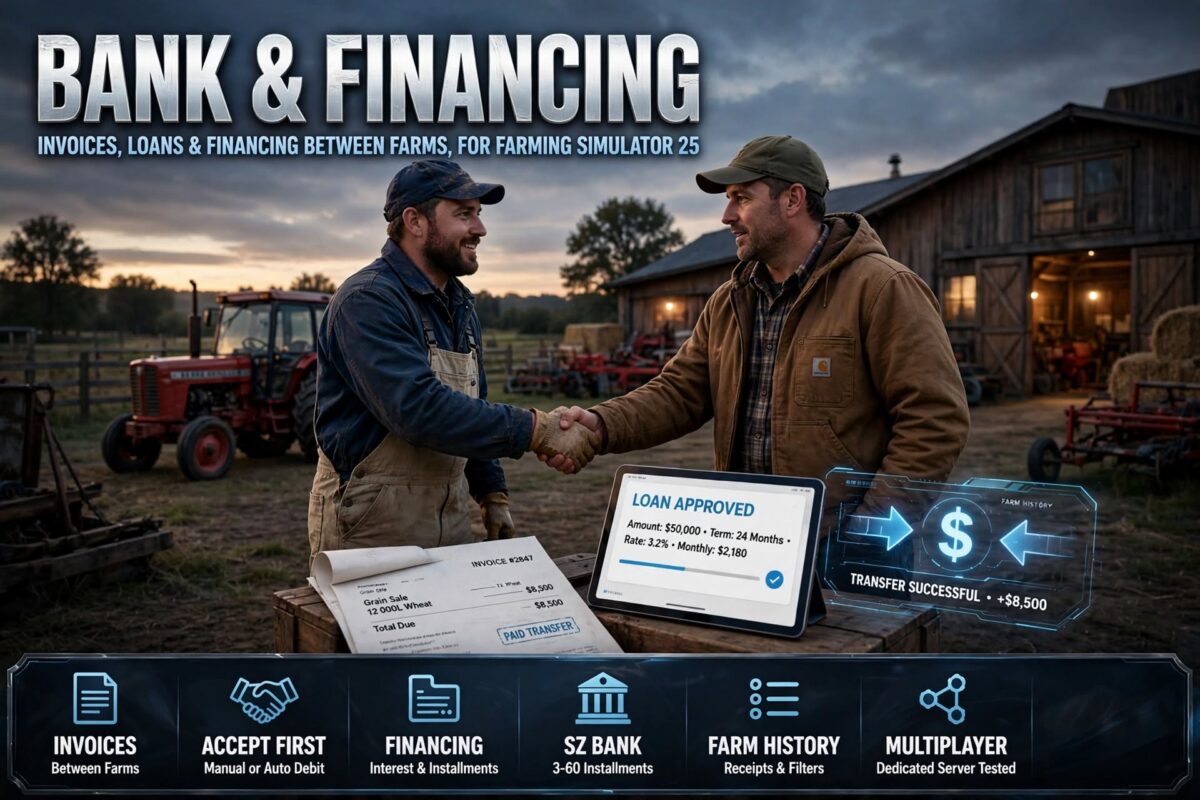
Did you haul a load for your neighbor? Harvested corn from another farm? With SZ Notas, you can issue an invoice for the service and get paid with the farm’s own money in Farming Simulator 25.
Invoices between farms. Send charges for products or services. The recipient can review the invoice before accepting it and choose between manual payment or automatic debit. The charge is only made after acceptance.
Financing between players. Set the monthly interest rate and the number of installments. Before closing the deal, check the amounts and the month of each due date. Afterwards, it is possible to amortize the debt, pay it off early, or negotiate its cancellation between the farms.
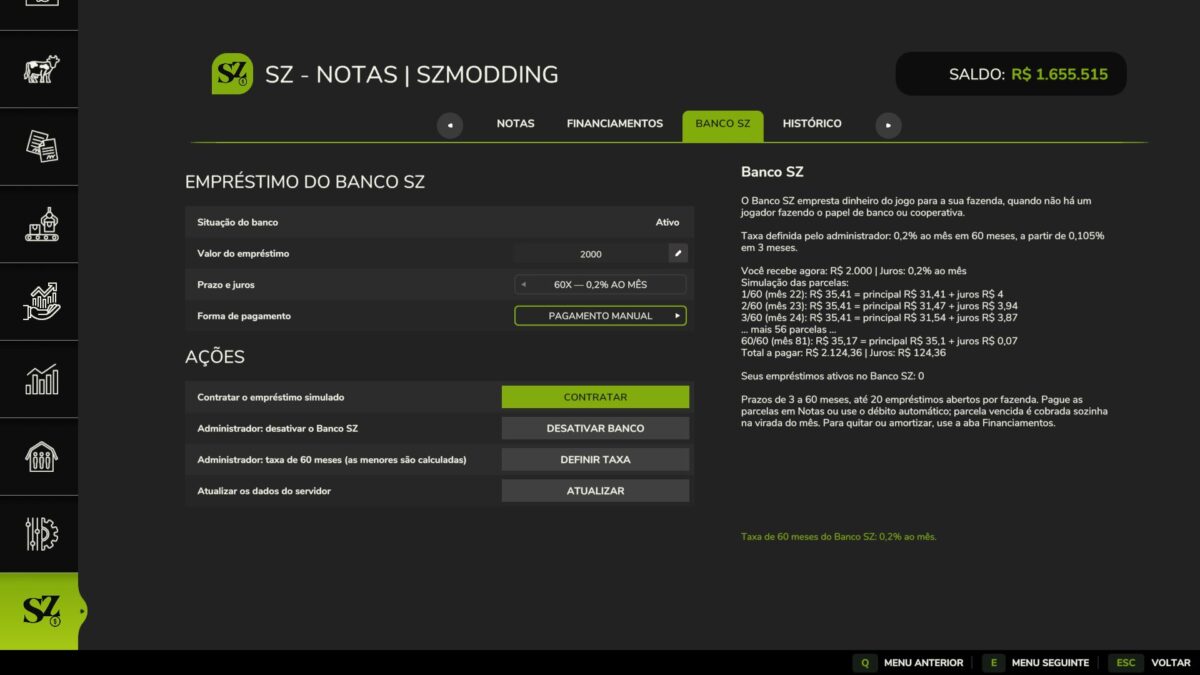
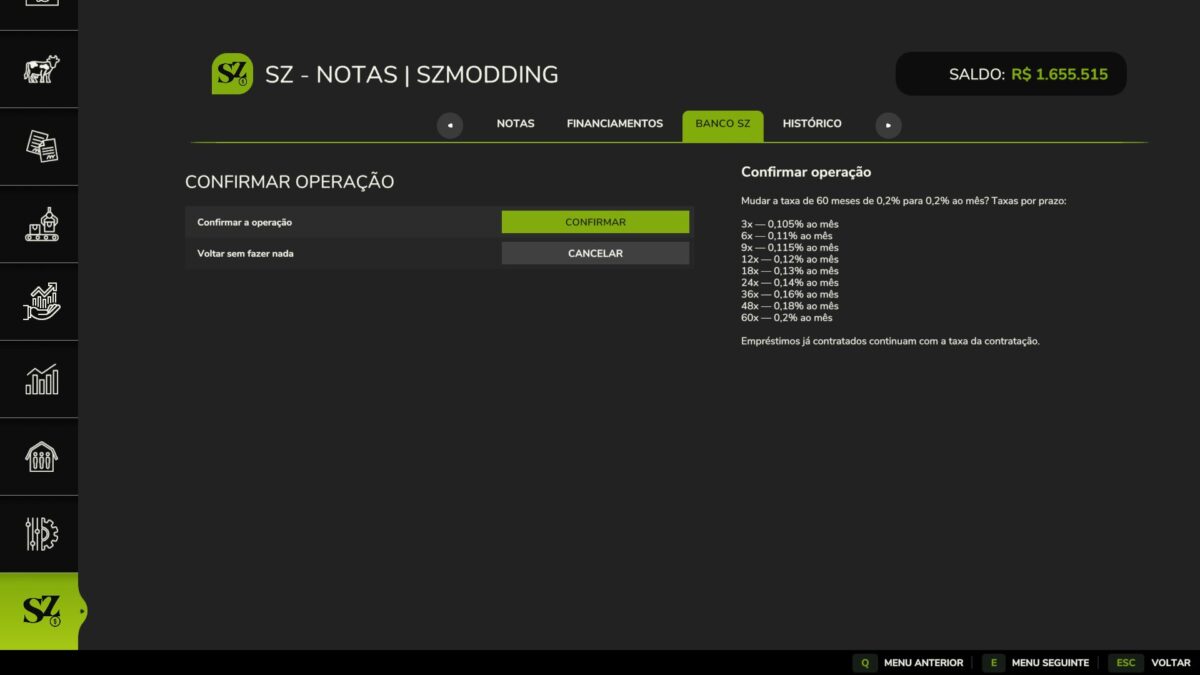
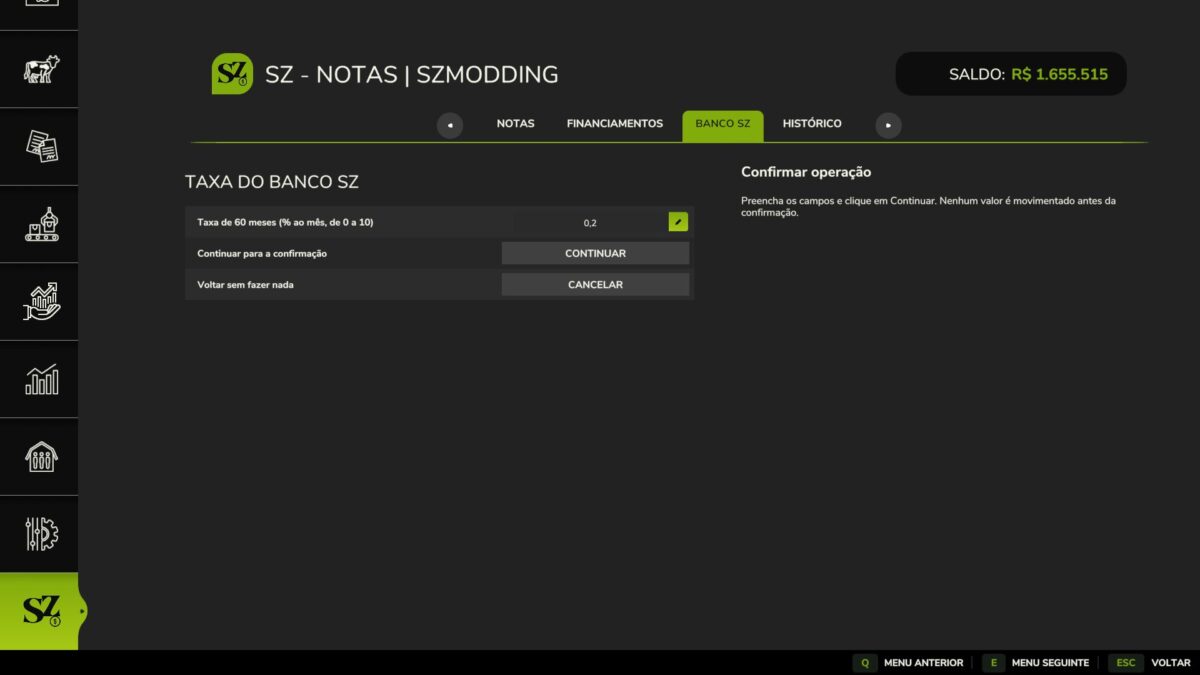
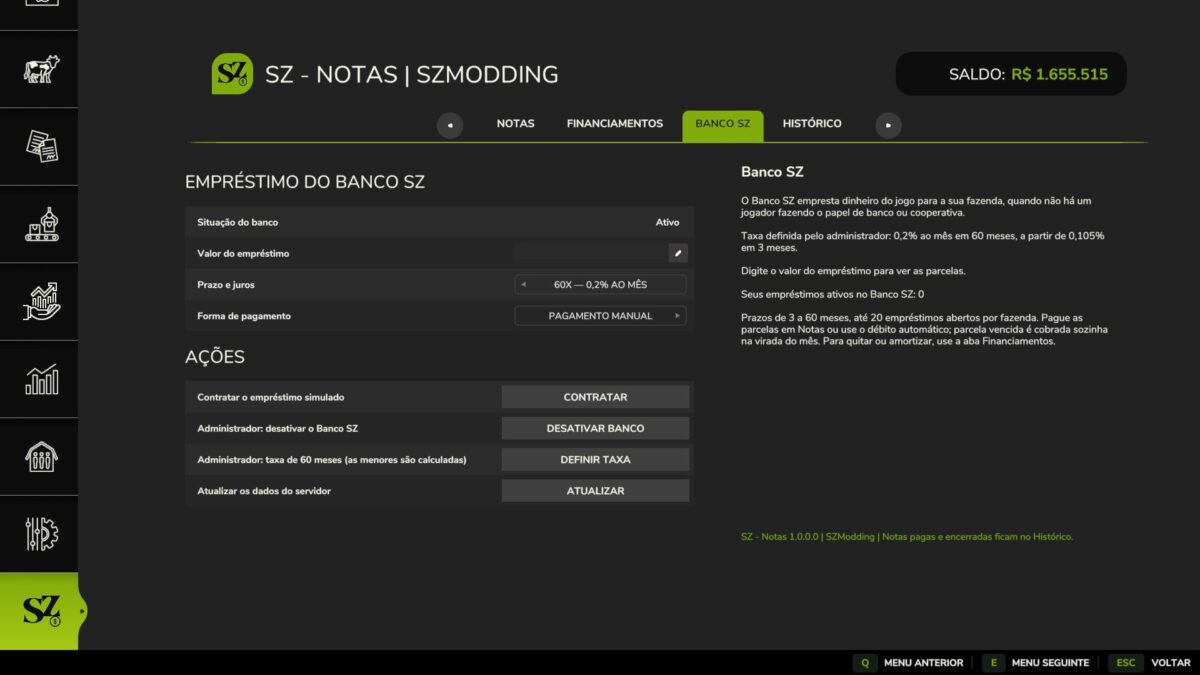
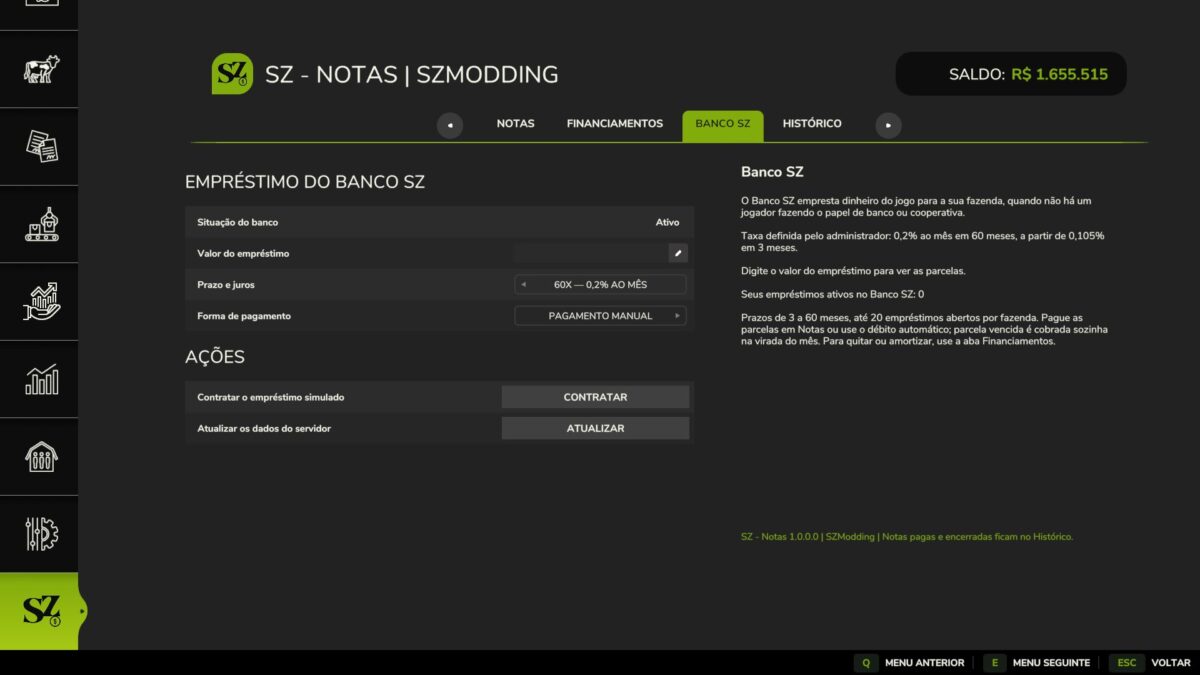
SZ Bank. Even when no one on the server takes on the role of banker, your farm can take out a loan in 3 to 60 installments. The server administrator sets the interest rate.
Farm history. Review transactions using filters and check transfer receipts.
Tested in multiplayer and on a dedicated server. Available in Brazilian Portuguese and English.
Credits:
SZModding


