

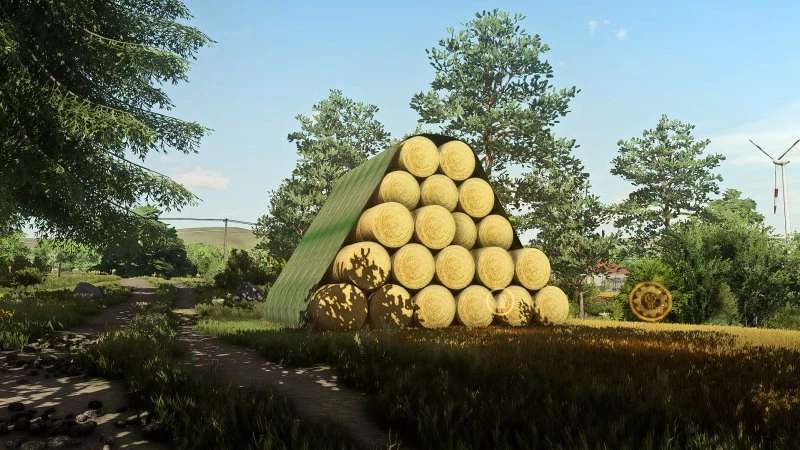
Bale Storages v 1.4


Storage for round and square bales
Round bale storage: hay, straw, grass, silage, woodchips, alfalfa, alfalfa hay, clover, clover hay, lavender, cotton, Grass Silage and Maize Silage
Costs each: 50.000 $
Daily costs: 50 $
Capacity: 2.600.000 L (hay, straw, grass, silage, alfalfa, alfalfa hay, clover, clover hay, Grass Silage, Maize Silage), 1.900.000 L (woodchips) 1.800.000 L (lavender, cotton)
Square bales storage: hay, straw, grass, silage, alfalfa, alfalfa hay, clover, clover hay, lavender, cotton, Grass Silage and Maize Silage
Costs in each case: 50,000 $
Daily costs: 50 $
Capacity: 2.500.000 L (hay, straw, grass, silage, alfalfa, alfalfa hay, clover, clover hay, Grass Silage, Maize Silage), 1.200.000 L (lavender, cotton)
Tarpaulins and roof with color choice
Only storages for existing Filltypes are shown
Version 1.4:
* Own storages for alfalfa, alfalfa hay, clover, clover, lavender hay, Grass Silage and Maize Silage added. Only available when in the game available
Credits:
Achimobil


