

Bale Batch Tracker v 1.0


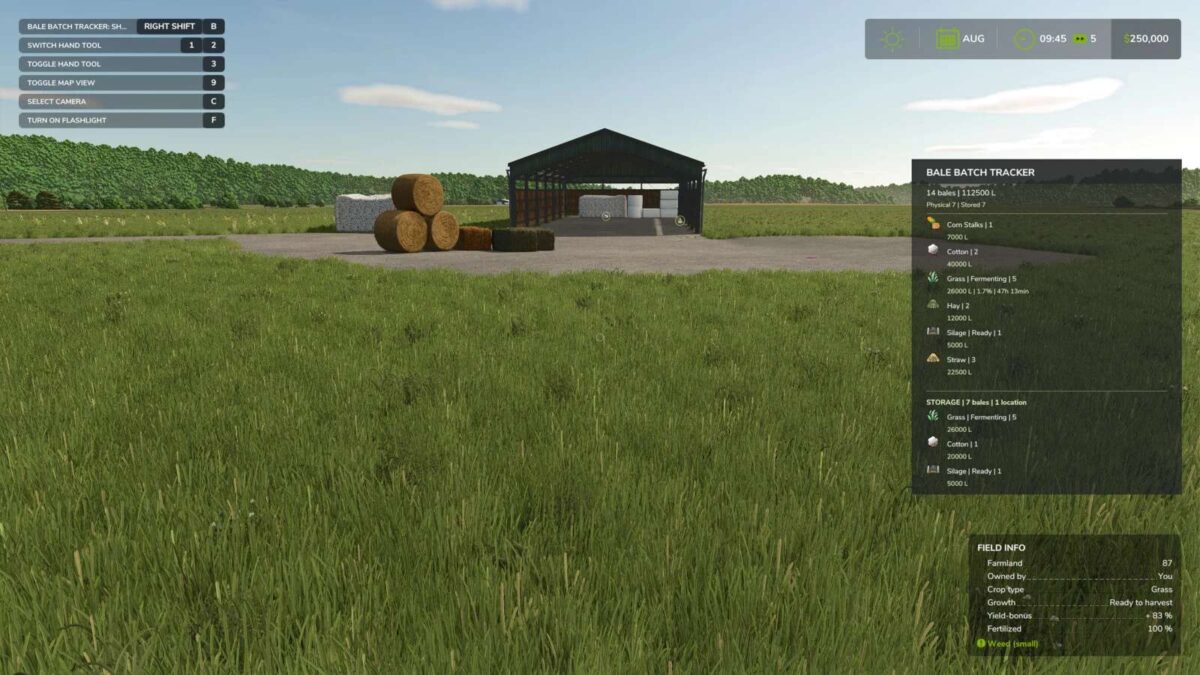
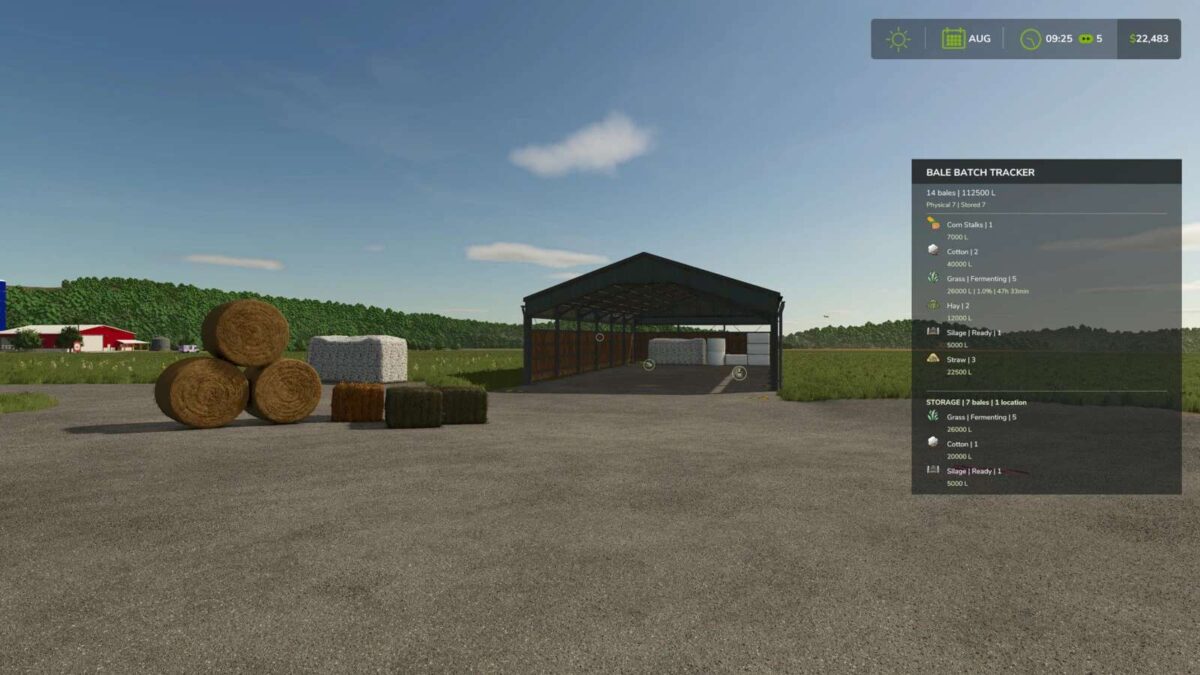
Keep track of your bales with a clear and compact HUD.
Bale Batch Tracker shows the number and total volume of your physical and stored bales, grouped by material and status.
For fermenting bales, the mod displays fermentation progress and estimated remaining time. Optional notifications can alert you when fermentation reaches a configurable threshold.
Main features:
Tracks physical and stored bales
Shows bale count and total volume
Groups bales by fill type and status
Displays fermentation progress and remaining time
Configurable fermentation warning threshold
Optional fermentation notifications
Supports grass, hay, straw, silage, cotton and other compatible bale types
Automatically excludes contract and mission bales
HUD can be shown or hidden
Key binding can be changed in the game controls menu
PLEASE NOTE:
Bales are not displayed on the minimap.
Credits:
Phelefice


