
FS25 Maps

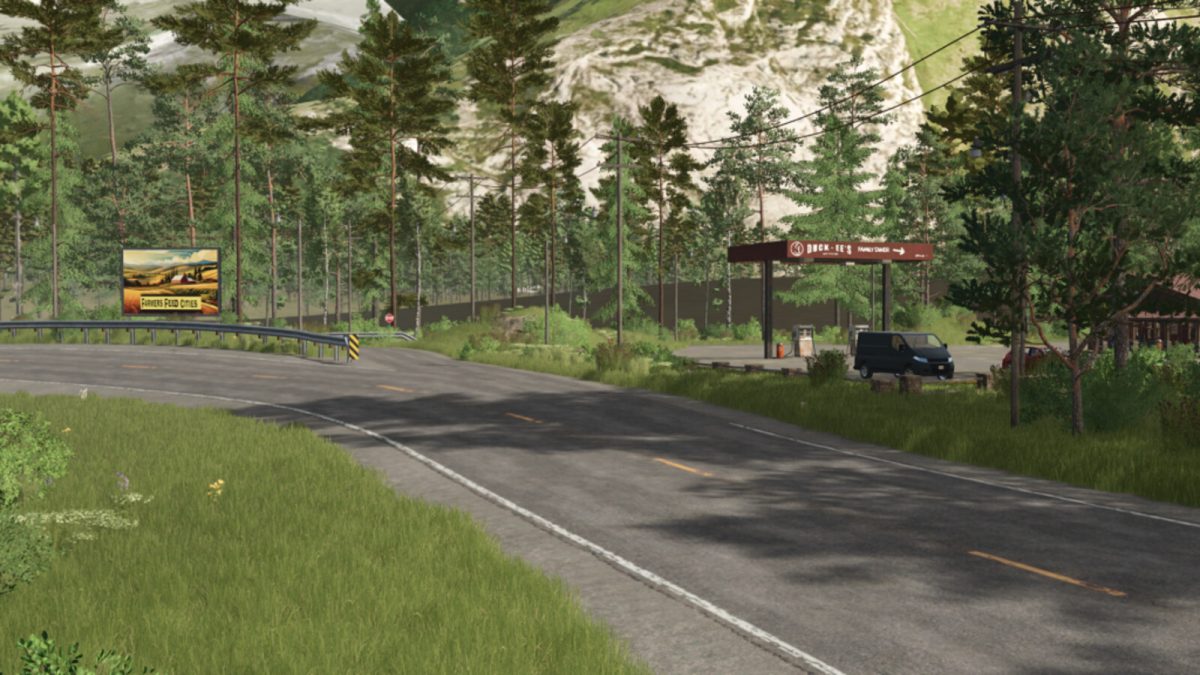
Back Roads County 4x Map v 1.0

Back Roads County 4x Map v 1.0

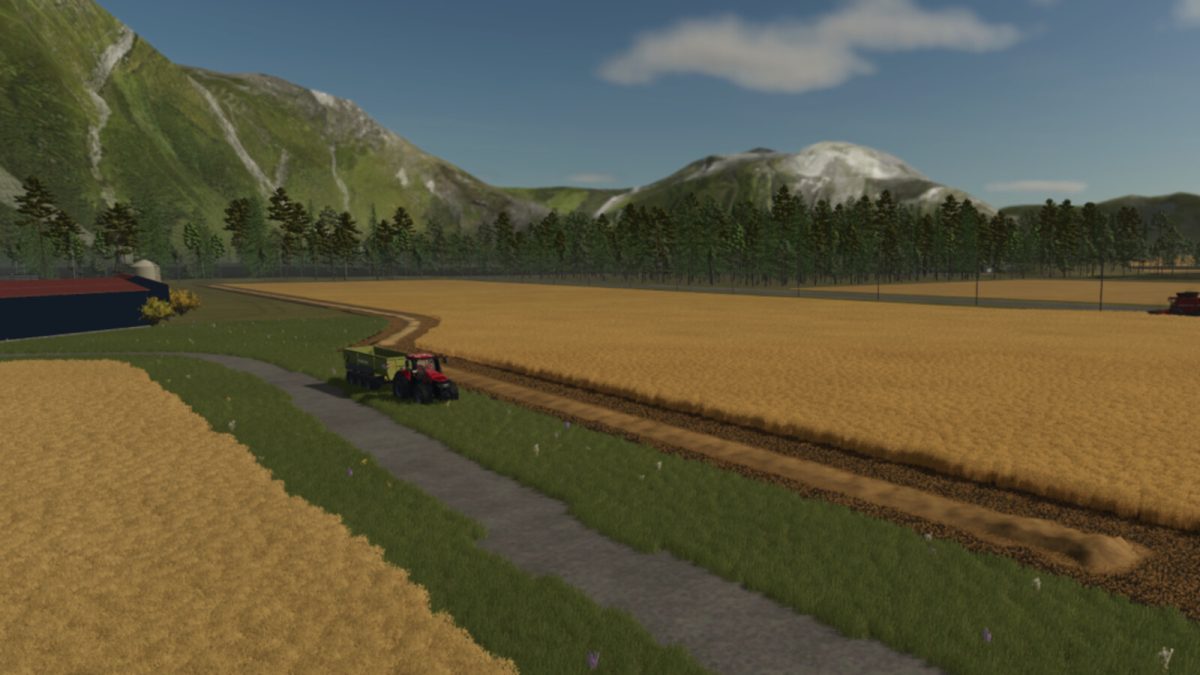
– 84 uniquely shaped fields across 142 farmlands
– One large starter farm with equipment and expansion space
– Custom train loading ramp and added train cars for increased hauling capacity
– CASE IH dealership and repair shop
– Johnson & Sons Flour Mill for production
– Grain West silo with rail support
– General Store sell all point and Farmers Market style diversity
– Sawmill for wood production
– Lime station and two fuel stations for operational support
– Dedicated Animal Dealer for livestock needs
– Wide variety of field sizes to suit all playstyles
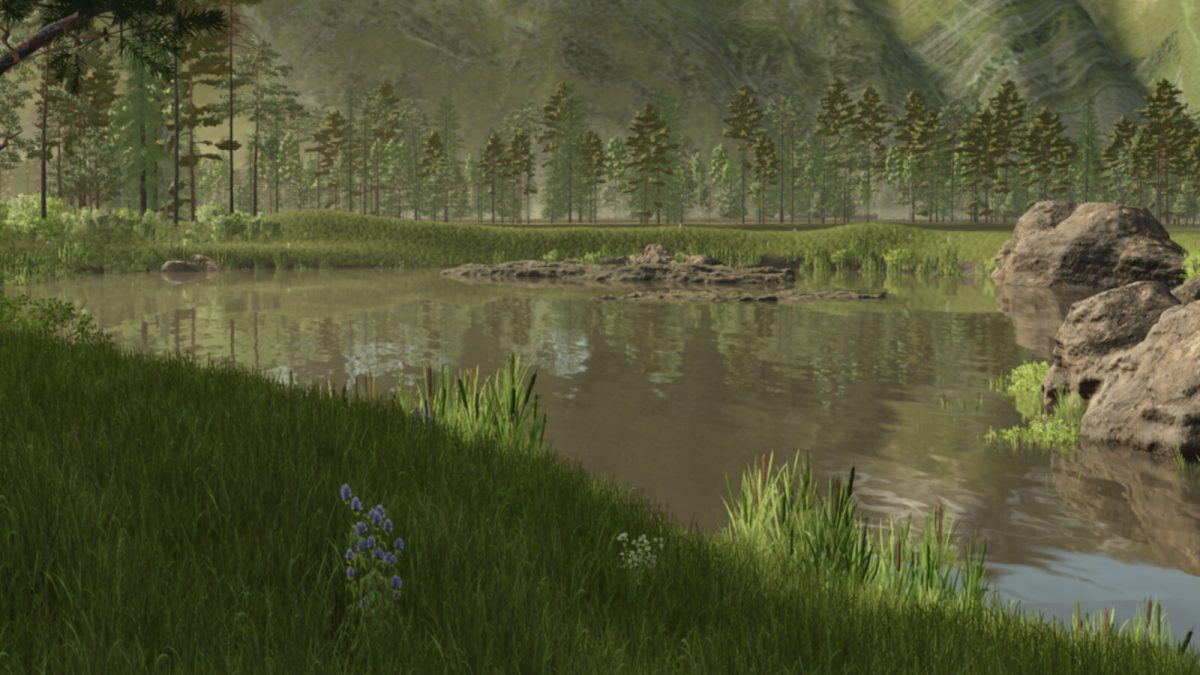
– Designed to evoke the feel of real country backroads

Credits:

FSG Modding FSG, TAZ_MAN

How to install FS25 Maps?
Firstly find a mod which you like and want to download. Then download a mod to your PC. Mods are usually in .zip format file. But sometimes it can be in .rar. If a mod file is a .zip format no needed additional actions. If a file is in .rar, then you must unarchive mod with software like WinRar or Zip7. Windows 10 users no need to use software for archives, Win10 itself has a feature to unarchive files.
The next step is to find mods folder in your PC. Usually, it is in Documents/My Games/Farming Simulator 25/2025. Open the "mods" folder and put downloaded .zip archive or unarchived .rar file to this folder.
Last step. Enjoy of FS25 mods!

Leave a Reply

Your email address will not be published. Required fields are marked *