

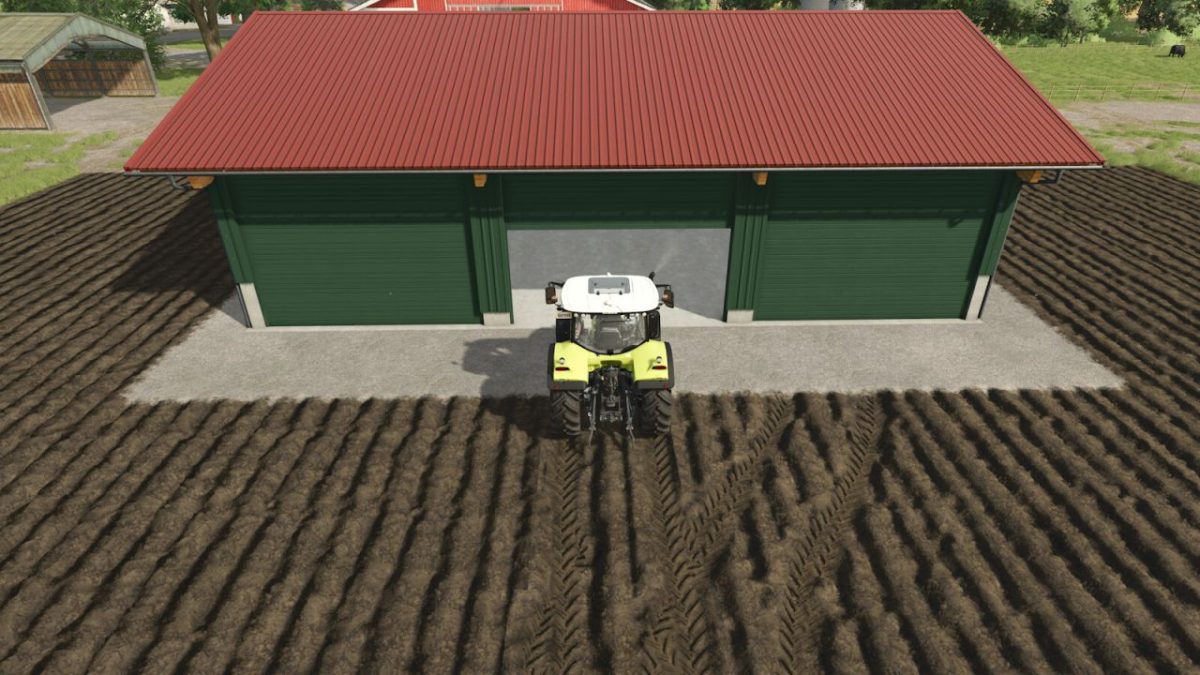
Automatic Door Opener v 1.0


Automatically open or manually “AnimatedObject” doors and gates. No need to implement in other mods (Default Keys L and LCRTL+L, only on foot).
– Default key L = Switch door state: disabled/player+vehicles/only vehicles/only players (Default disabled)
– Default key LCTRL + L = Switch door open/close state: automatic/manually (default manually)
Optional over XML (Mods):
– Use ‘lockdoor=”true or false”‘ in the controls of AnimatedObject to lock individual doors.
– Use ‘autoopenState=”0 or 1 or 2 or 3″‘ in the controls of AnimatedObject to change the function 0=disabled, 1=on Vehicle+on Foot, 2=on Vehicle, 3=on Foot.
– Use ‘remoteControl=”false oder true”‘ in the controls of AnimatedObject to change the door automatic(false) or manually(true).
Credits:
HappyLooser


