

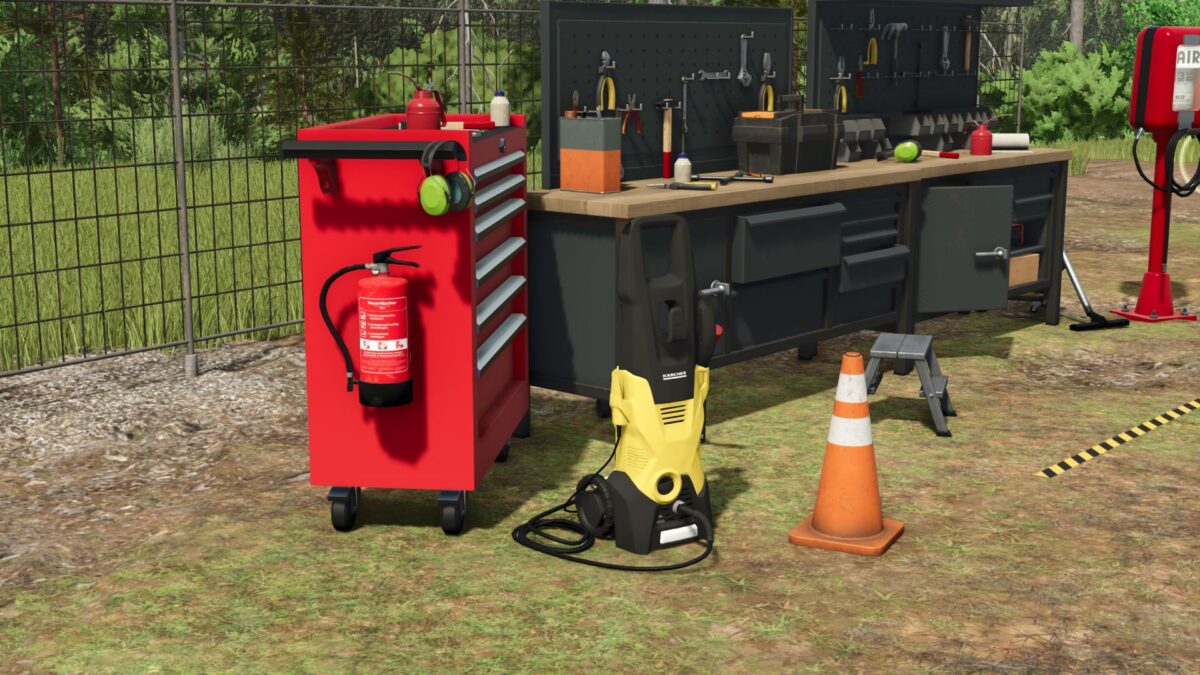
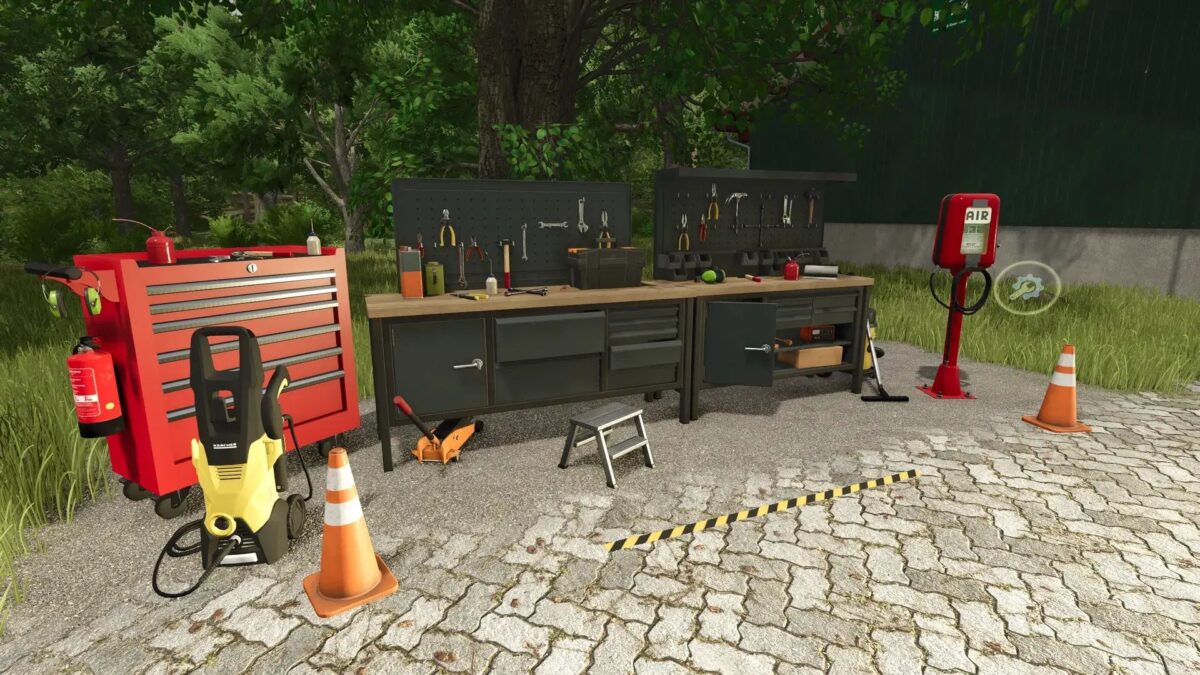
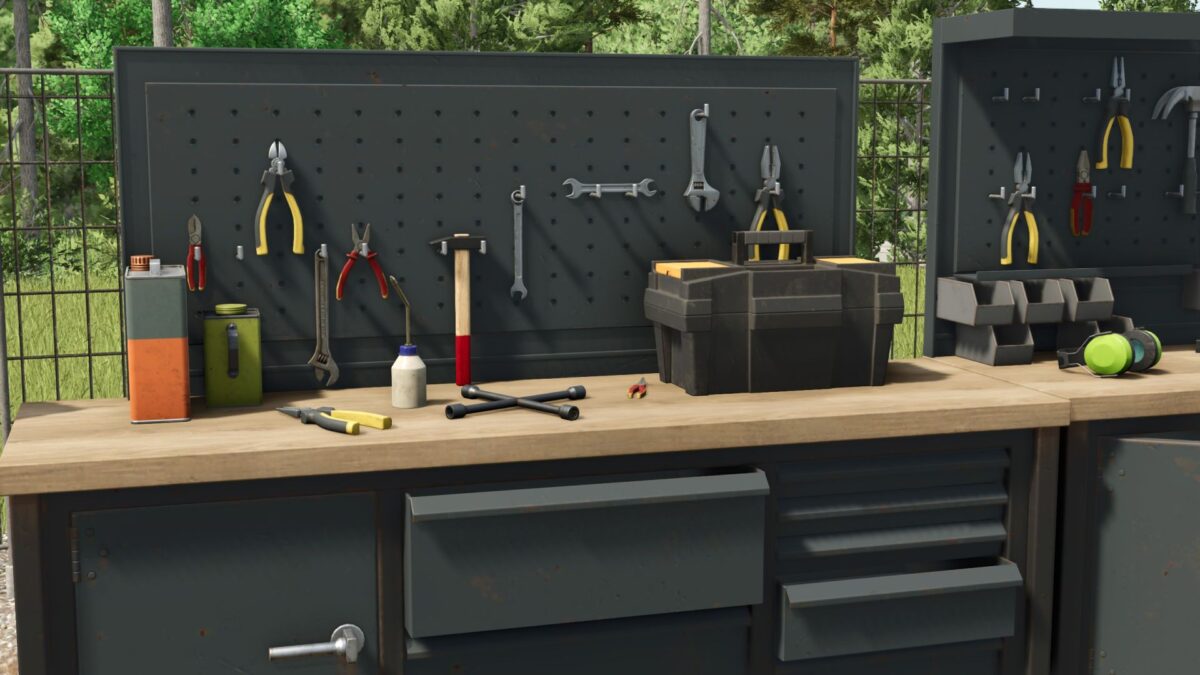
Automated Multifunctional Workshop v 1.0.0.2


With this fully automated workshop, you have everything you need for the care and maintenance of your vehicles.
Automated repair:
The workshop carries out repairs on vehicles independently, so that your machines always remain in perfect condition. Washing and painting: Your vehicles are not only maintained, but also thoroughly washed and professionally painted – all automatically.
Integrated fuel station: The workshop is equipped with an integrated fuel system so you can refuel your vehicles quickly and easily at any time.
Adjustment:
You can use the Z button to show or hide warning strips and icons as long as you are in the correct trigger zone. The workbench lighting can be turned on and off using the R button.
Costs and maintenance:
Purchase price: €15,000
Monthly maintenance costs: €10,000
This workshop is the ideal solution to facilitate your work and keep your fleet efficient and in perfect condition.
Version 1.0.0.2:
* File name changed to “fullServiceWorkshop” (This can be adjusted in the savegame in the placeables.xml. Simply search for “workshop” and replace “workshop” with “fullServiceWorkshop” in the file path)
* Air Pump: Added again with a configuration that allows it to be shown and hidden
* Color configuration: For workshop trolley, air pump and charging station
Credits:
MR Modding, Achimobil


