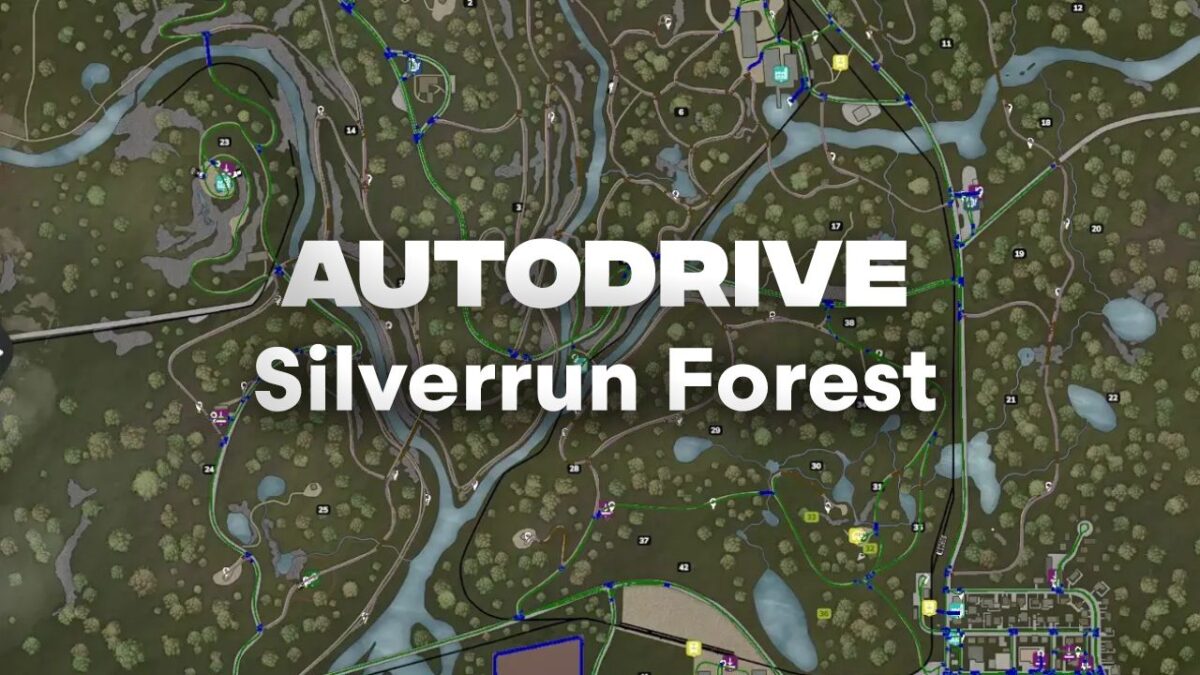
Autodrive Silverrun Forest v 1.0


– Full autodrive course for Silverrun Forest
– All productions connected
– Includes all main roads and forest paths
– Covers all sales points and fields
– Default forest points with options for customization
– Target points for roller coaster and boatyard included
– Organized folder structure
– Series of approach points for wood transport missions
This mod provides a comprehensive autodrive course specifically designed for the Silverrun Forest map in Farming Simulator. It includes connections for all available productions, ensuring efficient transport of goods. The course incorporates all main roads and forest paths, allowing for easy navigation throughout the environment.
In addition, all sales points and fields are included, making it convenient for players to manage their farming operations effectively. The default forest points are set up for immediate use, while players have the flexibility to modify or add their own if desired.
Furthermore, the mod features special target points for both the roller coaster and boatyard, enhancing gameplay options. A well-organized folder structure makes installation straightforward, and a variety of approach points have been created specifically for wood transport missions, increasing overall efficiency in timber handling.
Please note that this mod requires the Autodrive and Silverrun Forest mods to function properly.
Credits:
Benderspielt