

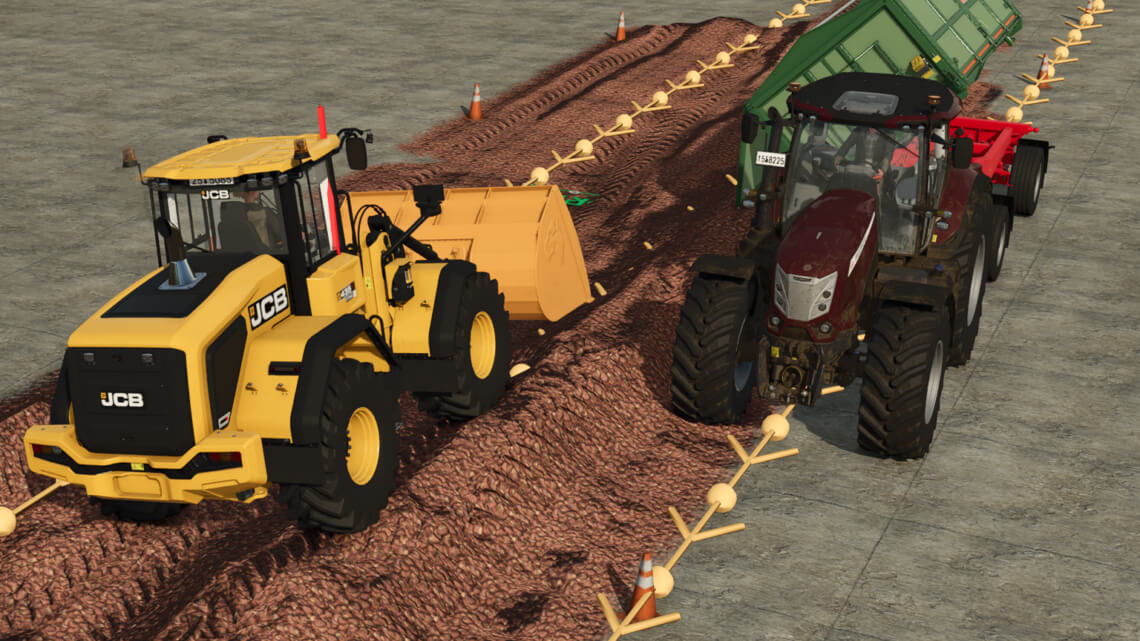
AutoDrive Open Air Silo Forward v 1.0


AutoDrive Freiland Silo Forward
- This mod contains open-air silos/field silos in three sizes.
- It contains pre-installed AutoDrive routes to fill them forward.
- This means it can then be connected to an existing route network.
There are open-air silos/field silos for the following materials:
Silage
Sugar beet
Sugar beet pulp
Potatoes
Carrots
Parsnips
Beetroot
Wood chips
Stones
Manure
AutoDrive outdoor silo backwards
- This mod contains outdoor silos/field silos in three sizes.
- It contains pre-installed AutoDrive routes to fill them backwards/forwards.
- This means it can then be connected to an existing route network.
Outdoor silos/field silos are available for the following materials:
Silage
Sugar beet
Sugar beet pulp
Potatoes
Carrots
Parsnips
Beetroot
Wood chips
Stones
Manure
The goods can then also be removed using CoursePlay.
Credits:
Willi Willswissen


