

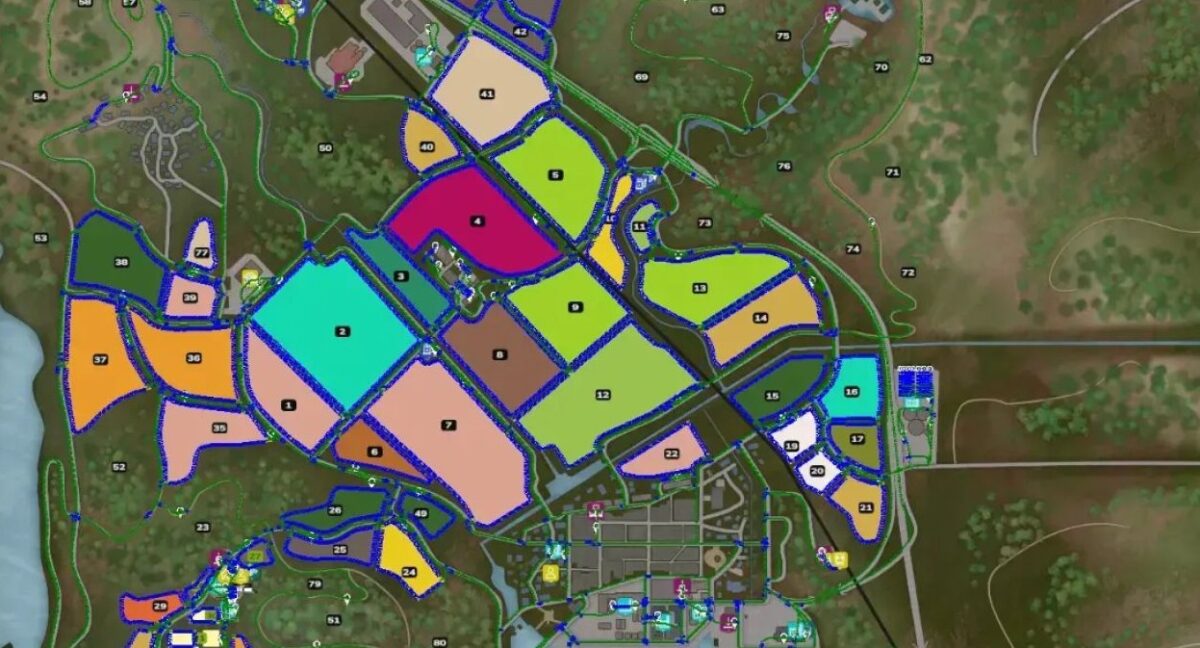
Autodrive Hutan Pantai v 1.0


An AutoDrive script for Hutan Pantai.
The following elements have been introduced:
– Main roads and secondary roads All fields are connected (no, none are missing, only the Giants have now been re-sorted)
– All fields have a route to the edge of the field (set to closest in settings)
– All productions have been connectedAll sales points are connectedAll purchase points are connectedAll farms are accessible by car and have parking lots
– BGAs including the silos bunkers, have been retracted
– Forests have been retracted with parcel names, but not all parcels
– The courses themselves are designed for average equipment, otherwise the city becomes crowded very quickly
– The yards are also intended for small and medium sized devices
Credits:
Gesamte AD Team, Geekness


