

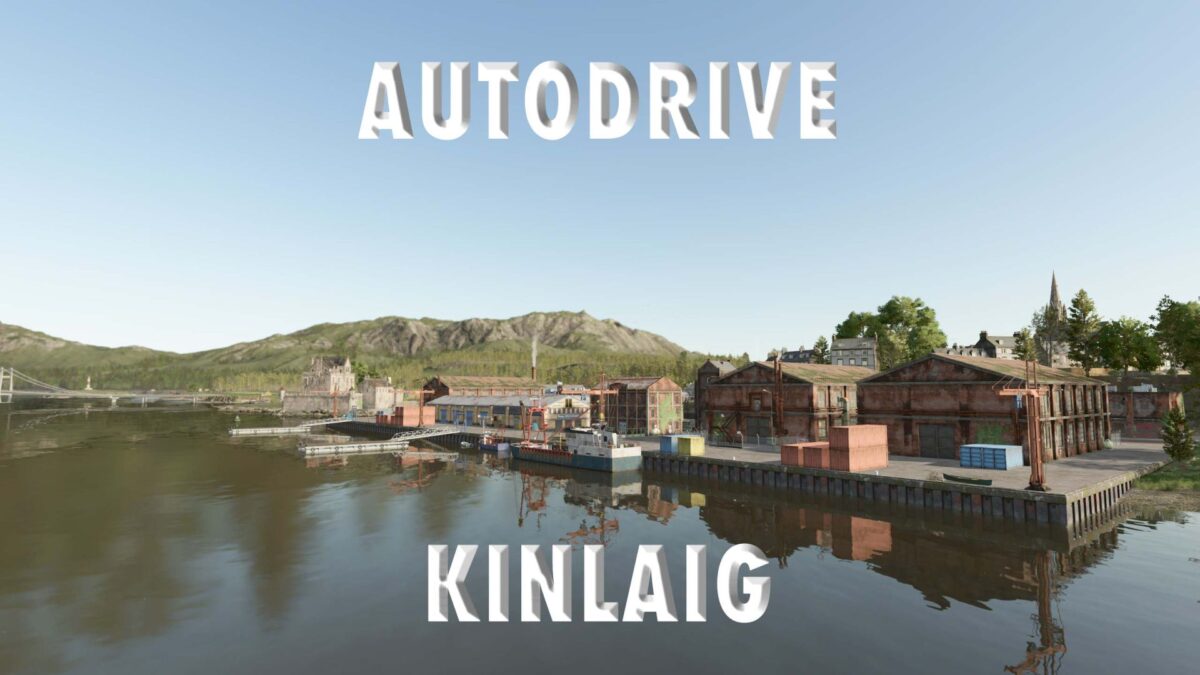
Autodrive Highlands Fishing DLC/Kinlaig v 1.0


Everything else must be driven by yourself.
Please note that in AD the curve speed must be set to 50%.
Limit the maximum speed of cars/pickup trucks in the AD HUD to 70 km/h.
All fields, forests and meadows have marginal courses.
Please refer to screenshots 10 & 11 for the placement of the petrol station and charging station.
List of completed targets.
Buildings: Mill, Castle
BGA
Car dealer
Fields: 1-10, 11-20, 21-30, 31-40, 41-48
Harbor
Production:
Yard 1 (main yard), grain silo delivery, collection, car garage + parking space (also works with pickup trucks)
Gas station, machine shed 1 with 3 parking spaces for 3 medium tractors, machine shed 2, parking space 1 for a combine harvester, parking space 2 for a small tractor/machine
Shelter 1+2 for tractors or smaller equipment
Bunker silo 1 & 2 can also be accessed by KRONE GX 520 (tested)
Yard 2 with machine shed with 3 parking spaces for 3 medium tractors + drive-over silo, grain silo, rearing barn
Farm 57 (small farm near forest 57) Bunker silo
Purchase and sales outlets
Gas station + charging stations + livestock dealer
Forest areas and farmland (forests + meadows)
The sales points: Thistle Pot Bakery, Coffee at the Harbor, Books & Poems, Nautical Gifts, Wee Oat Bakery, Magical Books & Sorcery, Board Games (Screenshots 12-17) can/should only be accessed by car with trailer.
Credits:
Ralf aka 01pittiplatsch, Papa_77


