

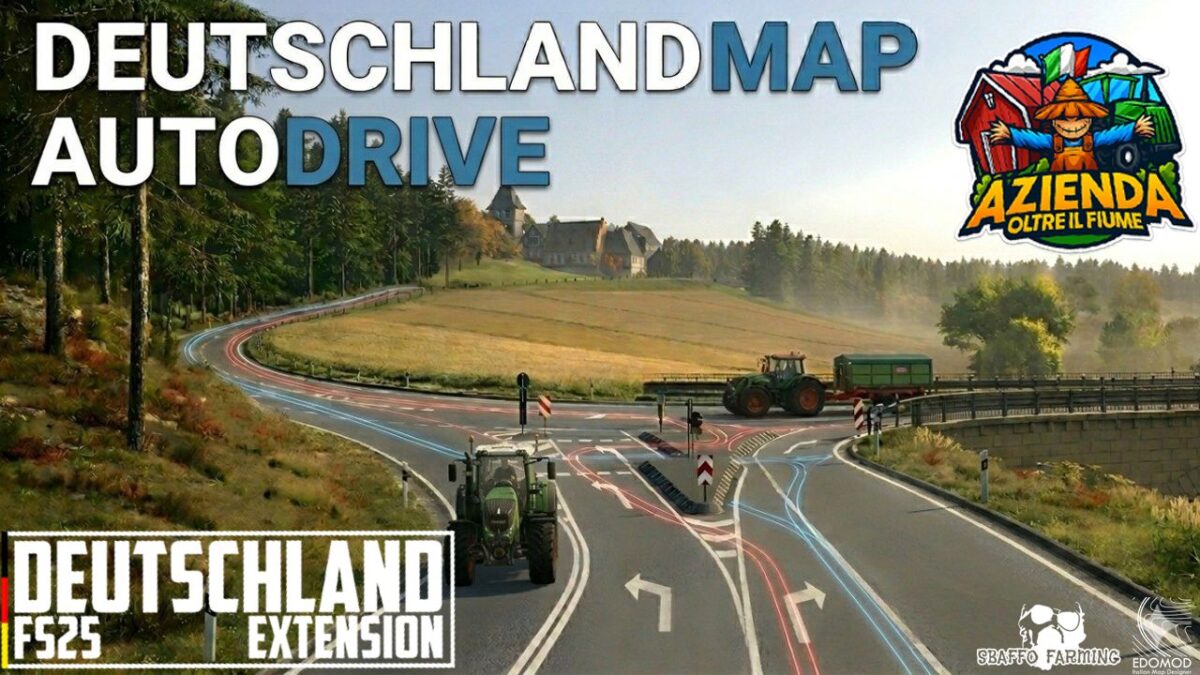
Autodrive Deutschland Map v 1.1


The Oltre il Fiume company, after having participated in the tests for the Deutschland map FS25 by EDOmod and Sbaffofarming, makes the autodrive routes available to you.
We know that the map is made to be played in person, to best enjoy its fantastic views and admire its buildings, but we still want to provide an alternative for the lazy.
The routes were recorded using: a Fendt 720 Vario tractor, a Rudolph TDK 301 R trailer, a Fliegl ASW 271 trailer, a Kaweco Profi II barrel.
So they are optimized for these vehicle sizes.
Larger vehicles may have difficulty.
Inside the folder you will find the paths in Italian, English, German and French.
Translations are done to the best of our ability.
You can always change the names once in the game.
Version 1.1:
* Added missing field (41)
* Correctly inserted the German language inside the folder
Credits:
AzOltreiLFiume


