

FS25 Maps

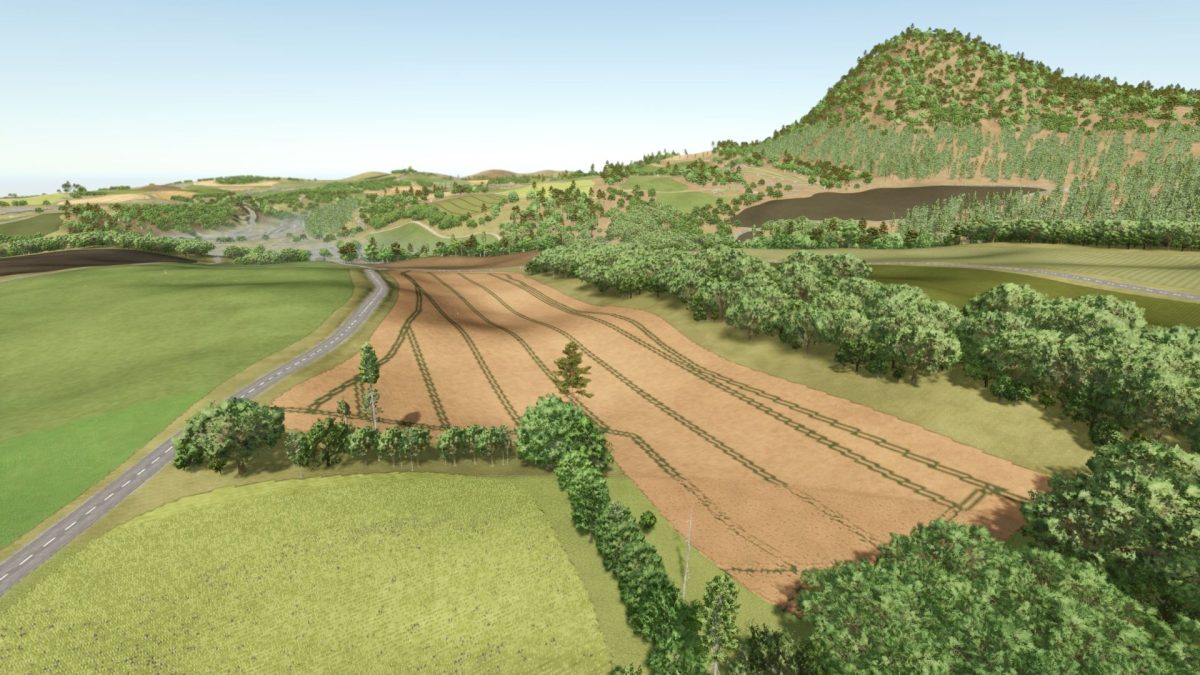
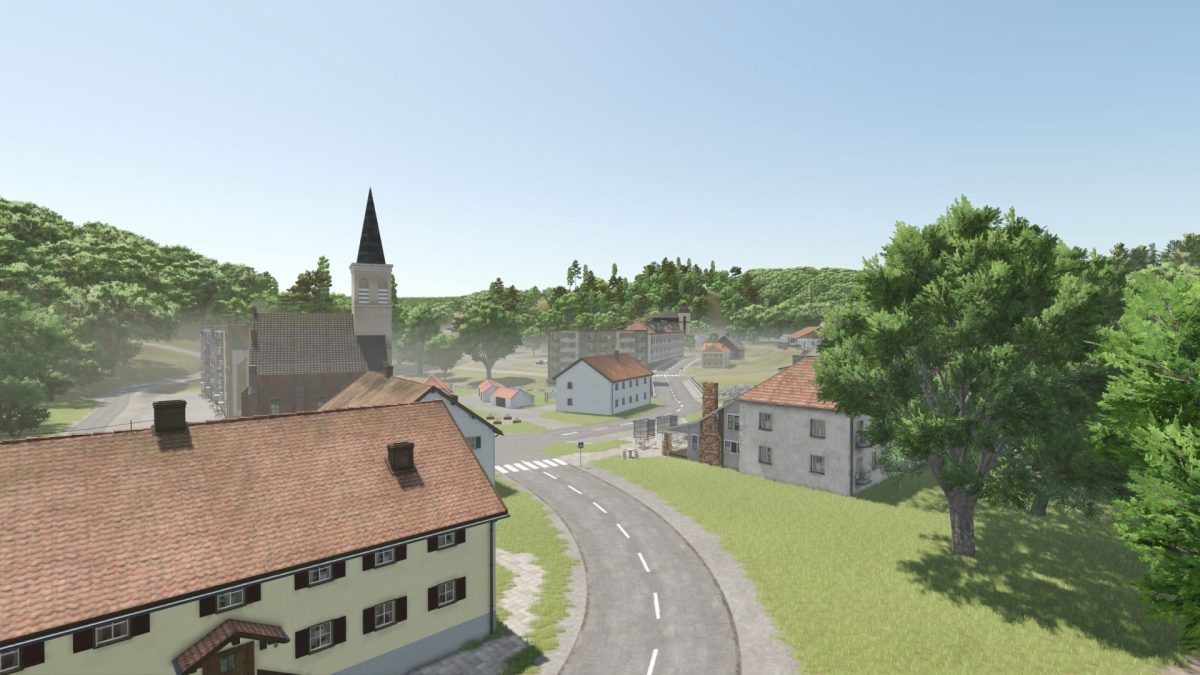
Ausserland Map v 1.0

Ausserland Map v 1.0

– Multifruit: Rye, Triticale, Spelt, Green Rye, Clover, Alfalfa, Spring Wheat, Spring Barley
– More soil angles: 255 angles
– Several custom mods
– Realistic reproduction of road layouts
– Precision Farming ready
– Various towns and villages
– 122 fields (averaging around 3 hectares)
– 11 forest areas (over 130,000 trees have been used)
– 5 pre-built farms (can also be demolished)
– 3 dedicated building areas
– Several forest and development areas
– 2 gas stations
– 1 livestock dealer
– 1 shop
– AI cars and pedestrians
– Austrian license plates for vehicles and equipment
– Up to 8 points of sale, depending on the goods being sold
– 11 production facilities (bakery, 2 grain mills, lime works, dairy, etc…)

Credits:

DUKE8992

How to install FS25 Maps?
Firstly find a mod which you like and want to download. Then download a mod to your PC. Mods are usually in .zip format file. But sometimes it can be in .rar. If a mod file is a .zip format no needed additional actions. If a file is in .rar, then you must unarchive mod with software like WinRar or Zip7. Windows 10 users no need to use software for archives, Win10 itself has a feature to unarchive files.
The next step is to find mods folder in your PC. Usually, it is in Documents/My Games/Farming Simulator 25/2025. Open the "mods" folder and put downloaded .zip archive or unarchived .rar file to this folder.
Last step. Enjoy of FS25 mods!

Leave a Reply

Your email address will not be published. Required fields are marked *