

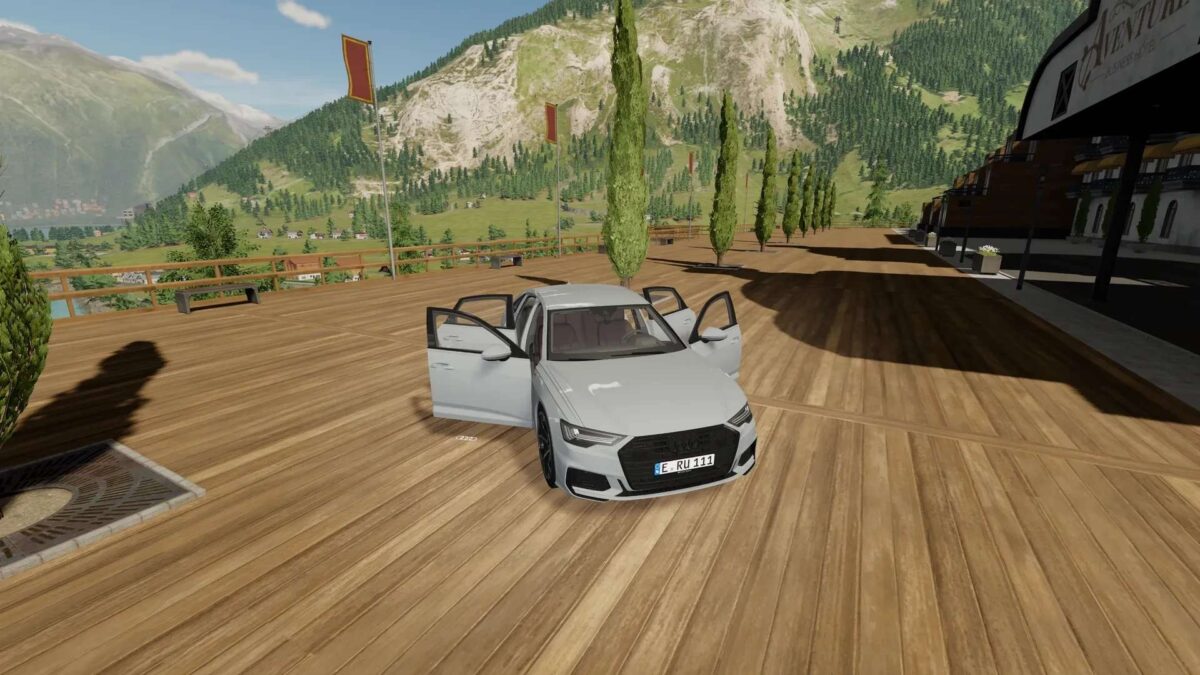
Audi A6 Limousine v 1.0


– Power: 250 – 340 hp
– 250 km/h
– Support for Interactive Control
– Support for Passenger Mod
– Kubota DLC required
– Support for Vehicle Years Mod
– Detailed model
– Many different rims (14 in total)
– All doors can be opened
– Interactive Control required
– Lights and indicators functional
– Indicators: choice between static and dynamic
– Windscreen wipers functional
– Mirrors functional
– License plate configuration (only for LS license plates)
– Choice between EU and US license plate holders (First you have to switch to the LS license plates)
– Trim configuration
– Choice between black and silver
– Color of the body configurable
– Color of the rims configurable
– Color for brake calipers configurable
– Color for license plates configurable
– Dashboard animation
– Speed, gear, engine temperature, fuel gauge, time, operating time
Credits:
MR Modding


