Attach Implements Manually v 1.0.0.3


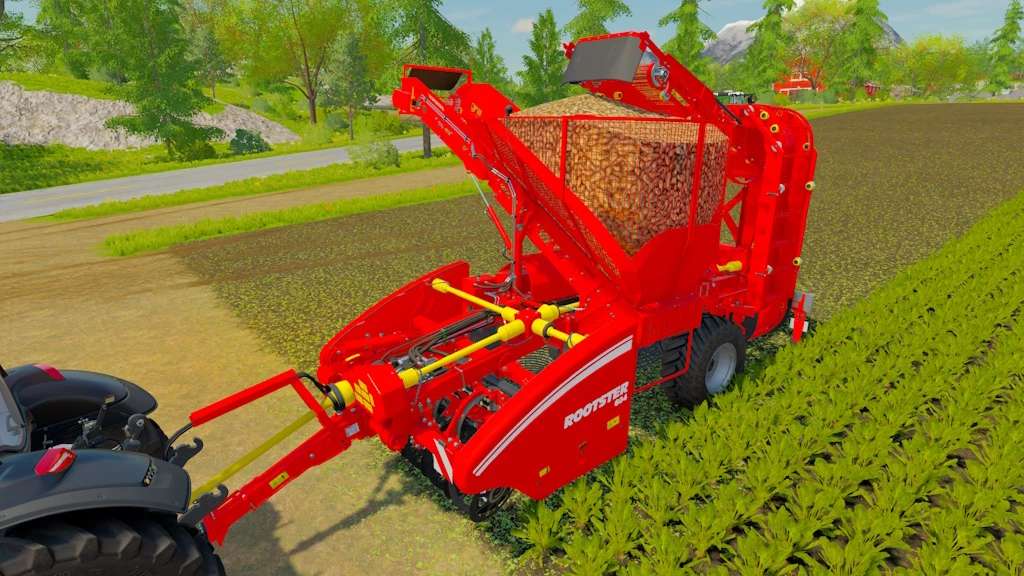
This mod allows you to manually attach implements to your tractor.
In the general settings, you can choose whether attachments should be connected automatically or manually. If you opt for manual attachment, a message will appear when approaching an implement: “Exit vehicle to attach.”
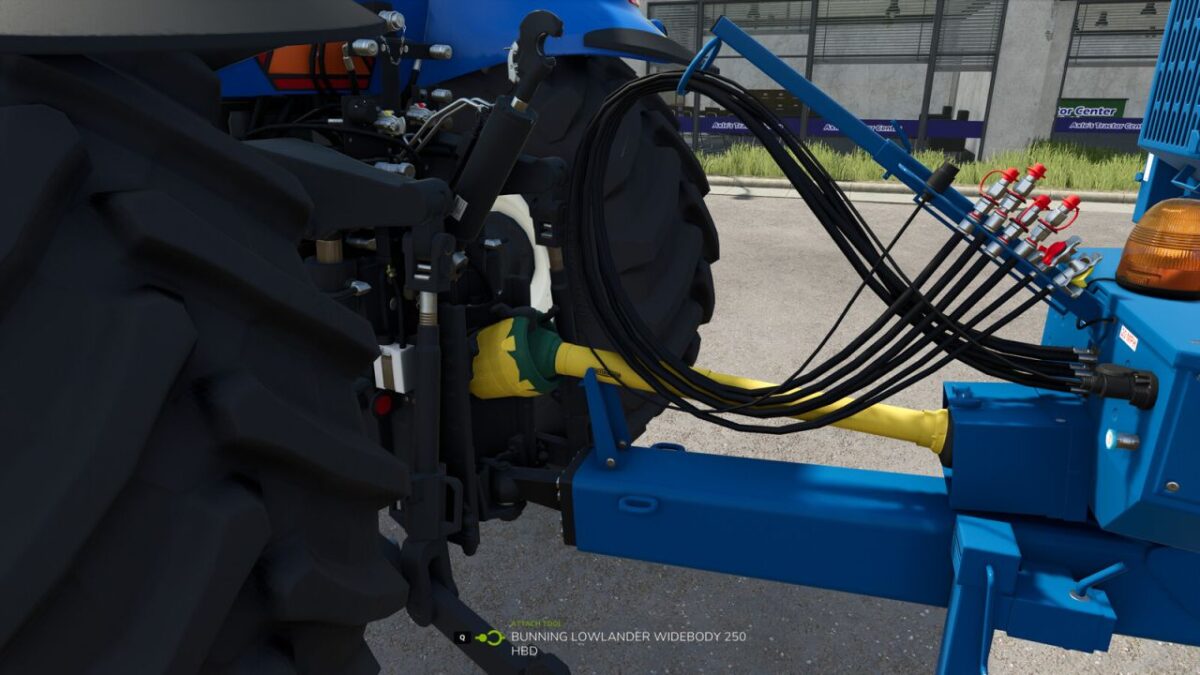
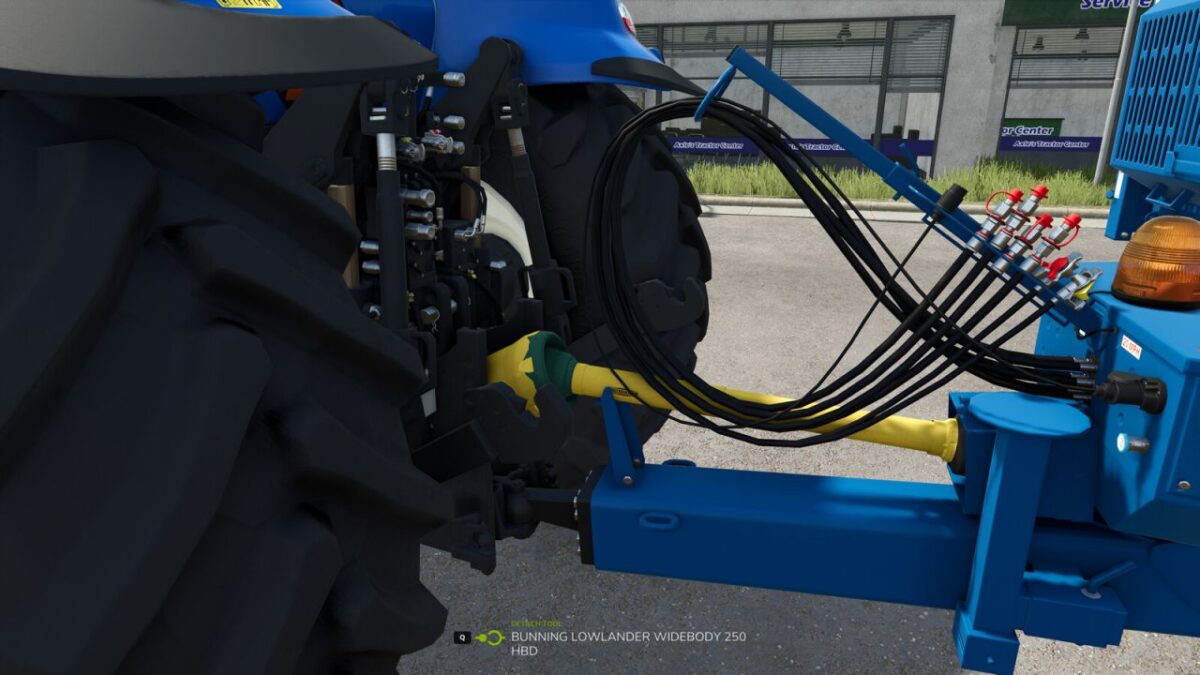
Once you’ve exited the vehicle and walked to the hitch, you can attach the implement by pressing Q.
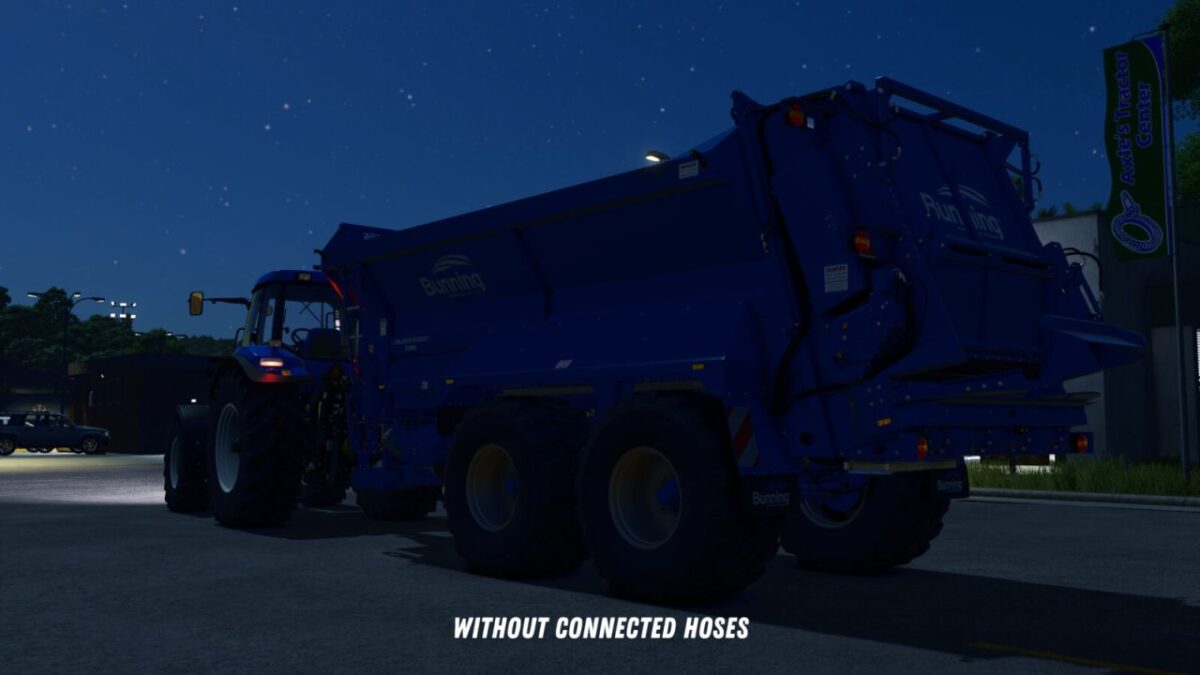
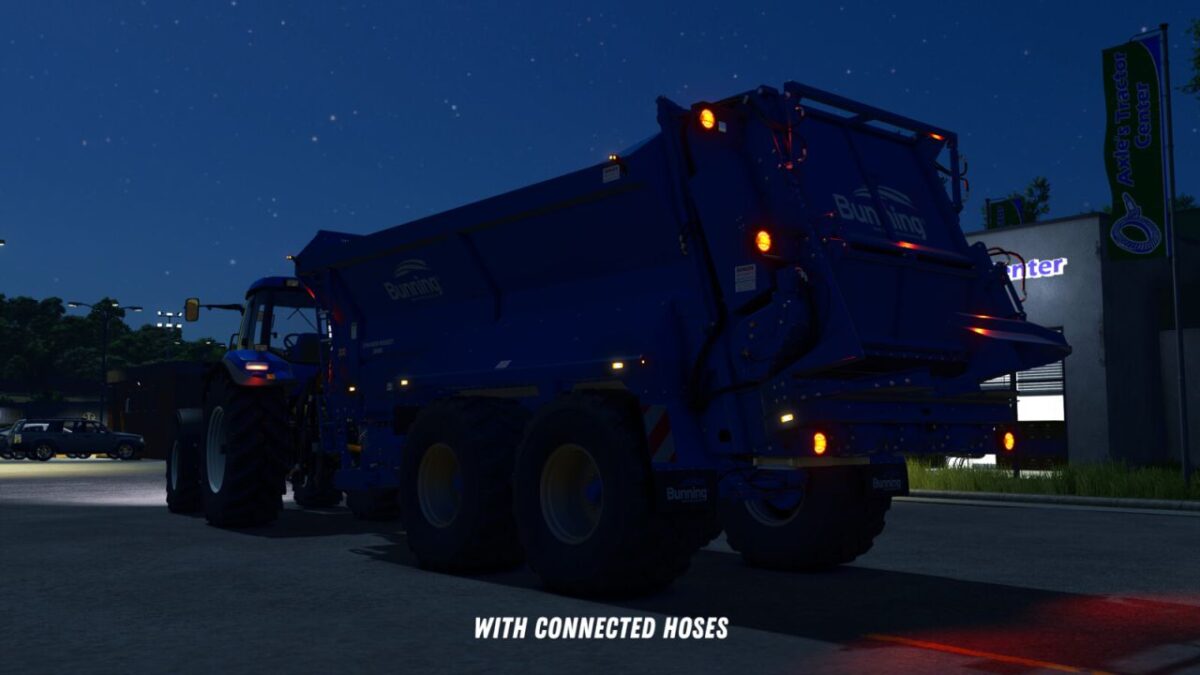
After that, you can manually connect the hydraulic hoses, air lines, and electric cables by pressing Y.
The PTO shaft can be connected separately using the Z key.
An exception applies to trailers and implements with a drawbar hitch and Semitrailer attacher:
These will automatically attach as soon as you align the drawbar precisely with the implement’s hitch.
Additionally, when purchasing front loaders, you can choose between different coupler types:
– Manual: The front loader implement must be attached manually, as well as the hydraulic hoses.
– Auto Locking: The front loader will automatically lock when approaching (if enabled in settings) or by pressing Q from the cab, but the hydraulic hoses must be connected manually.
– Quick Coupler: The front loader will automatically lock when approaching (if enabled in settings) or by pressing Q from the cab, and the hydraulic hoses are also connected automatically.
If manual attachment is enabled in the settings, you’ll need to manually connect the hoses after the implement is hitched.
If it is disabled, all connections will be made automatically once the implement is attached.
All key bindings can be customized freely in the settings. The default key for the “Attach” action uses the standard game assignment.
The SDK folder within the mod contains a guide on how to adapt mod vehicles for the mod. This is not strictly necessary but offers extended functions for coupling configurations and trigger adjustments.
Version 1.0.0.3:
* Added setting and corresponding function for automatic attachment of front loaders. When enabled, front loaders will automatically attach as soon as the front loader is close enough to the front loader console of the vehicle
* Fixed ineffective setting for automatic attachment of front loader implements
* Improved overall performance impact of the mod
* For modders: In the modDesc.xml, it is now possible to specify the path to a configuration file. In this file, AttacherJoints can be marked as front loader AttacherJoints, so that corresponding configs and functions for these AttacherJoints can be used. Documentation of the functions can be found in the sdk folder
Credits:
BayernGamers