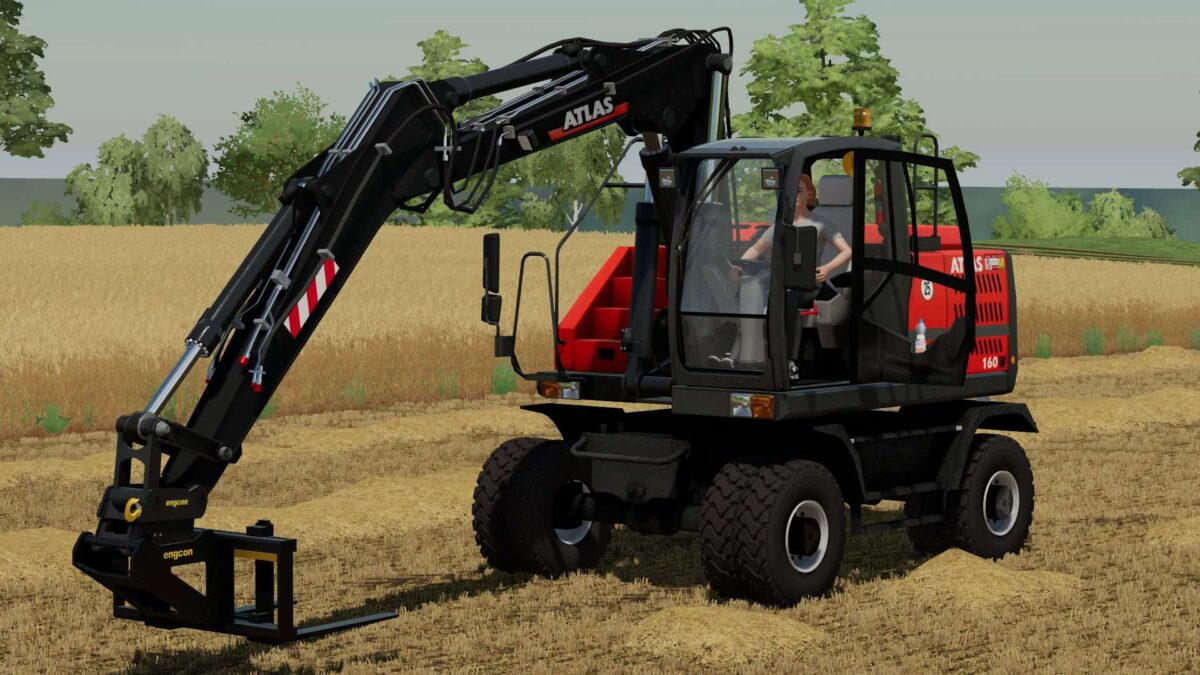
Atlas 160W & Tools v 1.0


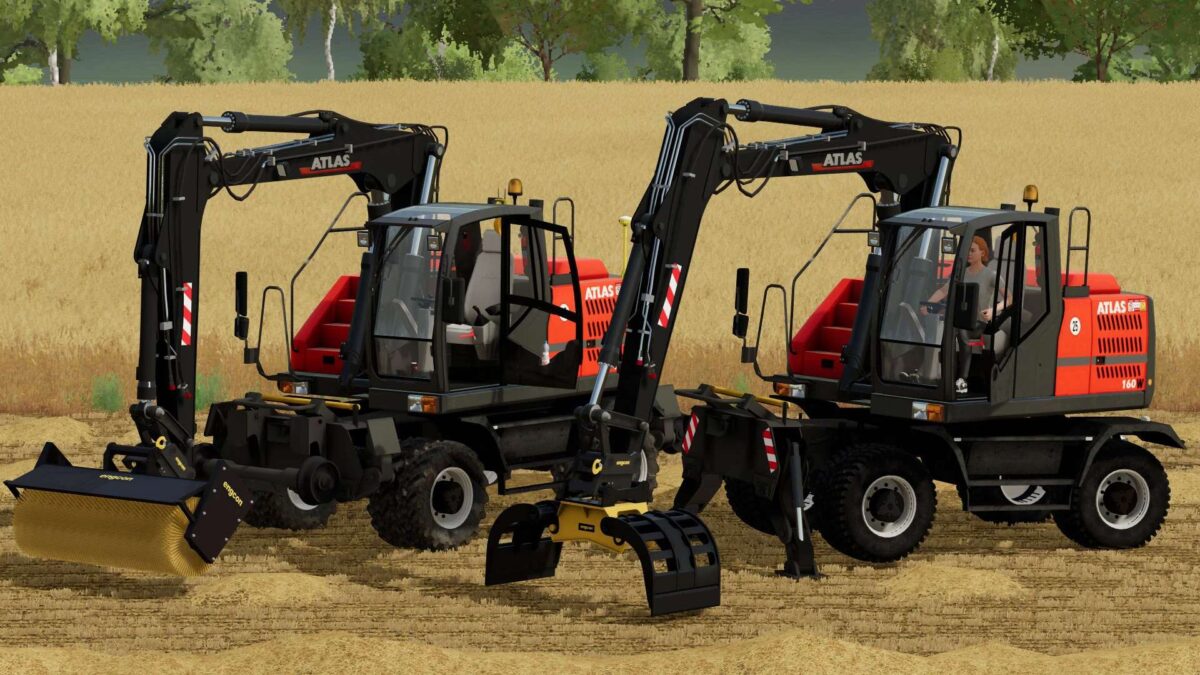
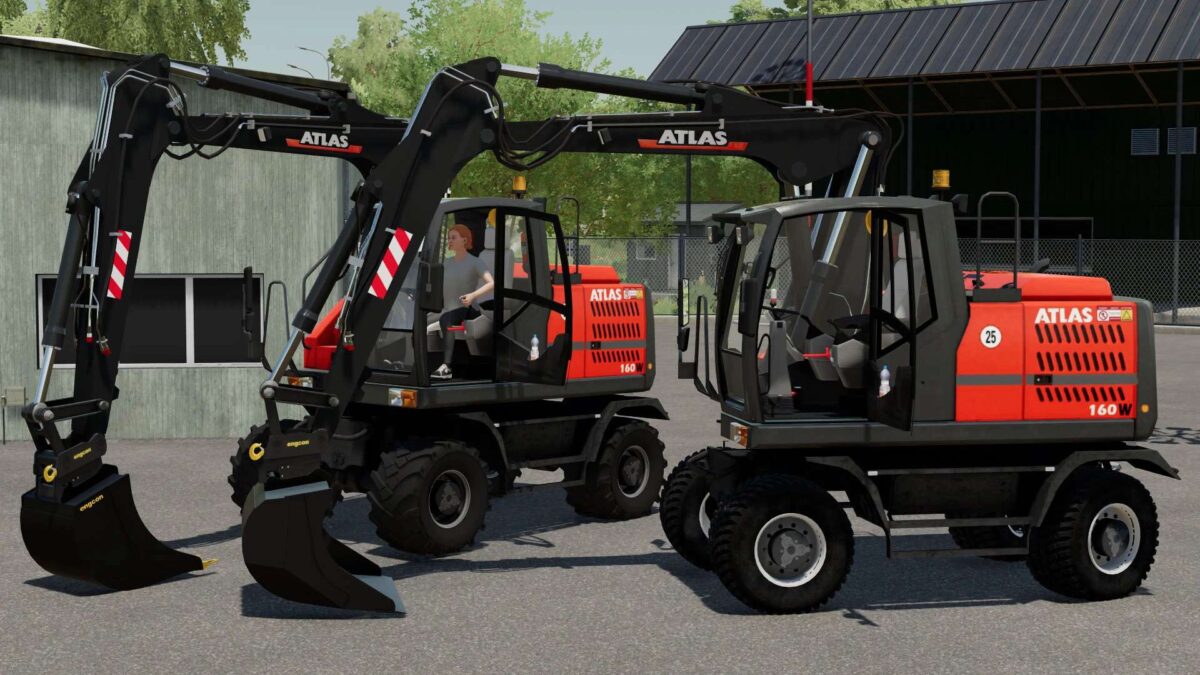
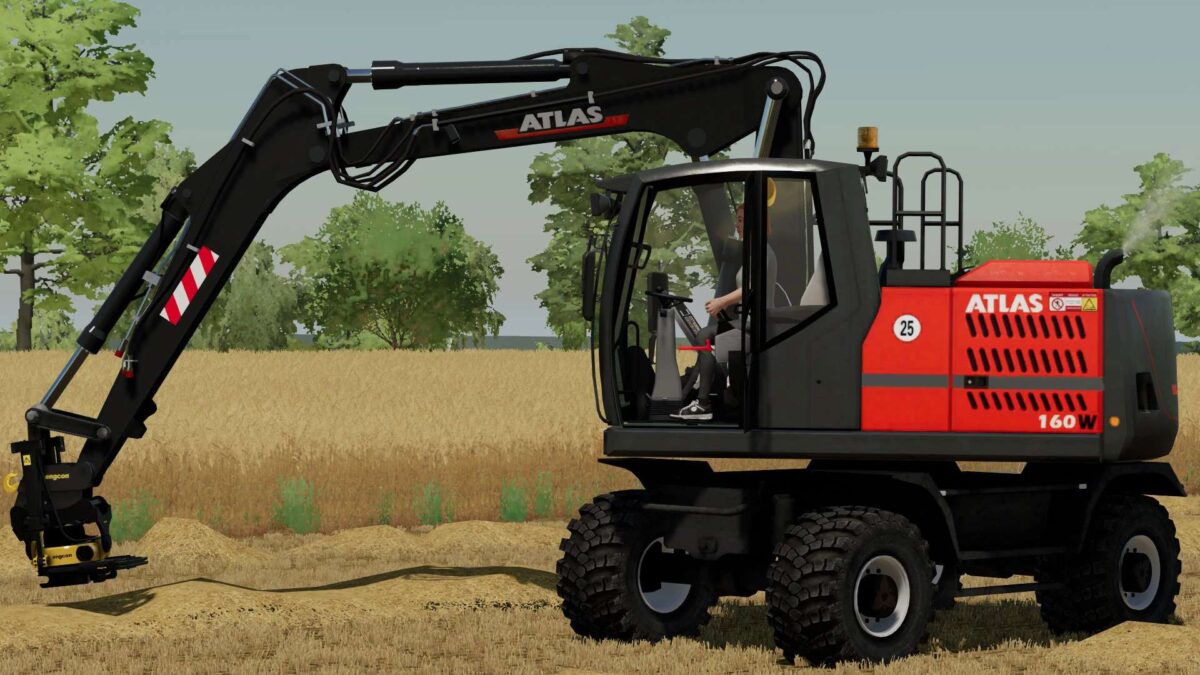
Atlas 160W Excavator & Tools for Farming Simulator 22.
Features:
– Power 150 hp
– Selectable Wheels
– Selectable Design
– Selectable Chassis
– Selectable Gyrophare
Included Tools:
– Engcon CB15 Bucket: Capacity 1700 liters
– Engcon DB13 Bucket: Capacity 2000 liters
– Engcon DB13 Bucket with Teeth: Capacity 2500 liters
– Engcon GB13 Bucket: Capacity 3200 liters
– Engcon EC219 Tiltrotator
– Engcon GHH1200 Pallet Fork
– Engcon PP3200 Compactor
– Engcon SG19 Stone and Sorting Grab
– Engcon SR1600 Rotating Brush
– Werk-Brau 4 Tooth Bucket: Capacity 2550 liters
– Werk-Brau 6 Tooth Bucket: Capacity 3250 liters
– Werk-Brau Hydraclamp Bucket: Capacity 3350 liters
– Werk-Brau Ditching Bucket: Capacity 3500 liters
– Werk-Brau Tilt Coupler
Credits:
Meric, JDL Logging, ActionEli