

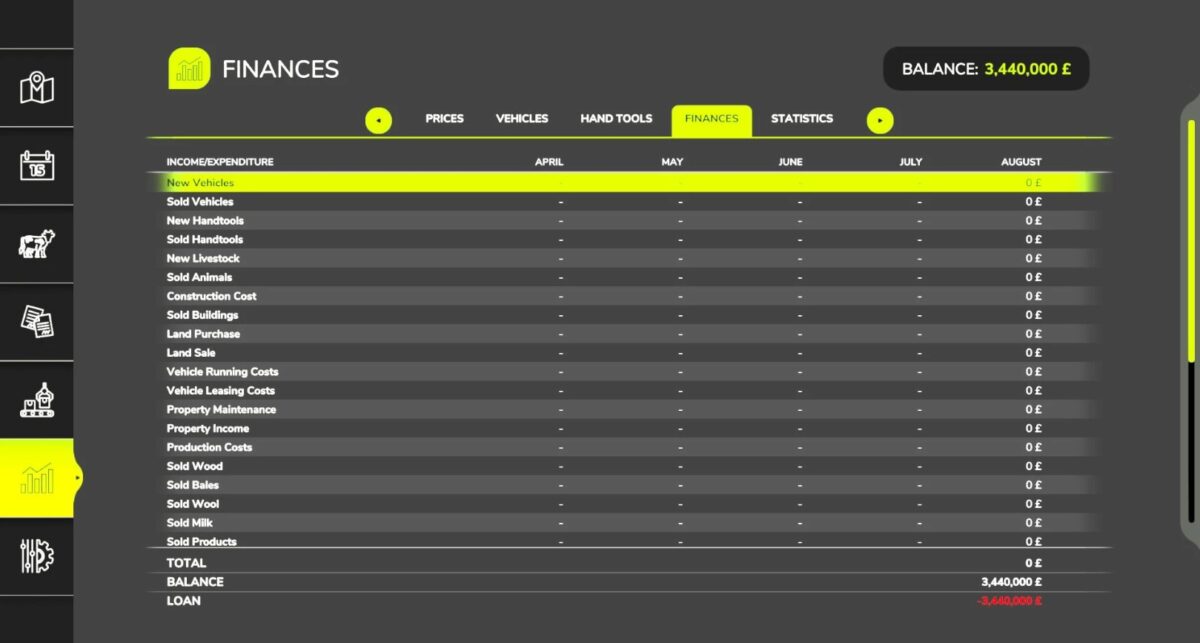
Apex Farming Bank LTD v 1.0


Apex Farming Bank PLC is pleased to announce our brand new flexi account for hard working farmers just like you.
Apply today for credit limits of between £150,000 to £15,000,000 (subject to status) with low daily APR payments of less than 1% APR** of your outstanding balance with us
Now you can focus on your business instead of where the next harvester repair cost money is coming from.
A loan of £100,000 costs £13,100 of interest daily plus an admin fee of £900.
As a responsible lender we will always take your circumstances into account, you maximum credit limit may differ from examples given due to a number of factors including length of time trading, total value of assets and the current amount of credit if any, you have at the time of application.
Credits:
PawMan420


