
FS25 Other Tractors

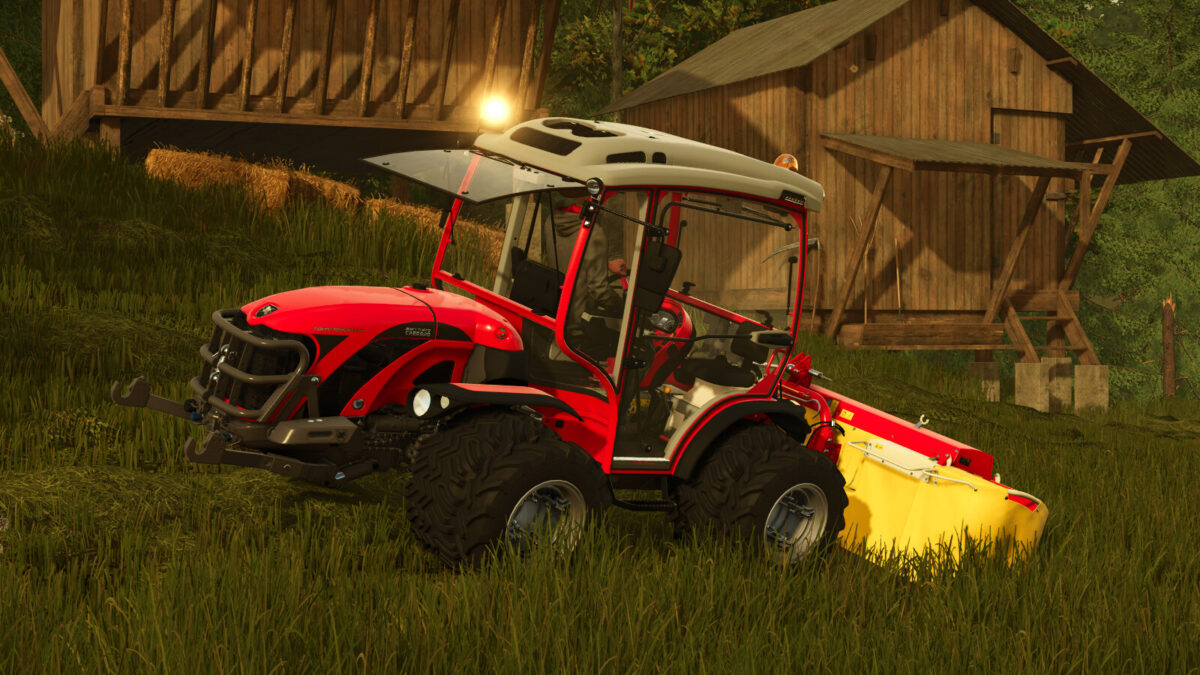
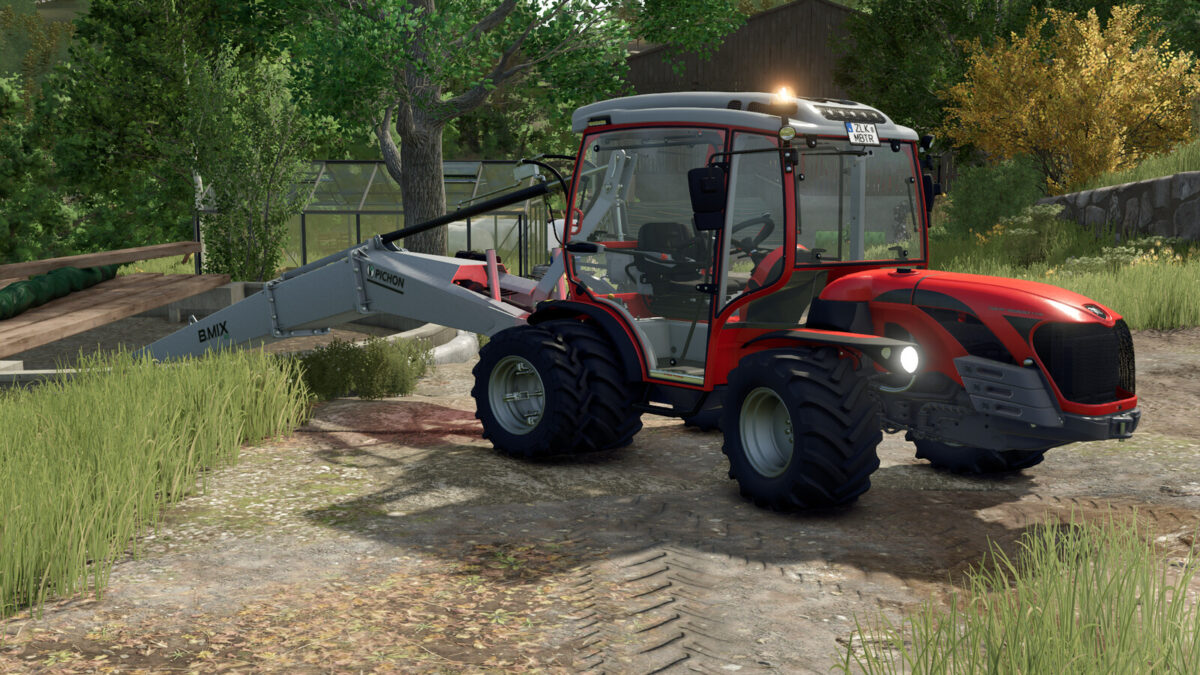
AntonioCarraro Tony 10900 TTR v1.0.1.0

AntonioCarraro Tony 10900 TTR v1.0.1.0

AntonioCarraro Tony 10900 TTR v1.0.1.0

AntonioCarraro Tony 10900 TTR v1.0.1.0

AntonioCarraro Tony 10900 TTR v1.0.1.0

Shop Category: Small Tractors
Price: 83500 $
Engine Power: 98 HP
Max. speed: 40 kph
Configurations:
– Beacon Lights
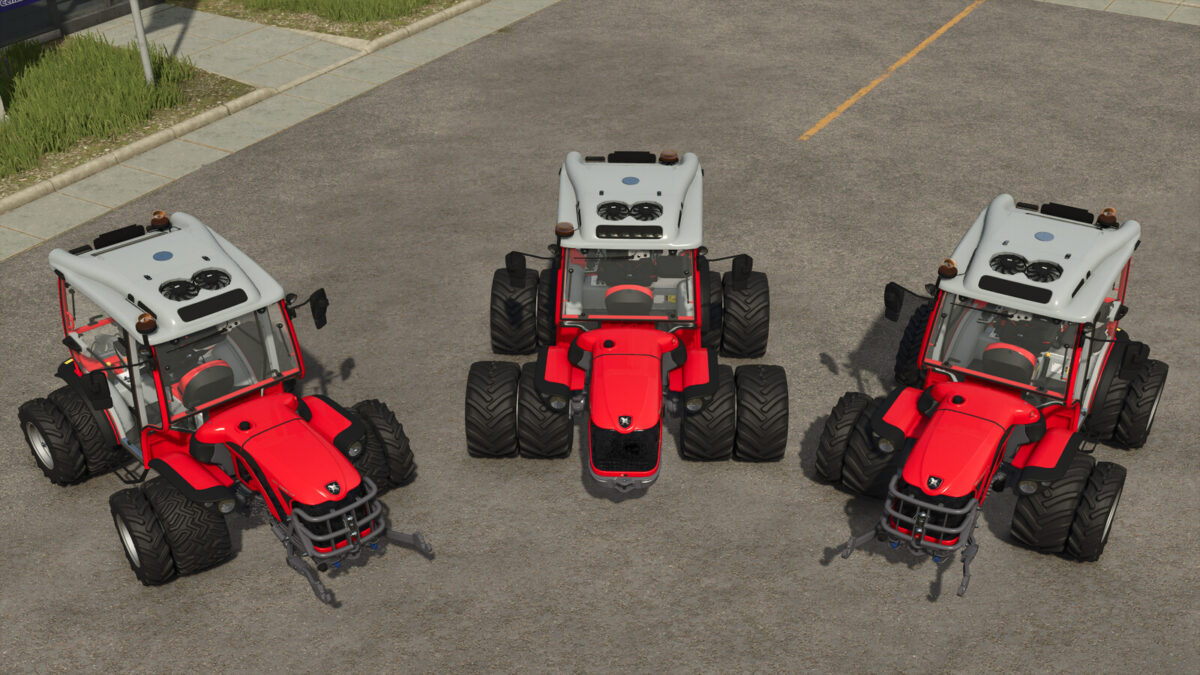
– Rim Color
– Interactiv Control or Mouse Control
The AC now moves 40 kph in both directions like in real life, has more wheel configurations
and two working lights are now on the right place like in Real life.
Mouse Control:
Animations:
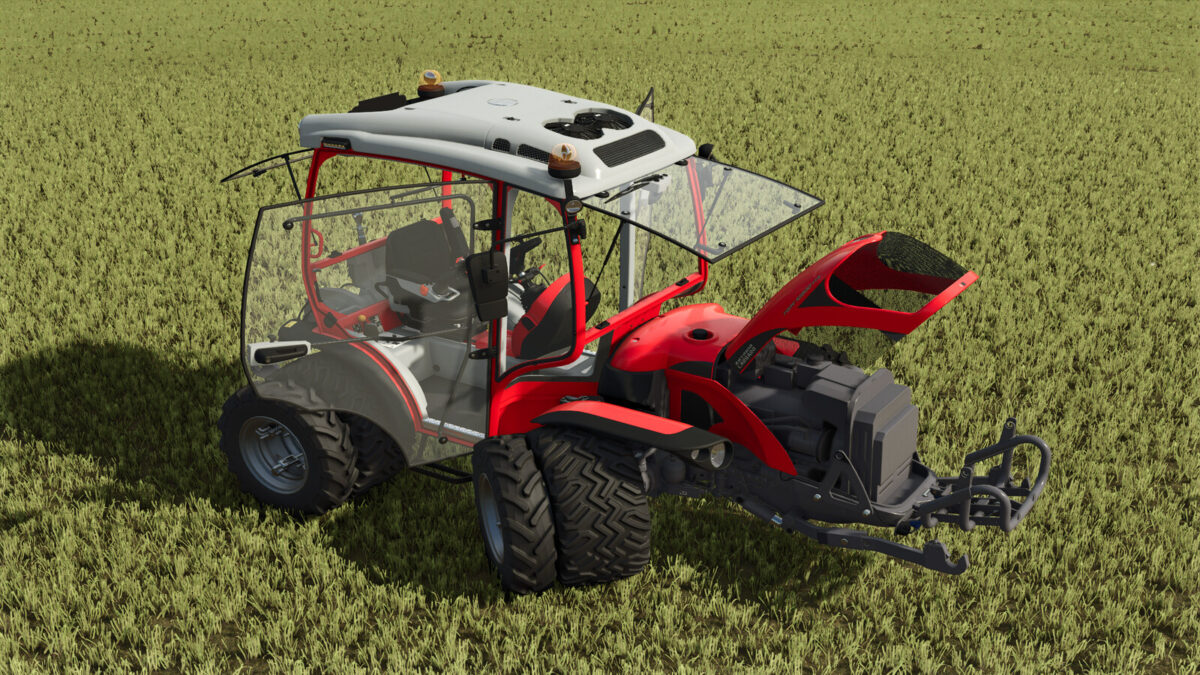
– Doors and Windows
Interactive Control:
Animations:
– Doors and Windows
– Hood
– Bullbar
Click Points:
– Driving Direction
– Start Motor
– activate Cruise control
– Blinker
– Lights
– Working lights
– Beacon light
– Radio
– lift/lower, PTO On/OFF. Inside and Outside
– Reverse Seat. Inside and Outside
– hitch Trailer/Tool
—- CHANGELOG 1.0.1.0 —-
– Better wheel configuration names
– Exit point now moves to the other door when switching driving direction
Have Fun wishes: ISG-Modding!

Credits:

TungstenChicken
How to install FS25 Other Tractors?
Firstly find a mod which you like and want to download. Then download a mod to your PC. Mods are usually in .zip format file. But sometimes it can be in .rar. If a mod file is a .zip format no needed additional actions. If a file is in .rar, then you must unarchive mod with software like WinRar or Zip7. Windows 10 users no need to use software for archives, Win10 itself has a feature to unarchive files.
The next step is to find mods folder in your PC. Usually, it is in Documents/My Games/Farming Simulator 25/2025. Open the "mods" folder and put downloaded .zip archive or unarchived .rar file to this folder.
Last step. Enjoy of FS25 mods!

Leave a Reply

Your email address will not be published. Required fields are marked *