
FS25 Maps

Angeliter Land Map v 3.0

Angeliter Land Map v 3.0

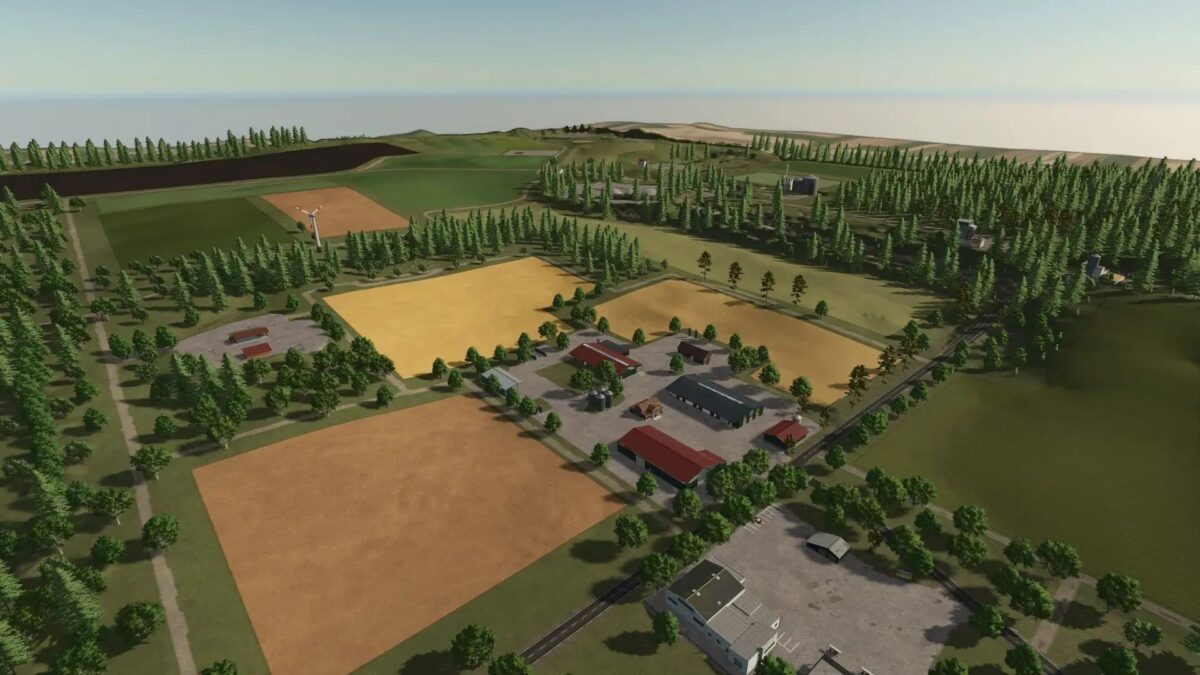
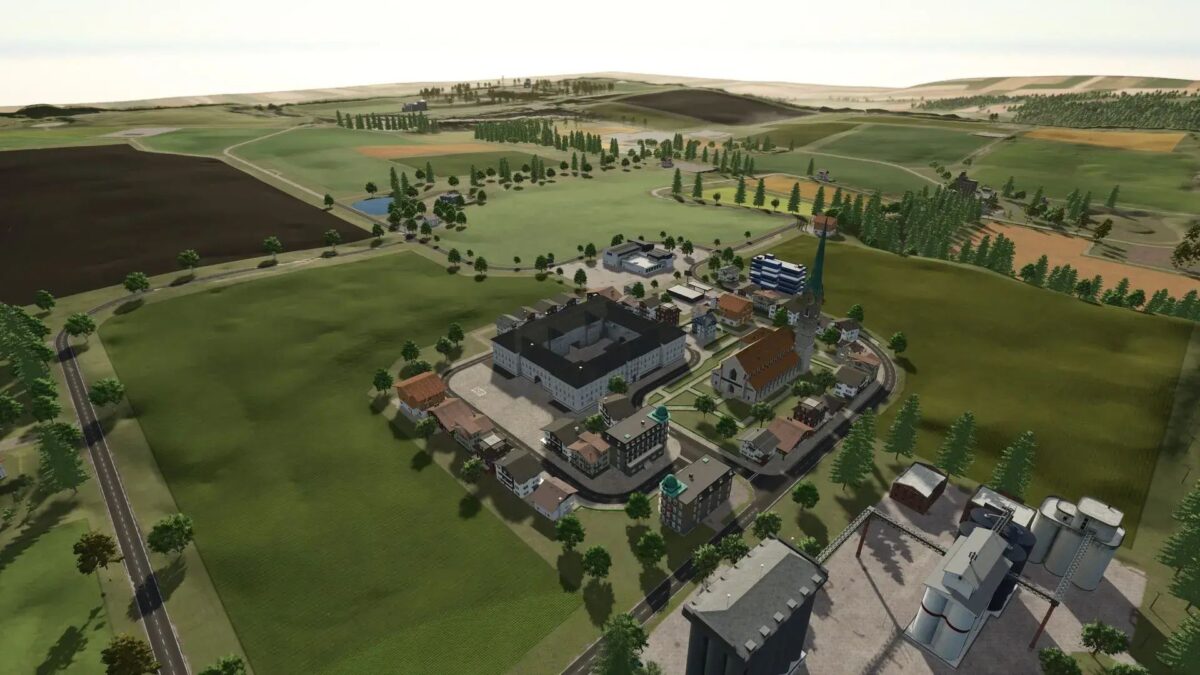
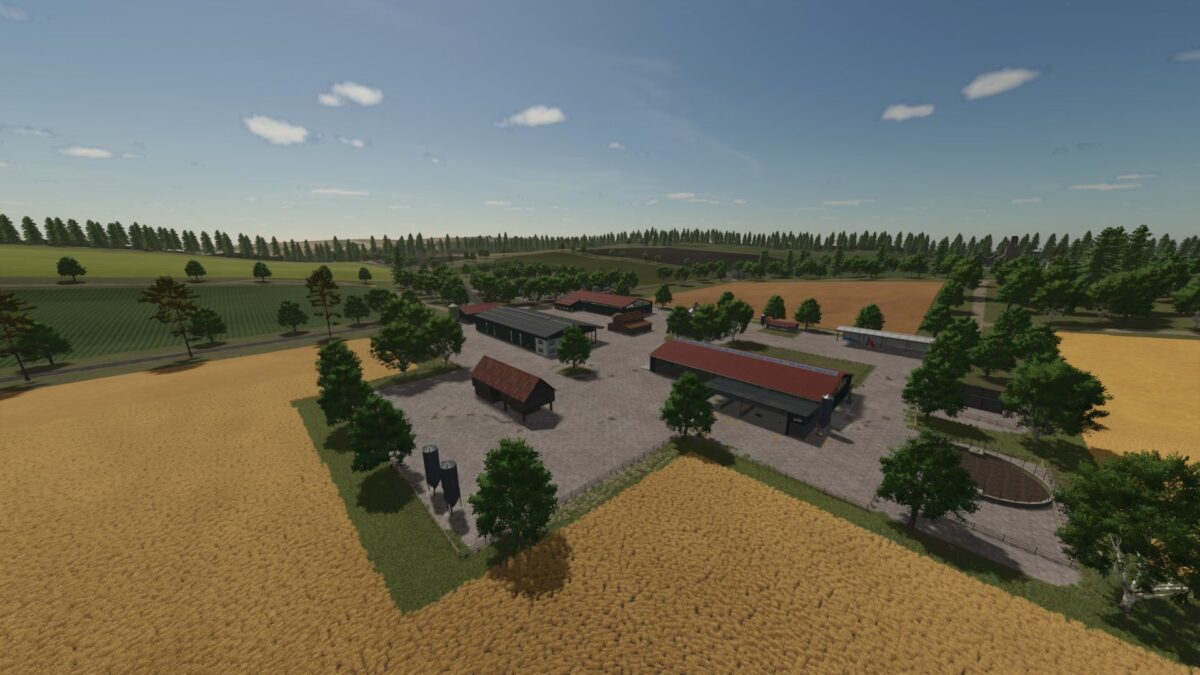
– 34 medium sized fields
– A large area of ​​forest for forestry work
– 22 collectibles to be found on the map
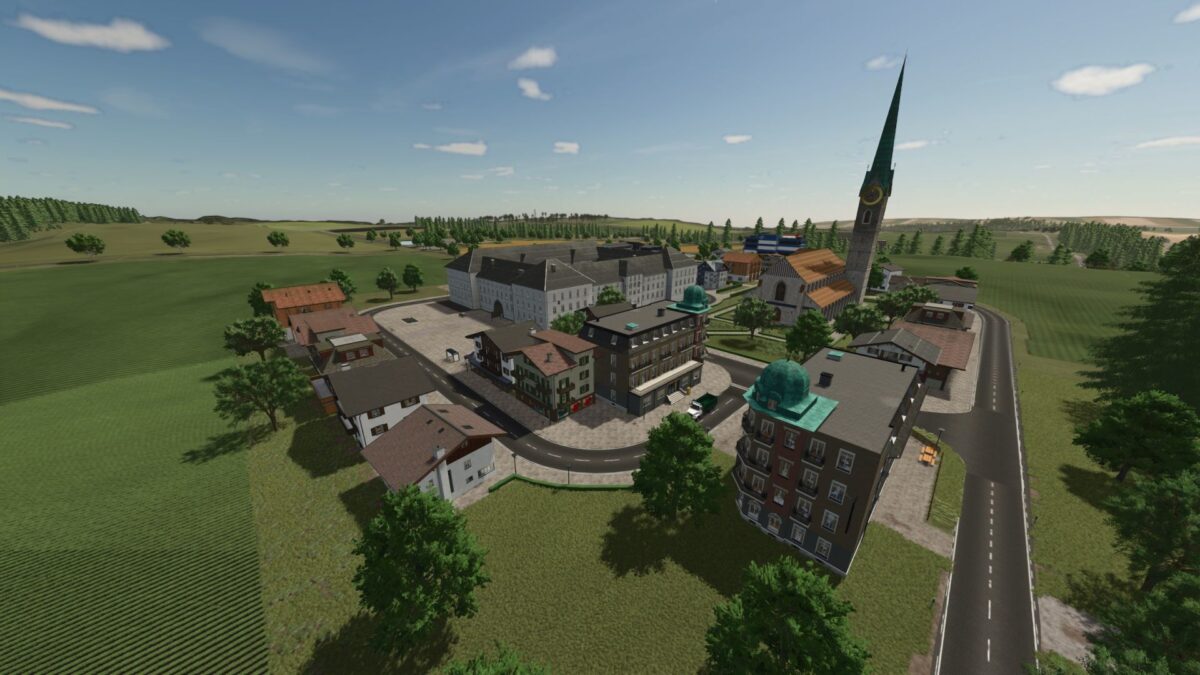
– Many productions have already been placed

Version 3.0:
* No more field creation when mowing the field edge (only in the new save game)
* Water plane adjusted
* Raiffeisen sales point can be reached with the AI ​​helper (possibly not with all vehicle combinations)
* German Lennzeichen added
* Some ambient sounds adjusted
* Minor cosmetic adjustments
* Some collision adjustments
* Some unnecessary files removed

Credits:

Onkel2000

How to install FS25 Maps?
Firstly find a mod which you like and want to download. Then download a mod to your PC. Mods are usually in .zip format file. But sometimes it can be in .rar. If a mod file is a .zip format no needed additional actions. If a file is in .rar, then you must unarchive mod with software like WinRar or Zip7. Windows 10 users no need to use software for archives, Win10 itself has a feature to unarchive files.
The next step is to find mods folder in your PC. Usually, it is in Documents/My Games/Farming Simulator 25/2025. Open the "mods" folder and put downloaded .zip archive or unarchived .rar file to this folder.
Last step. Enjoy of FS25 mods!

One thought on “Angeliter Land Map v 3.0

  • Pa
    Paco
    1 year ago

    Hello, I really like your map, the only drawback is that I do not know how to rename the buildings, I tried with the xml, but it does not give me the option to rename them, the problem is that CP does not locate its location. Thanks for your contribution anyway.

Leave a Reply

Your email address will not be published. Required fields are marked *