

FS25 Maps

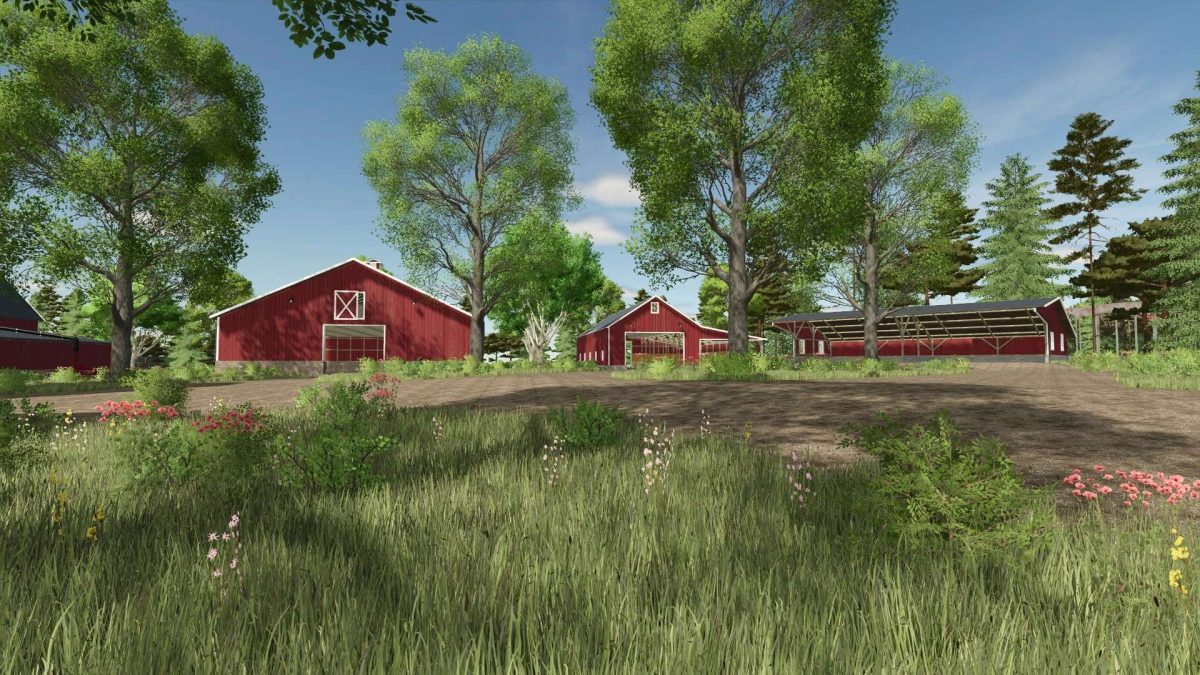
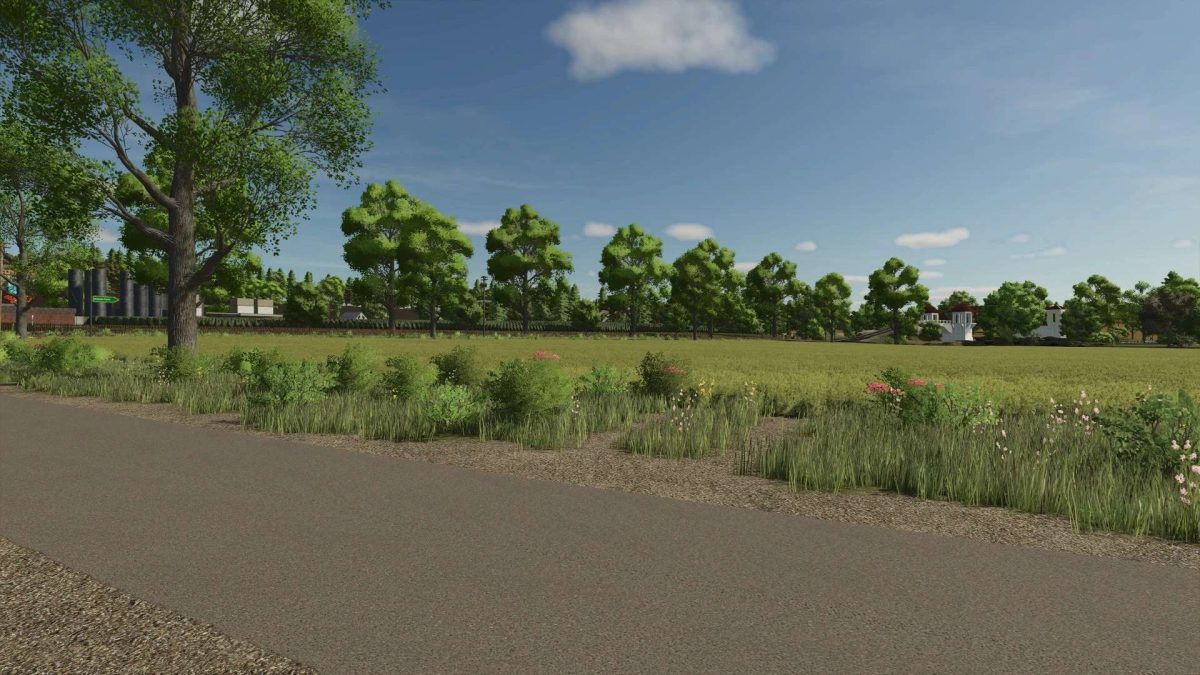
Amever Farm Map v 1.0.0.1

Amever Farm Map v 1.0.0.1

– 43 fields
– 2 fully equipped farms
– 10 additional crops: rye, spelt, triticale, field grass, green rye, humus, mustard, silage, corn, viburnum, and clover
– Three additional animals (permission available): rabbits, ducks, and geese
– 10 collectible gold bars
– Roller coaster to build with its additional productions
– Pellet production
– Apricot trees
– Train system
– Custom ferry, original replica of the ferry in Berlin
– Many pastures for cows, sheep, and horses
– Many sales outlets, some with opening hours
– A BGA
– Mine for purchasing iron, needed to produce metal for the roller coaster
– One rice field, one olive field, and one grape field
– PF ready, all multi crops PF adapted, own soil map

Version 1.0.0.1:
* Several minor bug fixes
* Ferry redesigned, bug fixes

Credits:

Tamara_von_Graf

How to install FS25 Maps?
Firstly find a mod which you like and want to download. Then download a mod to your PC. Mods are usually in .zip format file. But sometimes it can be in .rar. If a mod file is a .zip format no needed additional actions. If a file is in .rar, then you must unarchive mod with software like WinRar or Zip7. Windows 10 users no need to use software for archives, Win10 itself has a feature to unarchive files.
The next step is to find mods folder in your PC. Usually, it is in Documents/My Games/Farming Simulator 25/2025. Open the "mods" folder and put downloaded .zip archive or unarchived .rar file to this folder.
Last step. Enjoy of FS25 mods!

Leave a Reply

Your email address will not be published. Required fields are marked *