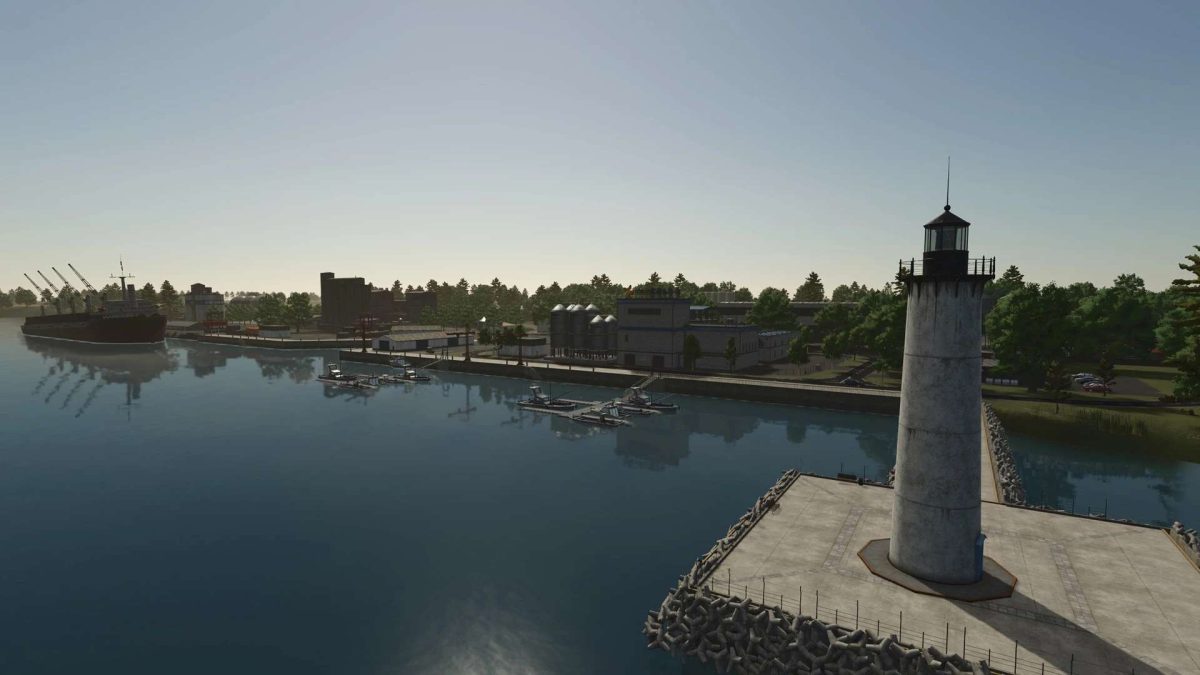
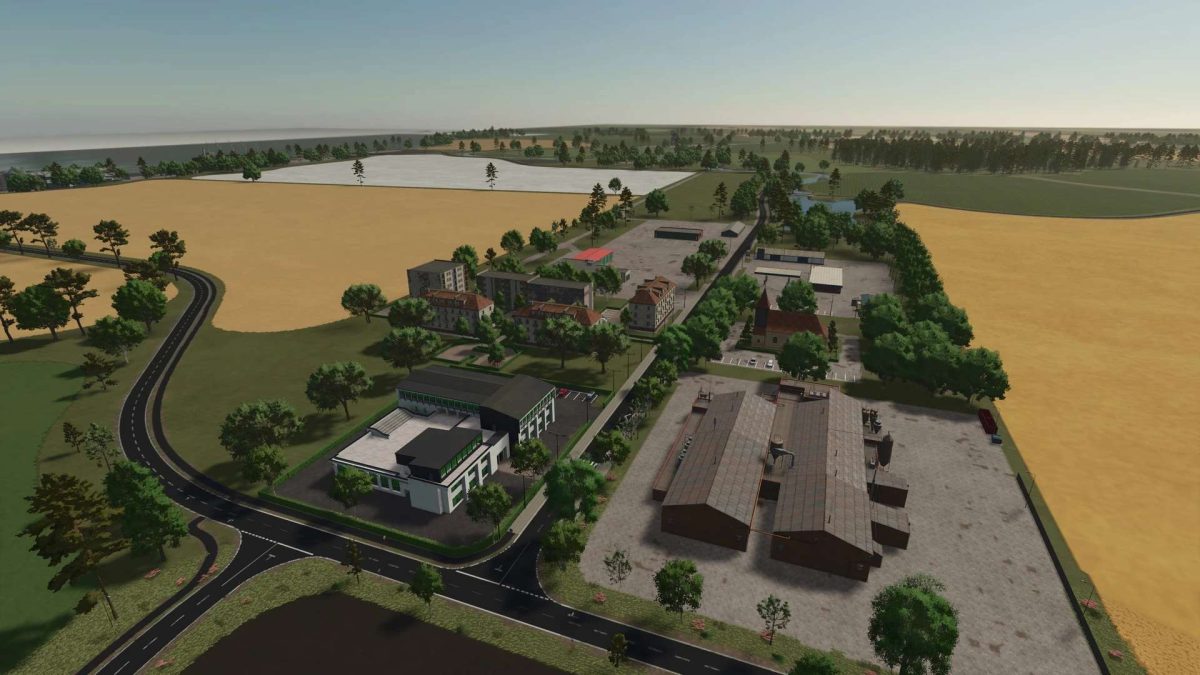
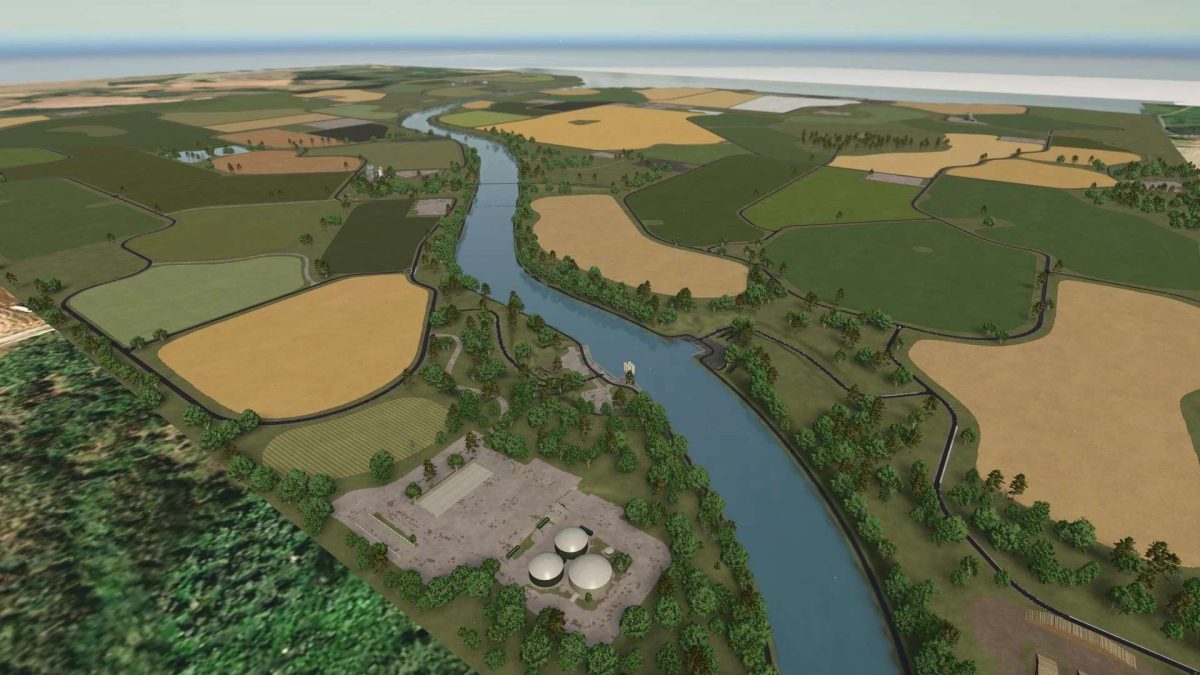
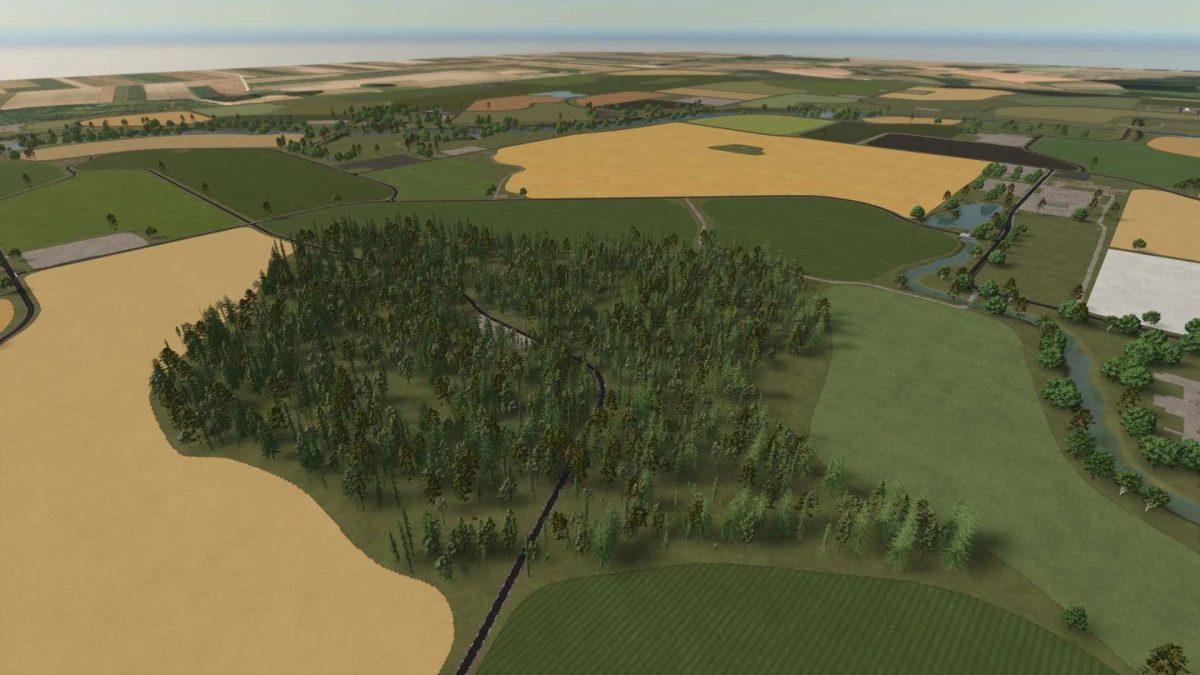
Am Nord Ostsee Kanal Map v 0.9.0.8


– 61 fields of various sizes (mostly medium to large, some smaller). Also, some blank areas for your ow design
– Four farms are already laid out – simply designed so you can easily customize them to your liking
– Many pre-placed productions and a straightforward terrain offer maximum design freedom. Animal barns with increased capacity (more animals, more storage, more feed)
– Crops for threshing: Rye, Triticale, Spelt
– Crops for chopping or mowing: Silage corn, Green rye, Vetch rye, Field grass
– Cover crops: Humus active, Mustard
– Rye, triticale, and spelt can be processed into flour, fed to chickens, or simply sold
– Biogas Plants
– 500 kW Biogas Plant
– 1 MW Biogas Plant with a large silo (approx. 6,000,000 liter capacity)
– 2 bridges and 2 ferries for crossing the canal
– One large and one small forest area for forestry
– 50 apples to discover and collect
Version 0.9.0.8:
* Adjusted collision at the canal storage location
* Straw trading and barn selling points are now functional again
* Fixed an error when chopping corn
* Adjusted parked cars
* Rotated the road sign between F14 and F18
* Removed the lamp from the path along the canal
* Moved trees to the ground
* Moved the floating cup
* Optimized collectibles
* Adjusted the unloading marker at the dairy
Credits:
Onkel2000