

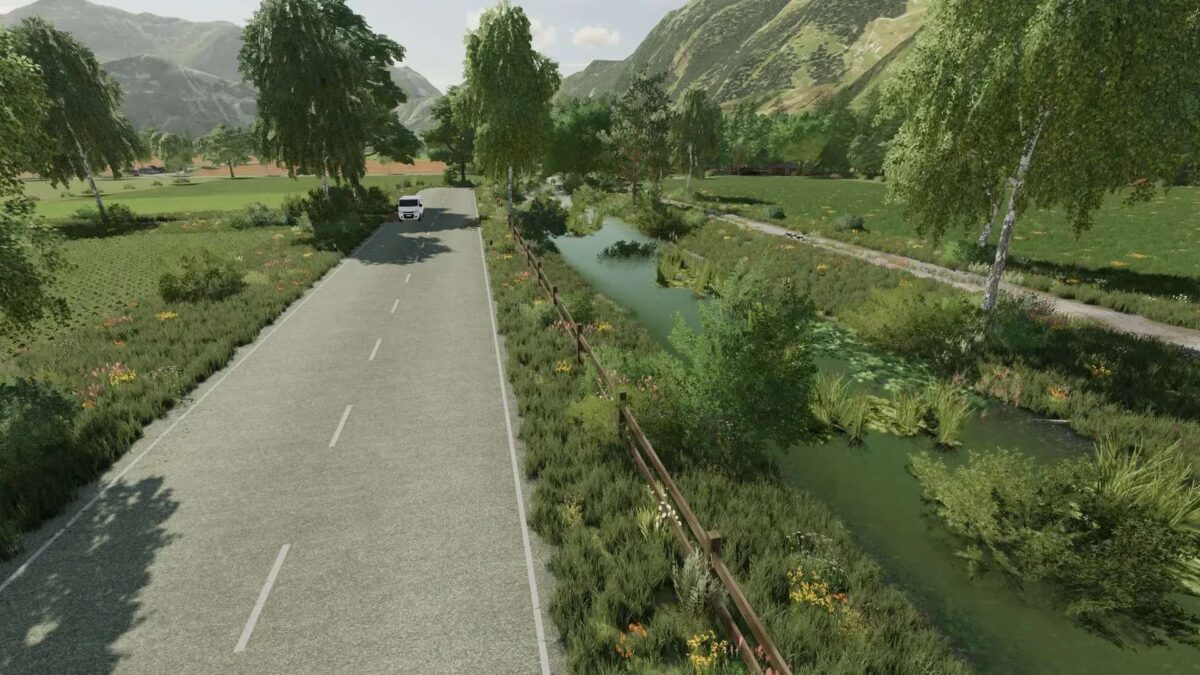
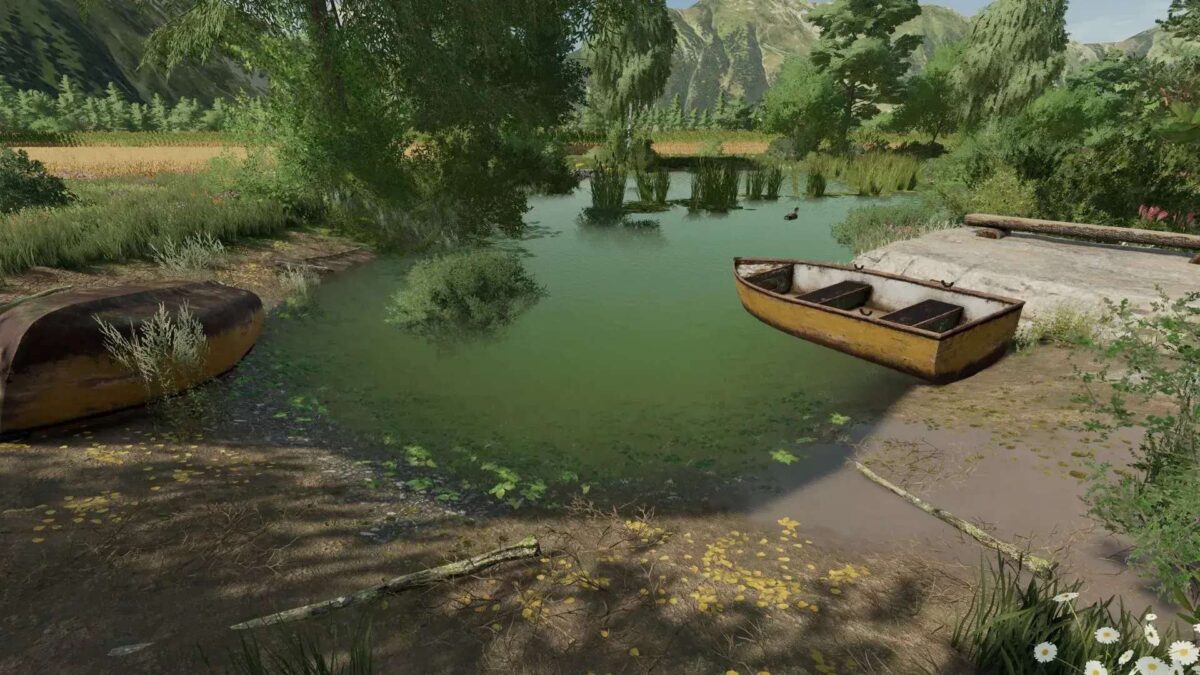
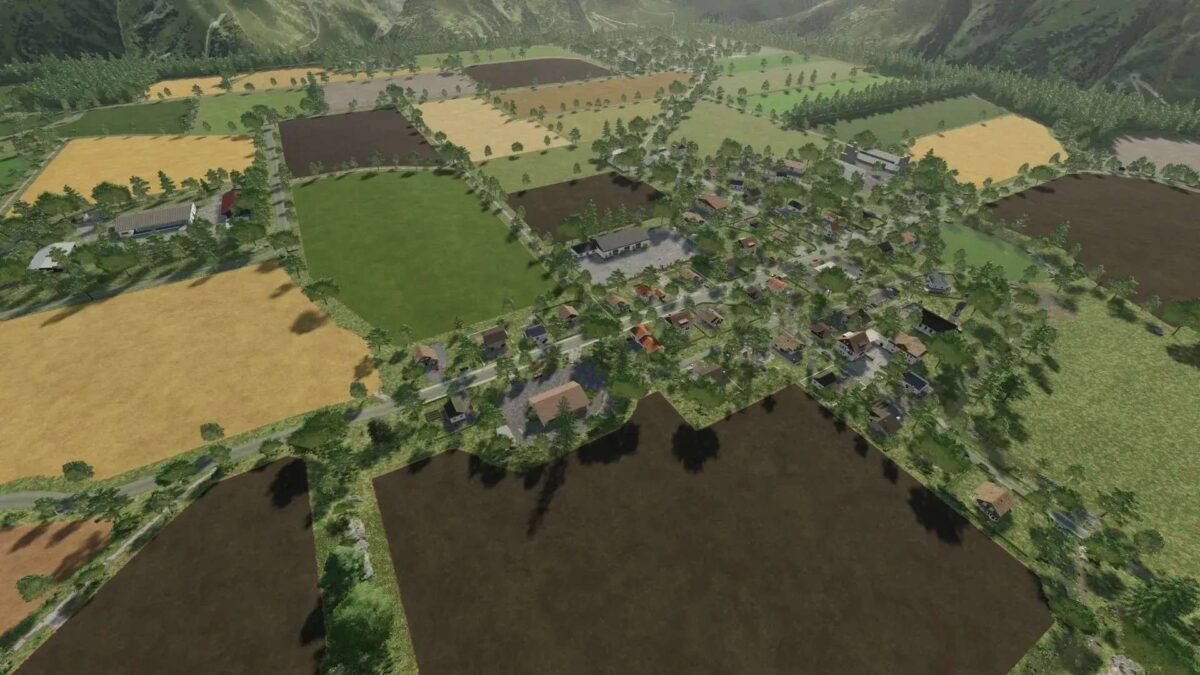
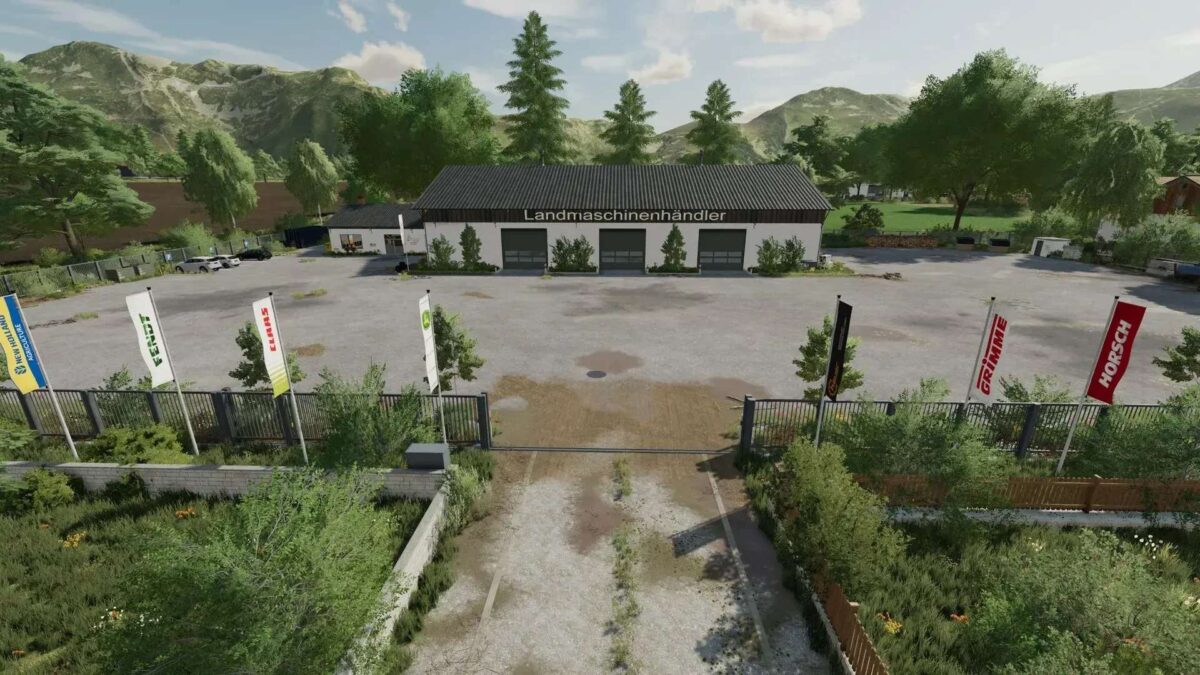
Altenthal Map v 1.3


– 76 fields, 6 of which are meadows
– There is an inn, a fire department, a church
– 21 productions such as: Bakeries, sawmill, BGA, oil mill, cardboard factory, jam factory, slaughterhouse
– Multifruit: triticale, spelt, rye, millet, lentils, field grass
– Corn straw on the map
– 13 sales points
– Animals from the Bergmann farm installed (approval is available)
– Adapted ambient sounds
– More ground angles (32)
– Changed fruit textures
– Precision Farming ready
– Changed feeding
– AI traffic/pedestrian installed, helper AI installed
– ManureSystem completely installed in stables, productions and purchase/sales points
– Changed lime and fertilizer textures
– All ground layers of the map can also be painted
– Premium DLC Ready
– Placeable bale storage for hay, straw, corn straw, silage are also available in the shop
Version 1.3:
Changes/fixes:
– Dwarves are buggy, the last one cannot be collected, fixed.
– Displays on the cold storage room numbers have been changed to black instead of white.
– Storage display grass changed to grass.
– Dealer spawn point changed back to how it was on 1.1
– Feed capacity on the cow pasture and in the cowshed increased.
– Sorghum texture revised, stalks were green after threshing.
– Pizzeria steaks replaced with ham.
– Chicken coop pallet spawn area extended by a 2nd row.
– Field grass LOD revised.
– Poplar reactivated.
– Rolling gate for the Colli country trade moved.
– Bigbags improved
– Seedmaker display seed substrate changed to vegetable substrate.
– Logo of the Muggensturm dairy revised.
– Oat flakes palette revised.
– New language added ESP
– Methane can be distributed again in the BGA..
– Bale trigger for wood chip bales installed in cardboard production.
– Tofu price increased, the price-performance ratio was not right.
– Grain & oilseed prices were increased, they were a bargain if you bought them.
– Horse paddock feed tarpaulin added, and all capacities increased.
– Cultivator texture changed to standard.
– Fruit plantation fixed, the trees kept disappearing..
– Unloading speed on the Beetmaster turned faster.
– FertiMaster display fixed, you couldn’t see anything at night.
– Water trigger of the earthenware washing system moved a little to the right, which interfered with the soil trigger.
– Grain crushing line covered and input, conversion and output adjusted.
– Dairies renamed so that they can be more easily distinguished.
– Fruit plantation production costs changed to €0.
New Features:
– Fermenter now also takes bales & gives out silage bales, and the cycle has been adjusted.
– Ham & salami sandwiches can now be made in the pastry shop.
– Corn straw can now be used as bedding in all stables.
– Honey can now also be stored in the warehouse at the vegetable farm.
– Potato washing system changed to earthen fruit washing system, carrots and beetroot can now also be washed, there is now also a lever for a switchable floor trigger, and all fruits can also be stored as a pallet
– The inn in the village can now be entered.
– Beetmaster and Pigfoodmaster have also received a lever for the switchable floor trigger.
Credits:
(TWFT) Hahner


