

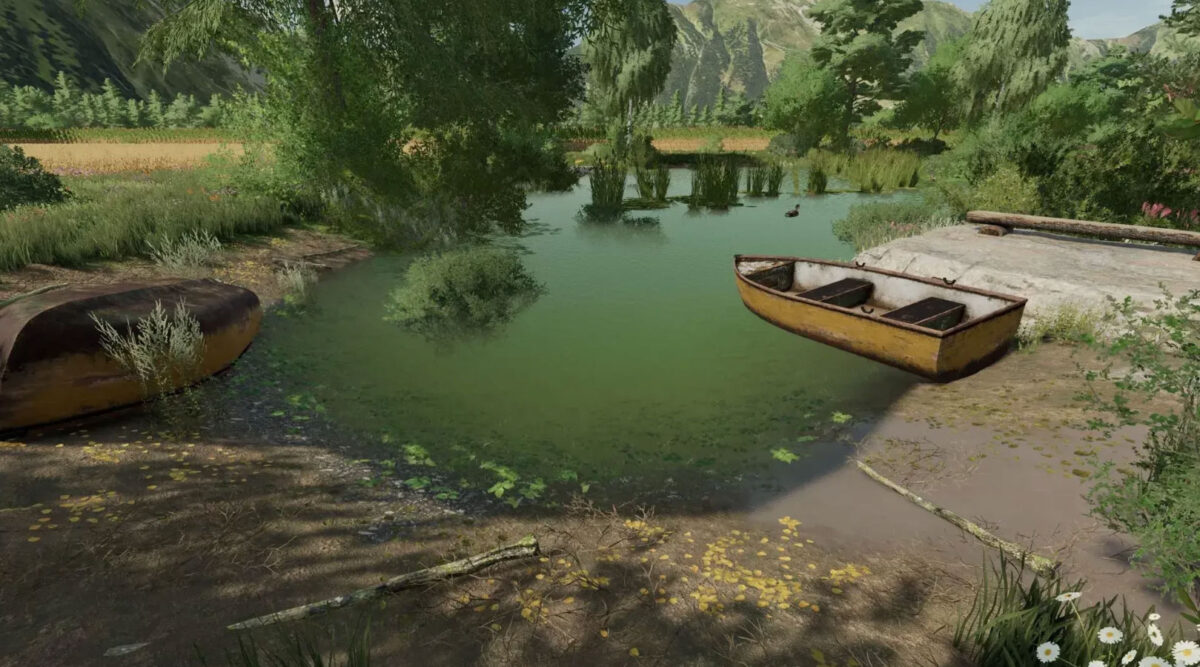
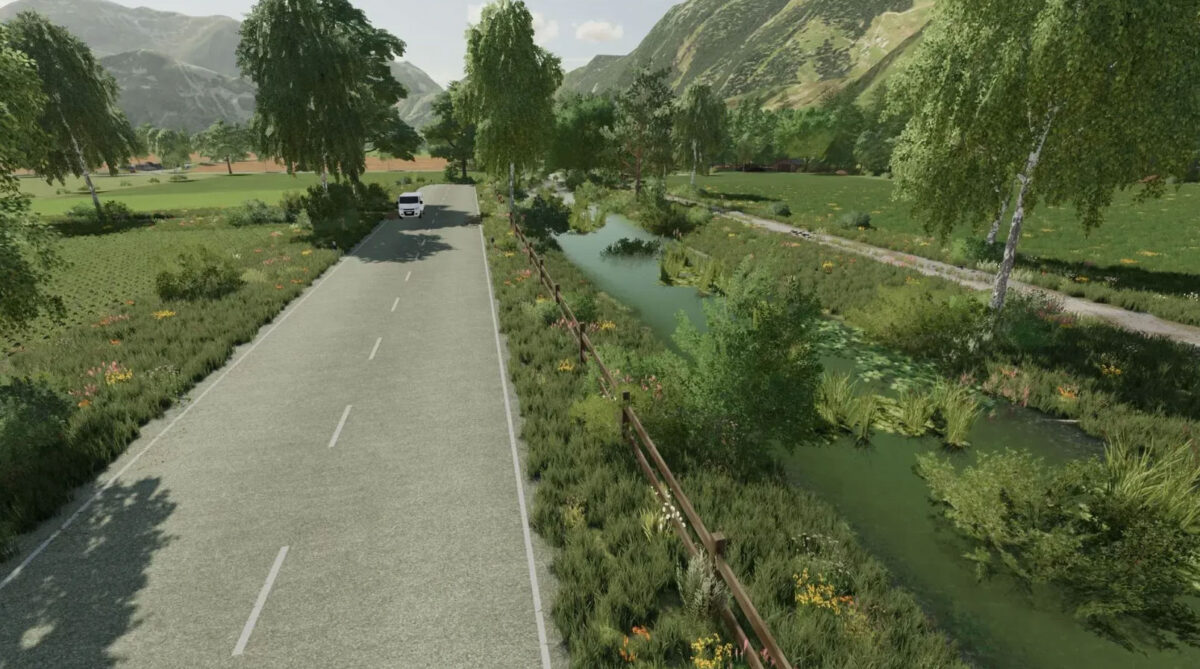
Altenthal Map v 1.0


– 76 fields, 6 of which are meadows
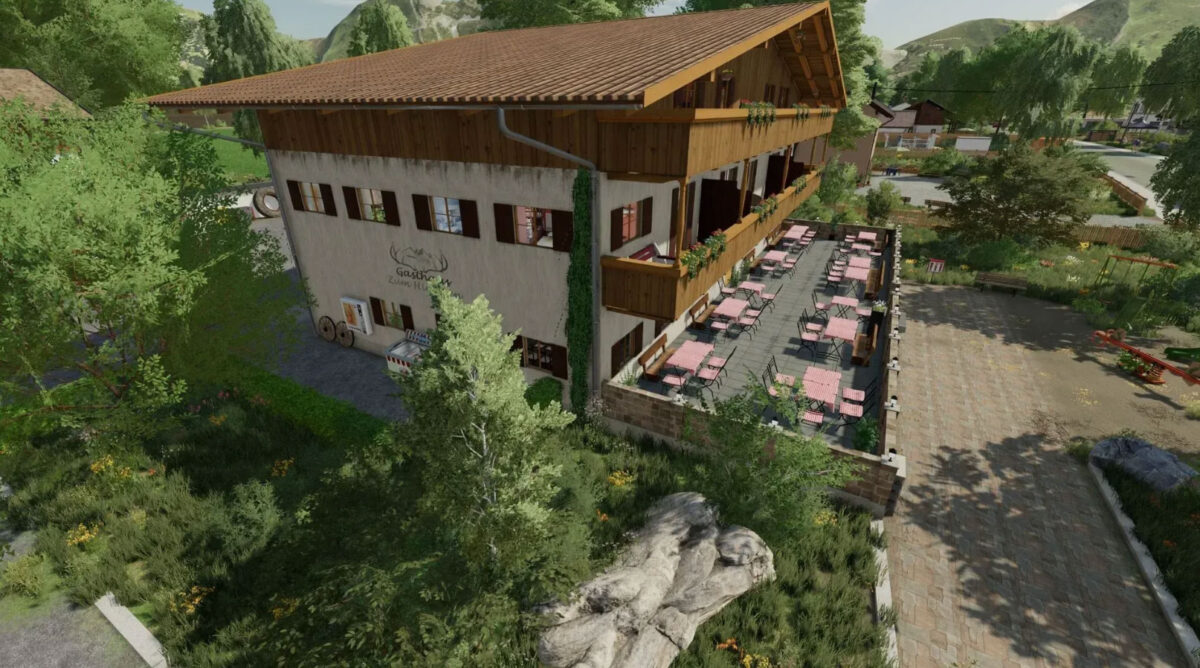
– There is an inn, a fire department, a church
– 21 productions such as: Bakeries, sawmill, BGA, oil mill, cardboard factory, jam factory, slaughterhouse
– Multifruit: triticale, spelt, rye, millet, lentils, field grass
– Corn straw on the map
– 13 sales points
– Animals from the Bergmann farm installed (approval is available)
– Adapted ambient sounds
– More ground angles (32)
– Changed fruit textures
– Precision Farming ready
– Changed feeding
– AI traffic/pedestrian installed, helper AI installed
– ManureSystem completely installed in stables, productions and purchase/sales points
– Changed lime and fertilizer textures
– All ground layers of the map can also be painted
– Premium DLC Ready
– Placeable bale storage for hay, straw, corn straw, silage are also available in the shop
Credits:
(TWFT) Hahner


Hi, I can’t find where you can make or buy this seed dressing. There is no such cart either.
For greenhouses, you would need this product with a red canister, but you can’t find it.