
FS22 Maps


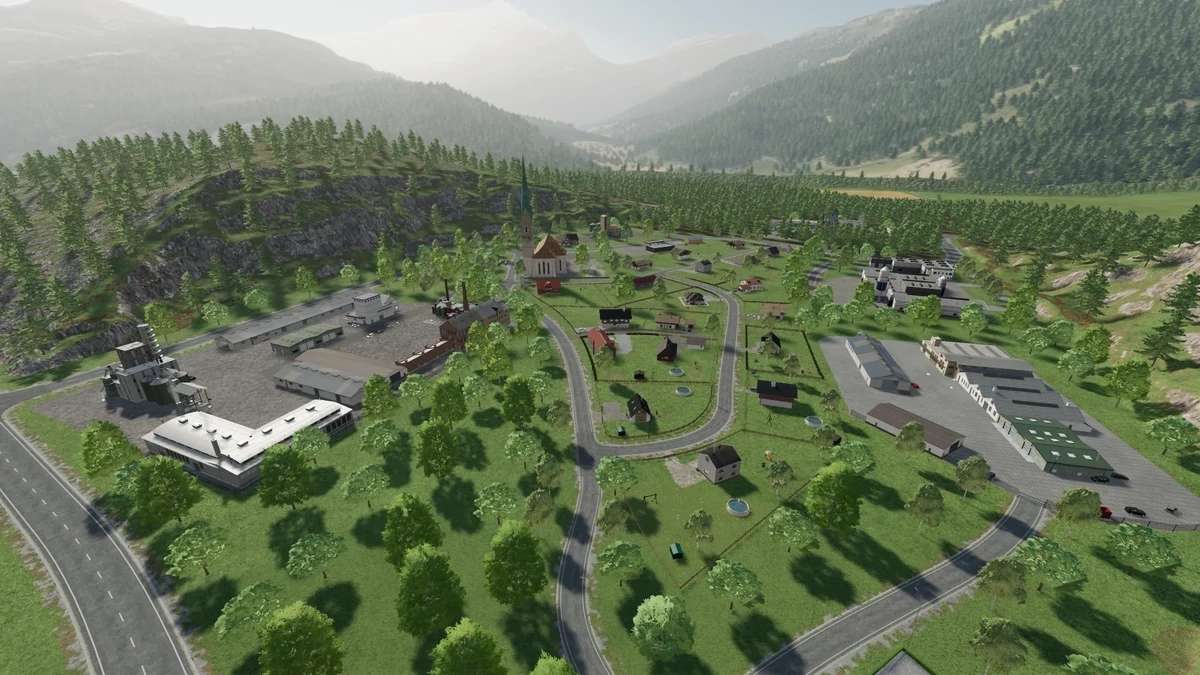
Alpen Bergland Map v 2.0.2.0

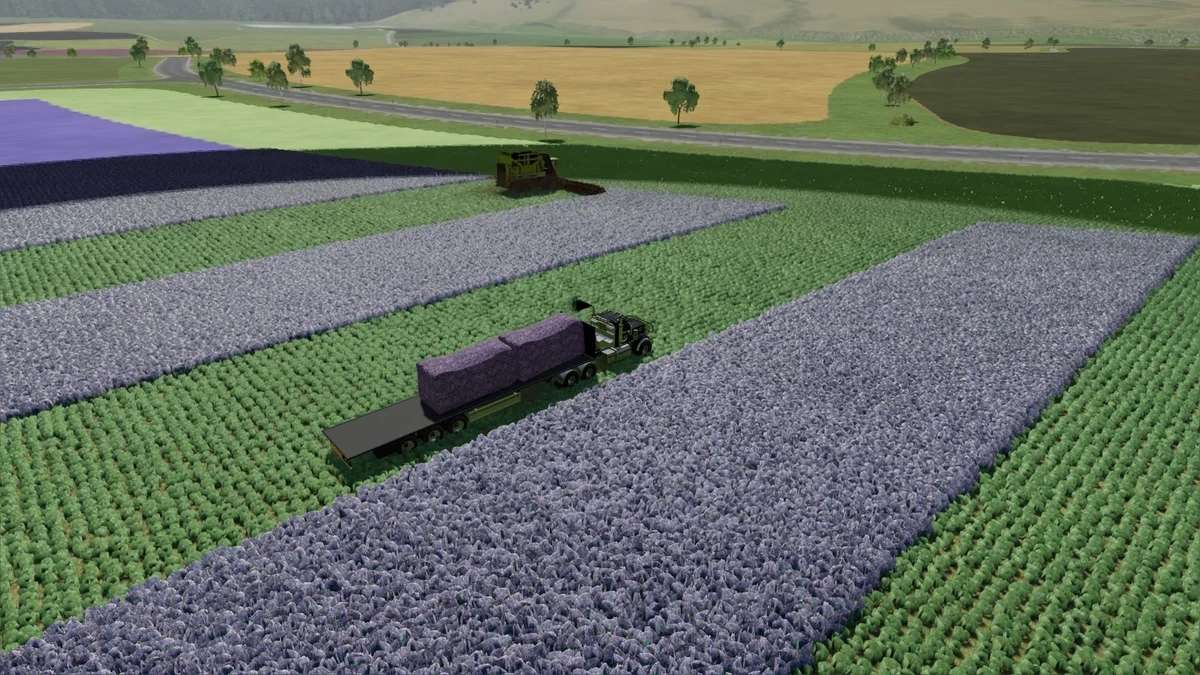
– 143 fields, including 8 meadows with a size ratio of 7ha – 73ha
– 37 forest areas to clear
– 13 purchasable building areas (Farmland 190 – 201 and 238)
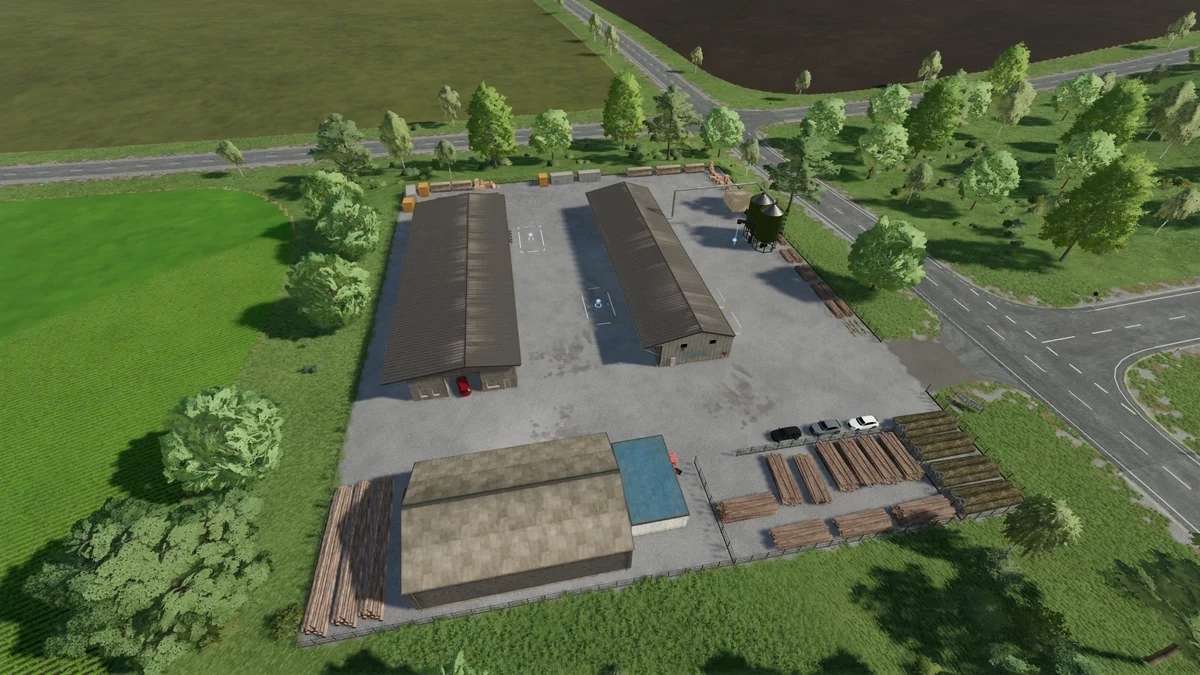
– 28 productions
– 3 plantations (olives, grapes and hops)
– 17 points of sale
– 3 farms (Hof Berger, Lohni-Hof and the Viehhof)
– 6 water intake points

Version 2.0.2.0:
* Large cowshed (2000) cows, available in the shop
* Selling Trigger corrected
* Sliding gates set a little lower
* BGA and Composter Fill Type fixed for Maize+ ready
* BGA drive through silos set a little lower (active with new savegame)
* Internally duplicate tree removed at Lohnihof

Credits:

FM-Modding

How to install FS22 Maps?
Firstly find a mod which you like and want to download. Then download a mod to your PC. Mods are usually in .zip format file. But sometimes it can be in .rar. If a mod file is a .zip format no needed additional actions. If a file is in .rar, then you must unarchive mod with software like WinRar or Zip7. Windows 10 users no need to use software for archives, Win10 itself has a feature to unarchive files.
The next step is to find mods folder in your PC. Usually, it is in Documents/My Games/Farming Simulator 25/2025. Open the "mods" folder and put downloaded .zip archive or unarchived .rar file to this folder.
Last step. Enjoy of FS25 mods!

Leave a Reply

Your email address will not be published. Required fields are marked *