

Along the Kiel Canal Map v 1.0


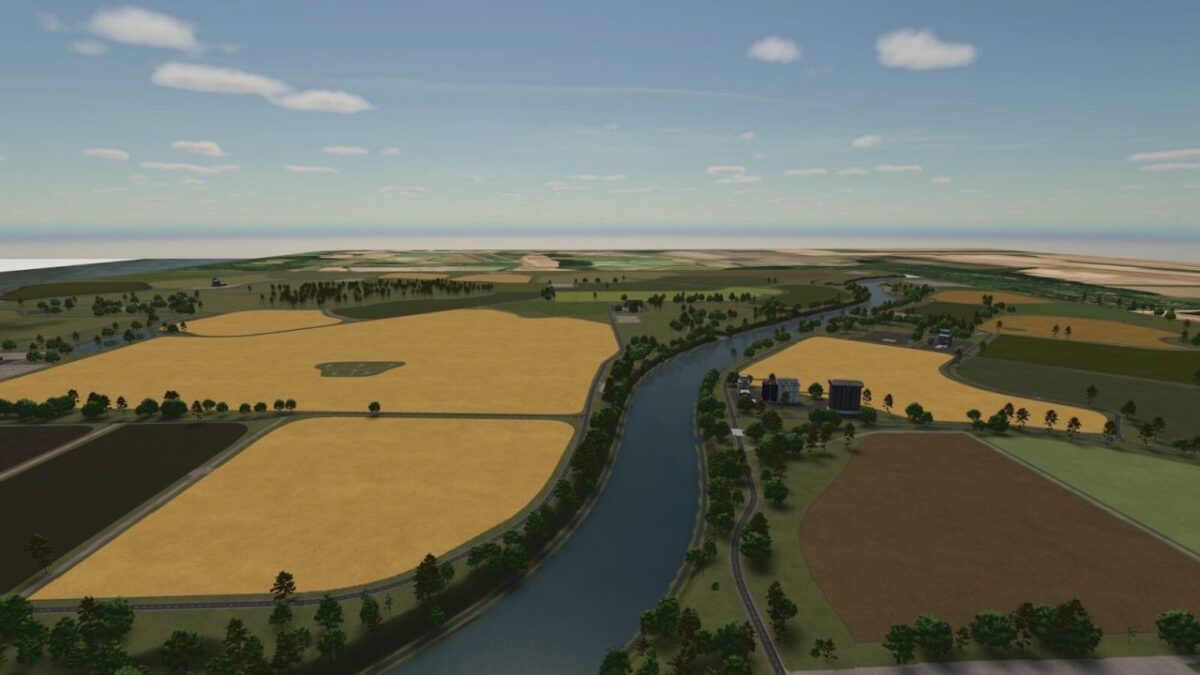
– 61 fields of various sizes, mostly medium to large
– Additional crops such as triticale, rye, spelt, silage maize, mustard, mixed rye, humus active, field grass and green rye
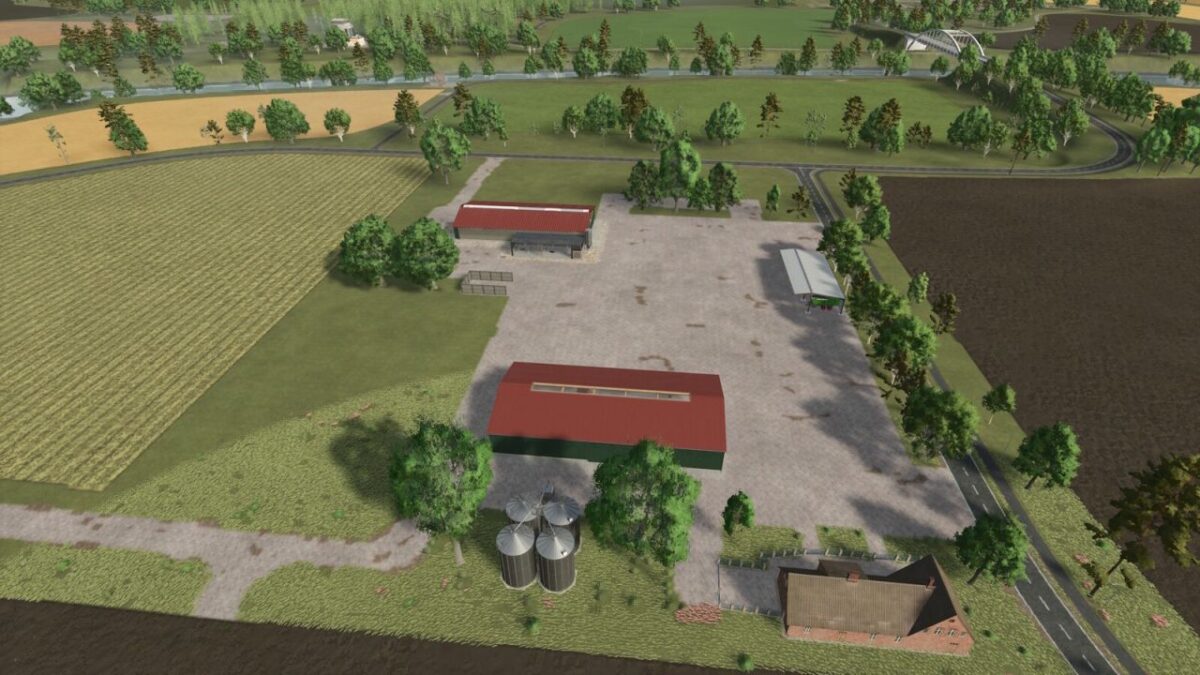
– Four predefined farms with different animal barns are available
– The farms are fully customizable
– Two large forest areas are available for forestry
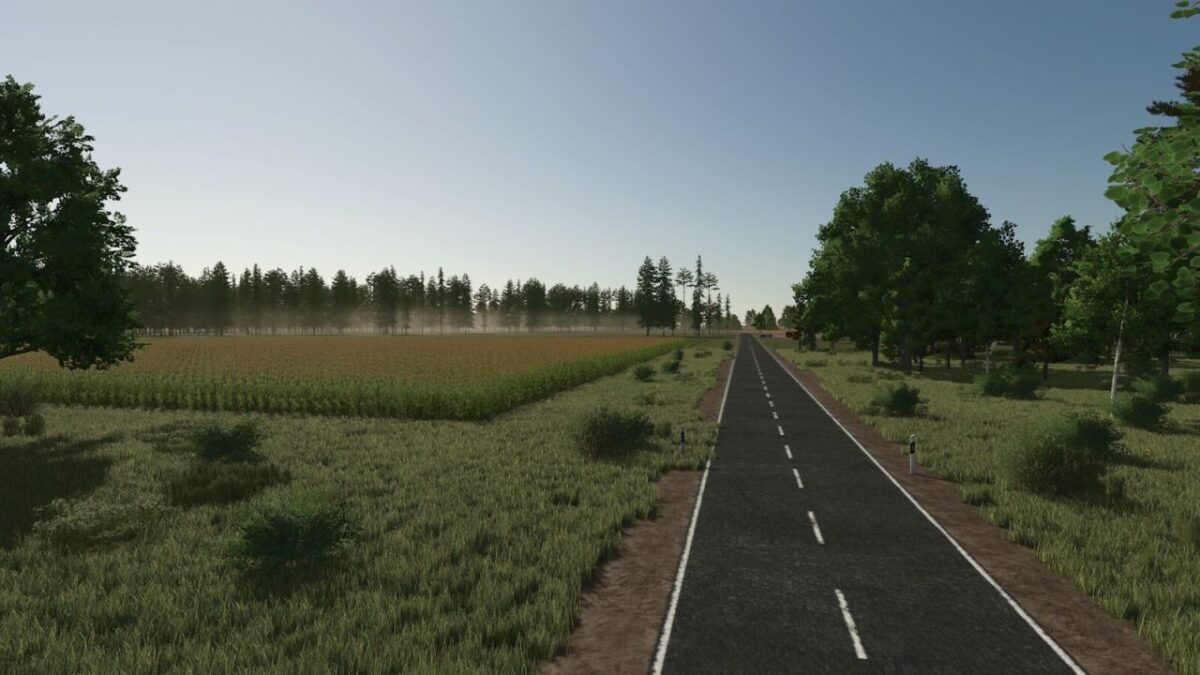
– Many open spaces to create your own projects
– Two biogas plants as well as various productions
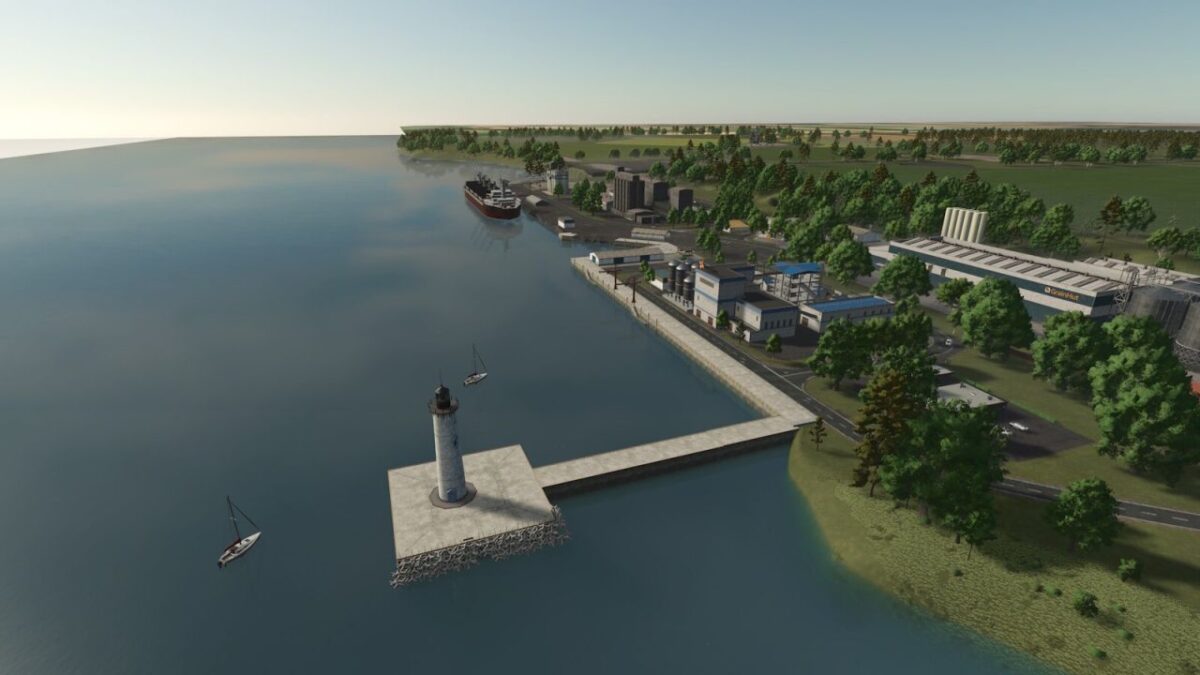
– 11 fixed selling points where you can sell your goods
– Four ways to cross the canal using two ferries and two bridges
– Crops for harvesting: triticale, rye and spelt
– Crops for chopping or mowing: silage maize, field grass, mixed rye and green rye
– Cover crops: humus active and mustard
– Triticale, rye and spelt can be processed into flour in the grain mill and can also be used as chicken feed
Credits:
Onkel2000


